Hello,
I finished the Message-painter to make it possible, to center Messages on a Dialog.
MyMsgbox.prg ( from Ramesh ) is rewritten.
The new PRG is included.
What*s new :
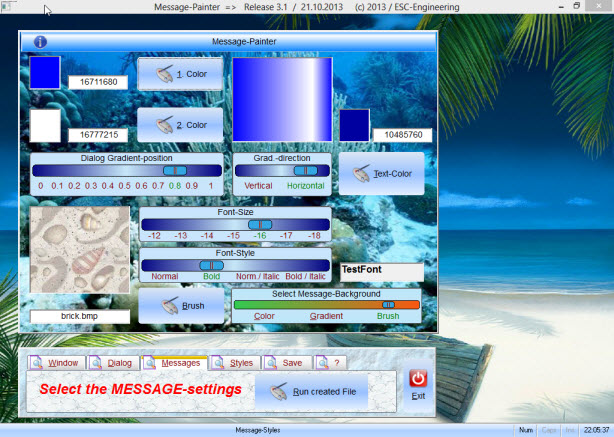
1. any Message-Brush
2. optional centered to Dialog or Window
3. Font-Size and Color-selection ( "Arial" is used )
4. Buttonstyle changed to BTNBMP
5. Test Messages on any Dialog-background
6. create PRG- and EXE-file of selected Message
Check the MAKE-file to compile
The Preview-dialog doesn't need a exit-button
The Dialog is auto-closed if needed ( changing the Folder-page or open a Background-painter ).
Download :
http://www.service-fivewin.de/DOWNLOADS/msgpaint3.zip
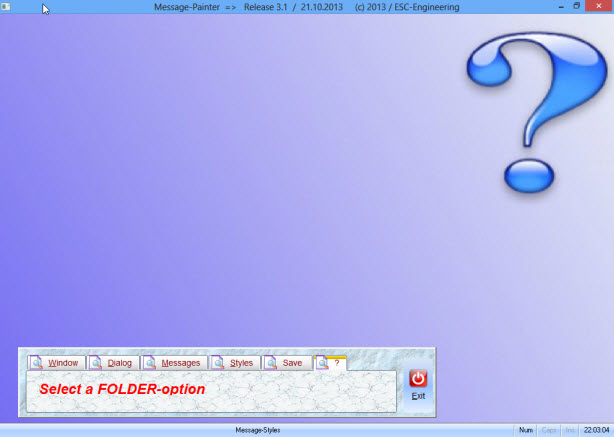
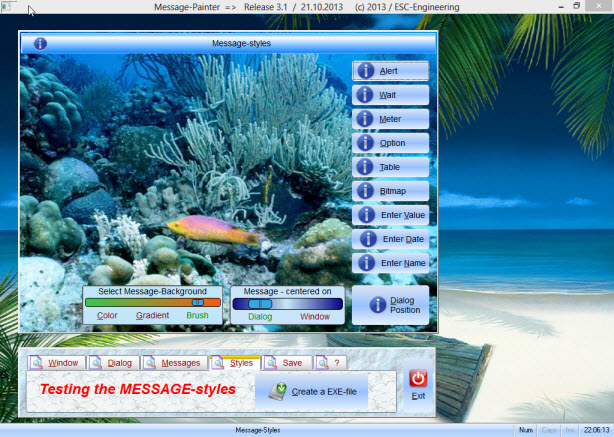
The Painter

Steps, to create a EXE-file :
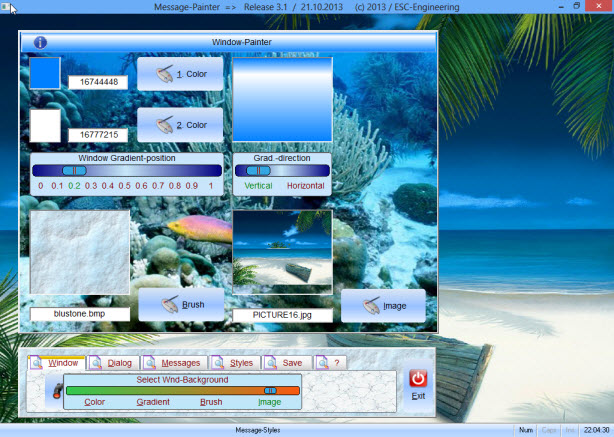
1. < Windows > select / define the Window-background with Button < Create >

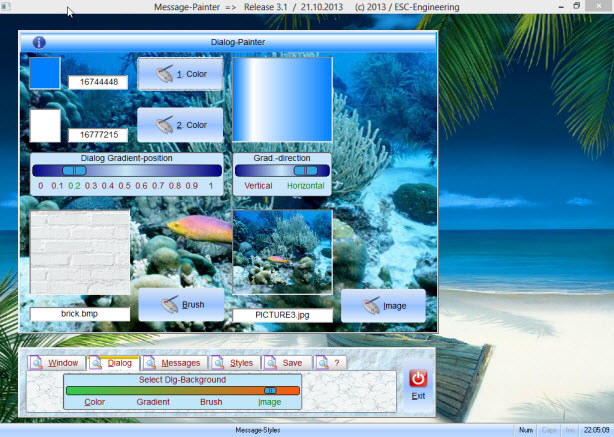
2. < Dialog > select / define the Dialog-background with Button < Create >

3. < MessageBox > select / define Brushes and Font-style / Color with Button < Create >

4. select one of the options < Color, Gradient, Brush >
5. select Dialog ( centered ) or Window
6. inside the Preview-dialog select one of the 9 templates
7. close the selected Message.
8. select Button < create EXE >
9. the PRG will be created, when finished, You will be asked to create the EXE-file
10. the created EXE will be opend.
11. next click the button < Show Msg >
12. the selected Message will be displayed.
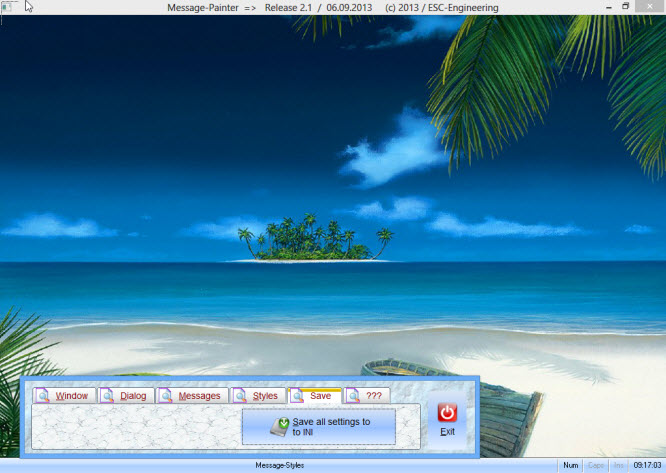
13. without creating a EXE-file, You can choose < save to INI / Exit > instead of the normal < Exit >
Selecting a Template the next session, all saved Brushes and Font-settings are used.
The created PRG / EXE

Best Regards
Uwe
I finished the Message-painter to make it possible, to center Messages on a Dialog.
MyMsgbox.prg ( from Ramesh ) is rewritten.
The new PRG is included.
What*s new :
1. any Message-Brush
2. optional centered to Dialog or Window
3. Font-Size and Color-selection ( "Arial" is used )
4. Buttonstyle changed to BTNBMP
5. Test Messages on any Dialog-background
6. create PRG- and EXE-file of selected Message
Check the MAKE-file to compile
The Preview-dialog doesn't need a exit-button
The Dialog is auto-closed if needed ( changing the Folder-page or open a Background-painter ).
Download :
http://www.service-fivewin.de/DOWNLOADS/msgpaint3.zip
The Painter
Steps, to create a EXE-file :
1. < Windows > select / define the Window-background with Button < Create >
2. < Dialog > select / define the Dialog-background with Button < Create >
3. < MessageBox > select / define Brushes and Font-style / Color with Button < Create >
4. select one of the options < Color, Gradient, Brush >
5. select Dialog ( centered ) or Window
6. inside the Preview-dialog select one of the 9 templates
7. close the selected Message.
8. select Button < create EXE >
9. the PRG will be created, when finished, You will be asked to create the EXE-file
10. the created EXE will be opend.
11. next click the button < Show Msg >
12. the selected Message will be displayed.
13. without creating a EXE-file, You can choose < save to INI / Exit > instead of the normal < Exit >
Selecting a Template the next session, all saved Brushes and Font-settings are used.
The created PRG / EXE
Best Regards
Uwe
Since 1995 ( the first release of FW 1.9 )
i work with FW.
If you have any questions about special functions, maybe i can help.
i work with FW.
If you have any questions about special functions, maybe i can help.