Silvio,
added both
TEXTOUT and
EXTEXTOUT on a mainwindow for a test.
It works perpect, no problems.
It is tested on the mainwindow, I still have to look using a dialog.
I think there will be no difference.
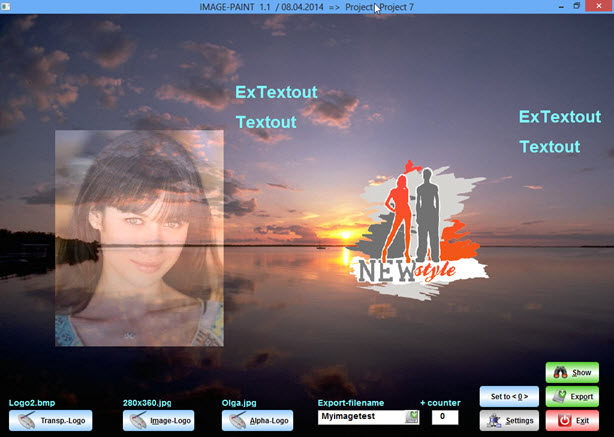
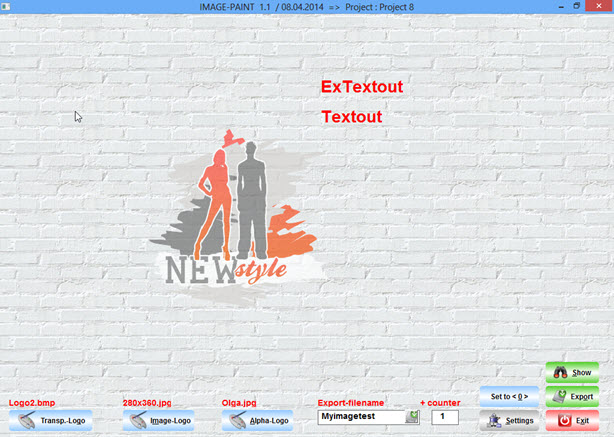
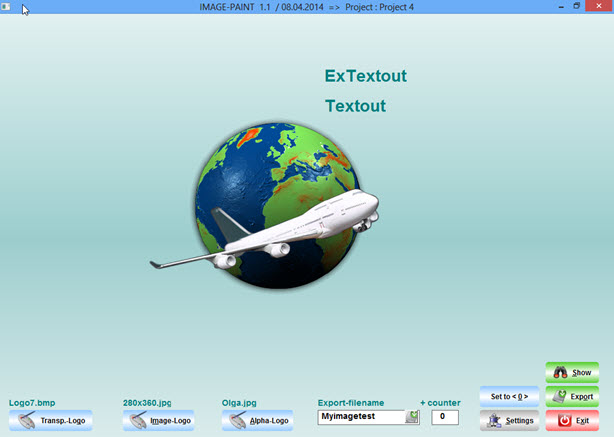
The screenshots, testing using different backgrounds
it is a LEFT MOUSECLICK-solution, to define the positin on screen
1. image-background shows a JPG ( merged alphachannel ) and a alphablended BMP with transparent-areas
2. Brush-background
3. gradient-background
4. color-background

The lines 4 - 11 are using
< TEXTOUT > and
< EXTEXTOUT >, showing the usage ( don't forget <
0 > !!! )
ExtTextOut( hDC, aPoints[1][1] - 80, aPoints[1][2] + 300, { 50, 50, 100, 200}, "ExTextout", 0 )
TextOut( hDC, aPoints[1][1] - 30, aPoints[1][2] + 300, "Textout" )...
...
oWndMain:bLClicked := { | x, y |aPoints[1][1] := x, aPoints[1][2] := y, ;
IIF( cDrawStyle = "Transp.-Logo", DRAW_TLOGO(oWndMain), NIL ), // selected from combobox ;
IIF( cDrawStyle = "Image-Logo", DRAW_ILOGO(oWndMain), NIL ), ;
IIF( cDrawStyle = "Alpha-Logo", DRAW_ALOGO(oWndMain), NIL ) ) }
oWndMain:bRClicked := { || oWndMain:Refresh() } // clears the window
...
...
// ----------- Transp.-Logo ----------------------
STATIC FUNCTION DRAW_TLOGO(oWndMain)
LOCAL oImg0, nLWidth, nLHeight
LOCAL hDC := oWndMain:GETDC()
LOCAL hOldFont := SelectObject( hDC, oFont3:hFont )
SetBkMode( hDC, 1 )
SetTextColor( hDC, nDTxtColor )
// don't forget to add < 0 > at the end !!!
ExtTextOut( hDC, aPoints[1][1] - 80, aPoints[1][2] + 300, { 50, 50, 100, 200}, "ExTextout", 0 )
TextOut( hDC, aPoints[1][1] - 30, aPoints[1][2] + 300, "Textout" )
SelectObject ( hDC, hOldFont )
IF FILE ( cImagepath + ALLTRIM(cTLogo) )
DEFINE IMAGE oImg0 FILENAME cImagepath + ALLTRIM(cTLogo)
nLWidth := oImg0:nWidth * ( nLIResize / 100 )
nLHeight := oImg0:nHeight * ( nLIResize / 100 )
oImg0:End()
COPYFILE( cImagepath + ALLTRIM(cTLogo), c_path1 + "TEMP1." + cExtension )
oImg0 := FILoadImg( cImagepath + cTLogo )
oDrawImg := ResizeImg( oImg0, nLWidth, nLHeight )
ABPaint( hDC, aPoints[1][2], aPoints[1][1], oDrawImg, nTrLevel )
ELSE
MsgAlert( "File : " + ALLTRIM(cTLogo) + CRLF + ;
"does not exist" + CRLF + ;
"to show Image !", "ERROR" )
ENDIF
oWndMain:ReleaseDC()
RETURN( NIL )
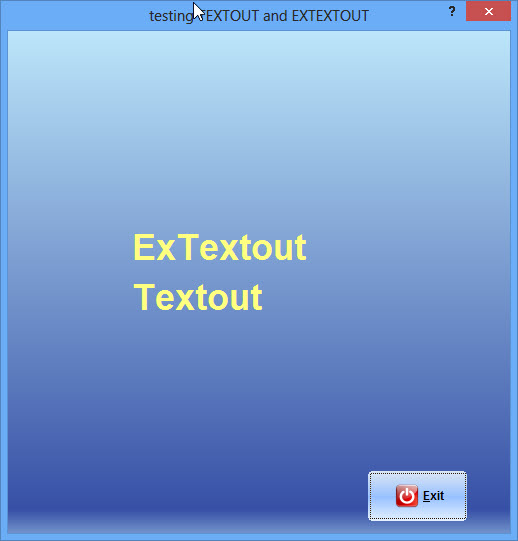
A ready to use
dialog-sample, the text-position is defined with a left mouseclick.
A right mouseclick clears the dialog :
#include "Fivewin.ch"

FUNCTION MAIN()
LOCAL oTxtDlg, oBtn1, oFont
LOCAL nDColorF := 16443068, nDColorB := 10899511
LOCAL nDGradpos := 0.9, LDDirect := .T.
LOCAL nDTxtColor := 8454143

DEFINE FONT oFont NAME "Arial" SIZE 0, -36 BOLD

DEFINE DIALOG oTxtDlg SIZE 500, 500 TITLE "testing TEXTOUT and EXTEXTOUT"

oTxtDlg:bLClicked  := { | x, y | DRAW_TOUT(oTxtDlg, x, y, oFont, nDTxtColor) }
oTxtDlg:bRClicked  := { || oTxtDlg:Refresh() }

@ 220, 180 BTNBMP oBtn1 OF oTxtDlg ;
SIZE 50, 25 PIXEL 2007 ; // B / H
NOBORDER ;
PROMPT "&Exit" ;
FILENAME c_path1 + "Exit.Bmp" ;
ACTION oTxtDlg:End() ;
FONT oFont1  ;
LEFT
oBtn1:lTransparent := .t.
oBtn1:cToolTip =  { "Exit" + CRLF + "Test","EXIT", 1, CLR_BLACK, 14089979 }
oBtn1:SetColor( 0, )

ACTIVATE DIALOG oTxtDlg CENTERED ;
ON INIT  SET_GRAD( oTxtDlg, oTxtDlg:nWidth, oTxtDlg:nHeight, ;
                                         nDColorF, nDColorB, nDGradpos, LDDirect )

oFont:End()

RETURN( NIL )

// ----------- TEXTOUT ----------------------

STATIC FUNCTION DRAW_TOUT(oTxtDlg, x, y, oFont, nDTxtColor)
LOCAL hDC := oTxtDlg:GETDC()
LOCAL hOldFont := SelectObject( hDC, oFont:hFont )

SetBkMode( hDC, 1 )
SetTextColor( hDC, nDTxtColor )
ExtTextOut( hDC, x, y, { 50, 50, 100, 200}, "ExTextout", 0 )
TextOut( hDC, x + 50, y, "Textout" )
SelectObject ( hDC, hOldFont )

oTxtDlg:ReleaseDC()

RETURN( NIL )

// --------  DIALOG - Background ---------------

FUNCTION SET_GRAD( oWnd, nWidth, nHeight, nDColorF, nDColorB, nDGradpos, LDDirect )
Local hDC, oBrush, aGrad

aGrad := { { nDGradpos, nDColorF, nDColorB }, { nDGradpos, nDColorB, nDColorF } }
hDC = CREATECOMPATIBLEDC( oWnd:GetDC() )
hBmp = CREATECOMPATIBLEBITMAP( oWnd:hDC, nWidth, nHeight )
hBmpOld = SELECTOBJECT( hDC, hBmp )
GRADIENTFILL( hDC, 0, 0, nHeight, nWidth, aGrad )
oBrush = TBrush():New( ,,,, hBmp )
oWnd:SetBrush( oBrush )
AEVAL( oWnd:aControls, { | oCtl | IF( oCtl:lTransparent, oCtl:SetBrush( oWnd:oBrush ), ) } )
SELECTOBJECT( hDC, hBmpOld )
DELETEDC( hDC )
oWnd:ReleaseDC()

oWnd:SetBrush( oBrush )
RELEASE BRUSH oBrush

RETURN( NIL )
best regards
Uwe


