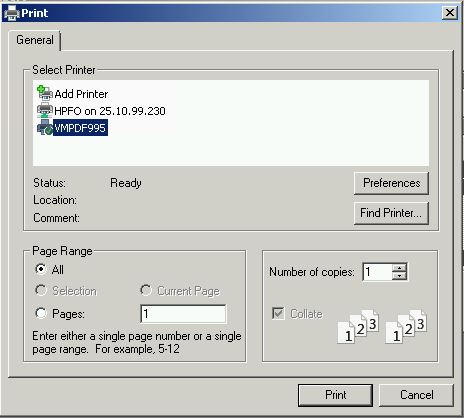
All, when using fivewin and calling out various printers, I have found that if I set a printer to a name that does not exist on the workstation windows simply posts a setup printer dialog and asks for the user to select a printer.
When using RDP I have found that the printers seem to have a '(redirected' after the printer name.
i.e. 'HP Laserjet 400DNE (redirected1)'
When utilizing printers within RDP if it has the (redirected1) this Printer Setup dialog always pop's up.
Anyway to suppress this from happening?
Thanks,
Byron ...
Thanks,
Byron Hopp
Matrix Computer Services
Byron Hopp
Matrix Computer Services