
How can I print horizontal and vertical lines in the tickness I want?
Please a simple solution if it exists, I am a non professional...
Thanks

small sample
to better construct an invoice I suggest you to use a graph paper with measures in millimeters ad this
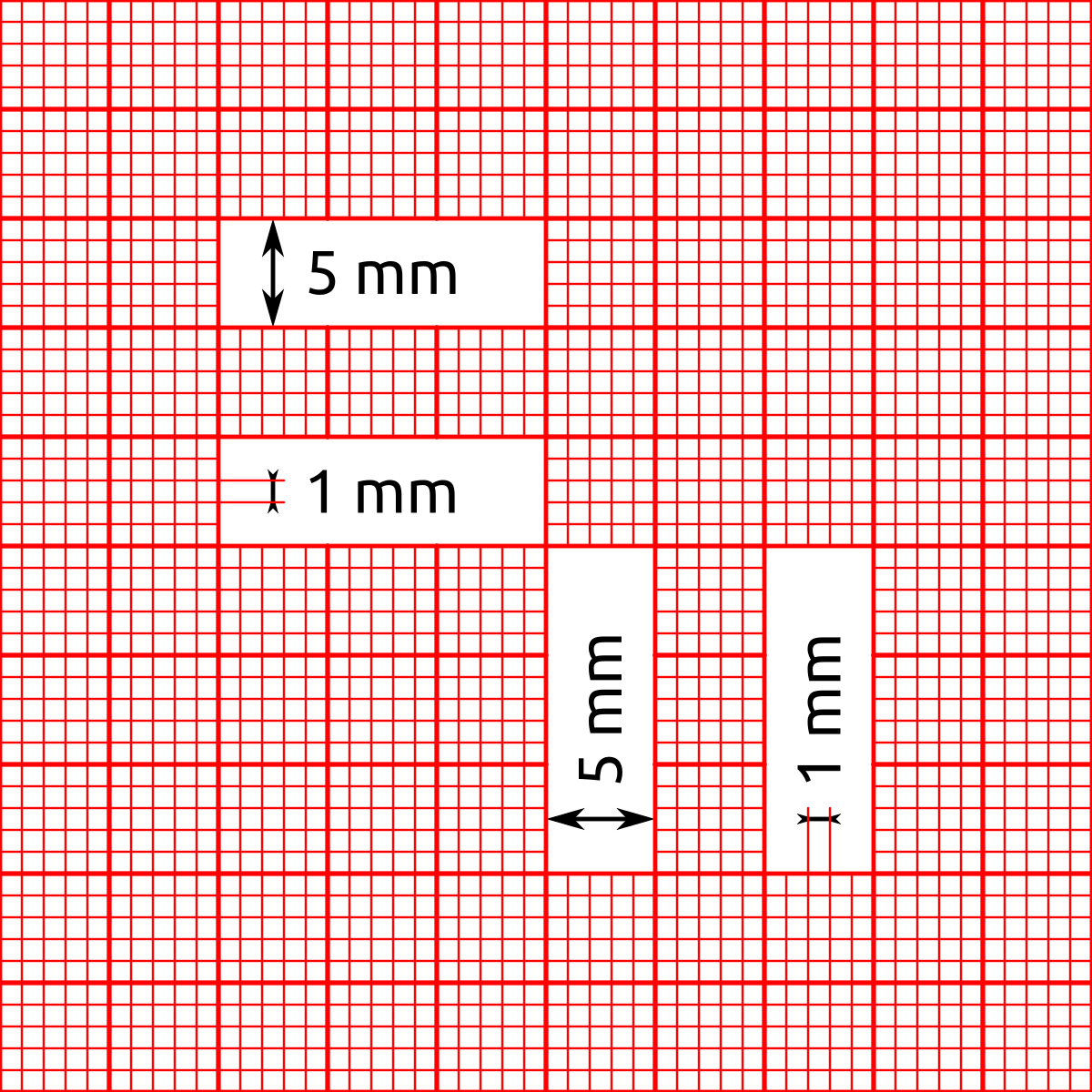
I suggest to you to create it on winword

and then draw on it

function ViewInvoice( oBrw )

   local oPrn,oPen

PRINT oPrn NAME "INVOICE" PREVIEW
DEFINE PEN oPen WIDTH 11
 PAGE
  oPrn:CmBox( 23.40, 2.20, 27.20, 20.15, oPen )
         oPrn:CmLine( 24.00, 2.20, 24.00, 20.15, oPen )
 ENDPAGE
 ENDPRINT
 oPen:End()
return nil
to better construct an invoice I suggest you to use a graph paper with measures in millimeters ad this
I suggest to you to create it on winword
and then draw on it
Since from 1991/1992 ( fw for clipper Rel. 14.4 - Momos)
I use : FiveWin for Harbour March-April 2024 - Harbour 3.2.0dev (harbour_bcc770_32_20240309) - Bcc7.70 - xMate ver. 1.15.3 - PellesC - mail: silvio[dot]falconi[at]gmail[dot]com
I use : FiveWin for Harbour March-April 2024 - Harbour 3.2.0dev (harbour_bcc770_32_20240309) - Bcc7.70 - xMate ver. 1.15.3 - PellesC - mail: silvio[dot]falconi[at]gmail[dot]com
Thanks to Silvio !