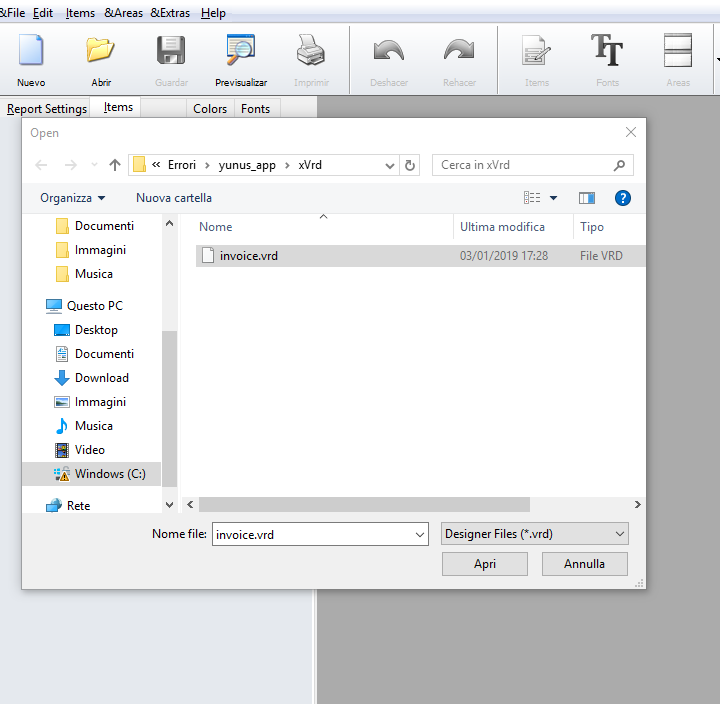
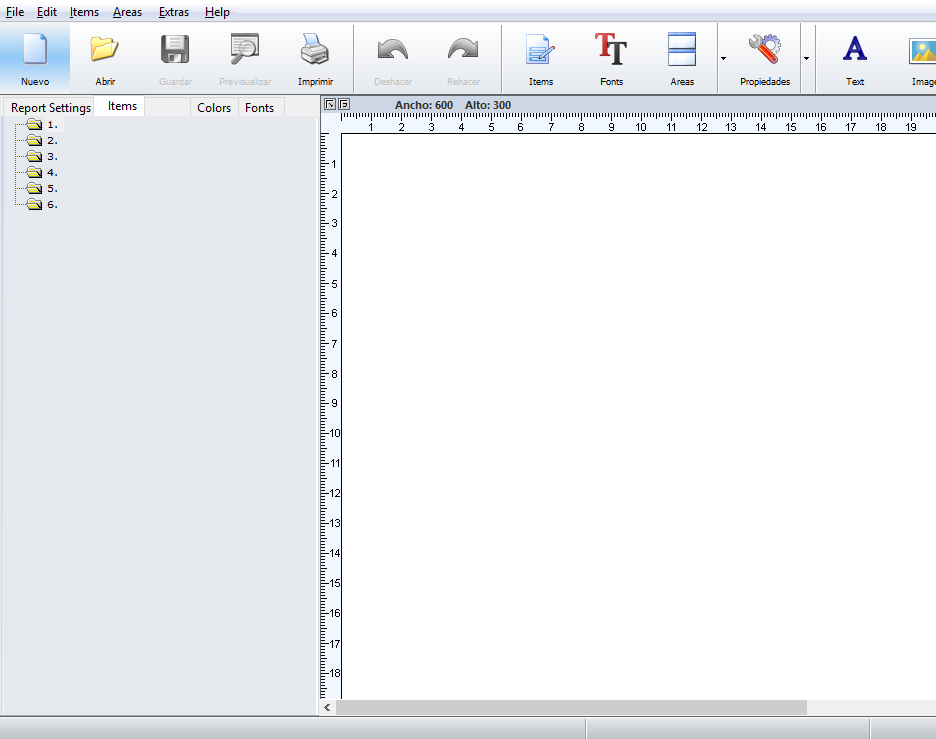
Dear All ,
How We can Create E.R.D Files ? Any Free Tool ?
I am new to Easy Report.
Thanks
Shridhar
Thanks
Shridhar
FWH 24.04, BCC 7 32 bit, MariaDB
Shridhar
FWH 24.04, BCC 7 32 bit, MariaDB
Dear All ,
How We can Create E.R.D Files ? Any Free Tool ?
I am new to Easy Report.
Thanks
Shridhar
function ShowItem( i, nArea, cAreaIni, aFirst, nElemente, aIniEntries, nIndex )
    local nZoom := 2.5

    nTop      :=  nTop  * nZoom
    nLeft     :=  nLeft * nZoom
    nWidth    :=  nWidth * nZoom
    nHeight   :=  nHeight * nZoom

function ClientWindows()
    local  nZoom := 2.5

    nWidth  := ER_GetPixel( oGenVar:aAreaSizes[nWnd, 1 ] ) * nZoom
    nHeight := ER_GetPixel( oGenVar:aAreaSizes[nWnd, 2 ] ) * nZoom

function GetFonts()
    local nZoom := 0

   aWerte[i, 2] := Val( GetField( cFontDef, 2 ) )      * nZoom                 // Width
   aWerte[i, 3] := Val( GetField( cFontDef, 3 ) )      * nZoom                 // Height


function ReportSettings()
    local nZoom := 2.5

    nWidth  := nWidth * nZoom
    nHeight := nHeight * nZoom

function ZeichneHintergrund( nArea )
    local nZoom := 2.5
   nWidth    :=  nWidth * nZoom
   nHeight   :=  nHeight * nZoom
Dear Antonio,
compiling with xHarbor I have problems finding following functions:
FUNCTION SHOWGRID
? "Dummy SHOWGRID"
RETURN nil
FUNCTION SETMASKED
? "Dummy SETMASKED"
RETURN nil
FUNCTION HB_COMPILEFROMBUF
? "Dummy HB_COMPILEFROMBUF"
RETURN nil
FUNCTION HB_HRBRUN
? "Dummy HB_HRBRUN"
RETURN nil
FUNCTION HB_HDEL
? "Dummy HB_HDEL"
RETURN nil
Error Could not open input file c:\bcc582\include\windows\sdk.RC
//RLINK32: Unsupported 16bit resource in file "C:\ENTWICKLUNG_2012\EASYREPORT\SOURCE\EREPORT.RC"
//Error: Unknown RLINK32 error
Thank you in advance
Otto
Dear Antonio,
Thanks a lot for sharing the tool. Have found some issues with the tool as given below:
1) It is not supporting English Language
2) MariaDB Rowset source is not supported
Dear Rao Sir ,
Could you please help on Easy Report how we can integrate the tool with MariaDB source ?
Thanks
Shridhar
Hello Shridhar,
may I ask what type of reports you want to create.
It seems that FwSetLanguage( 3 ) in line 114 in ereport.prg is hardcoded to Spanish.
1 should be English.
Best regards
Otto
Dear Otto ,
I am Developing an accounting and Inventory software, need to develop below kind of reports:
1) Invoice ( Most Important )
2) Tabular Reports with Grouping
3) T Format Reports
4) Matrix Report
Thanks
Shrihdar
Hello Shrihadar,
I have the same commitment to EasyReport as you.
I do not use the built-in database functions.
I prepare all reports directly in FW.
Best regards,
Otto
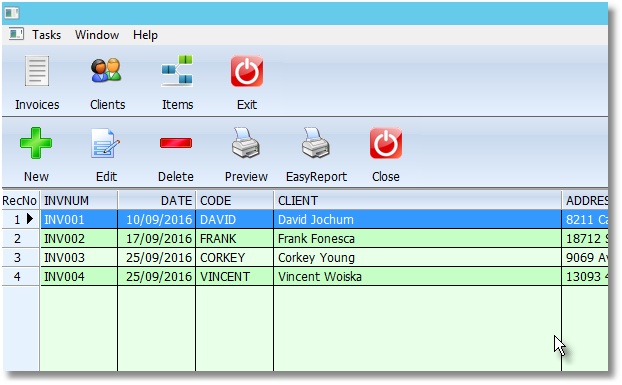
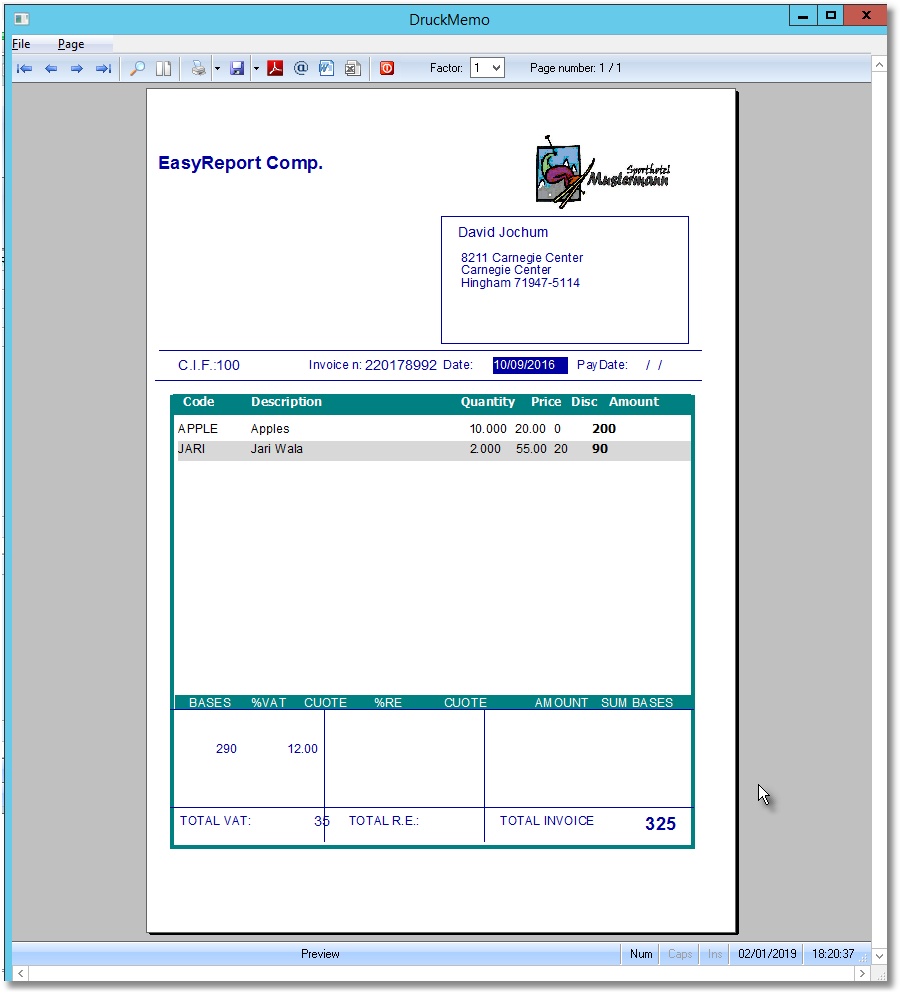
Otto,
I download the Antonio file and when I change the preferences for Italian language then it not reopen .if I click on exe it not open
why ?
Problem signature:
  Problem Event Name:   APPCRASH
  Application Name: ereport.exe
  Application Version:  2.1.1.0
  Application Timestamp:    00000000
  Fault Module Name:    ereport.exe
  Fault Module Version: 2.1.1.0
  Fault Module Timestamp:   00000000
  Exception Code:   c0000005
  Exception Offset: 000e2397
  OS Version:   6.1.7601.2.1.0.256.48
  Locale ID:    1033
  Additional Information 1: b097
  Additional Information 2: b0973823a5aceeed3e730f3f86a9bab7
  Additional Information 3: c18d
  Additional Information 4: c18db623ac5c6e03e46a93b3c095b60f

Read our privacy statement online:
  http://go.microsoft.com/fwlink/?linkid=104288&clcid=0x0409

If the online privacy statement is not available, please read our privacy statement offline:
C:\Windows\system32\en-US\erofflps.txtIt has a problem with the language settings. Please delete *.ini and try it again
Application
===========
   Path and name: C:\Users\Silvio\Downloads\EasyReportSample\EasyReportSample\yOtto.exe (32 bits)
   Size: 6,070,784 bytes
   Compiler version: xHarbour 1.2.3 Intl. (SimpLex) (Build 20171219)
   FiveWin  version: FWH 18.10
   C compiler version: Borland/Embarcadero C++ 7.3 (32-bit)
   Windows version: 6.2, Build 9200

   Time from start: 0 hours 0 mins 6 secs
   Error occurred at: 03/01/2019, 17:17:13
   Error description: Error BASE/1004  Class: 'NIL' has no exported method: EDITSOURCE
   Args:
     [   1] = U

Stack Calls
===========
   Called from:  => EDITSOURCE( 0 )
   Called from: C:\fwh\samples\yOtto.prg => (b)BRWBTNBAR( 739 )
   Called from: .\source\classes\BTNBMP.PRG => TBTNBMP:CLICK( 695 )
   Called from: .\source\classes\BTNBMP.PRG => TBTNBMP:LBUTTONUP( 976 )
   Called from: .\source\classes\CONTROL.PRG => TCONTROL:HANDLEEVENT( 1791 )
   Called from: .\source\classes\BTNBMP.PRG => TBTNBMP:HANDLEEVENT( 1960 )
   Called from: .\source\classes\WINDOW.PRG => _FWH( 3513 )
   Called from:  => WINRUN( 0 )
   Called from: .\source\classes\WINDOW.PRG => TMDIFRAME:ACTIVATE( 1065 )
   Called from: C:\fwh\samples\yOtto.prg => MAIN( 32 )