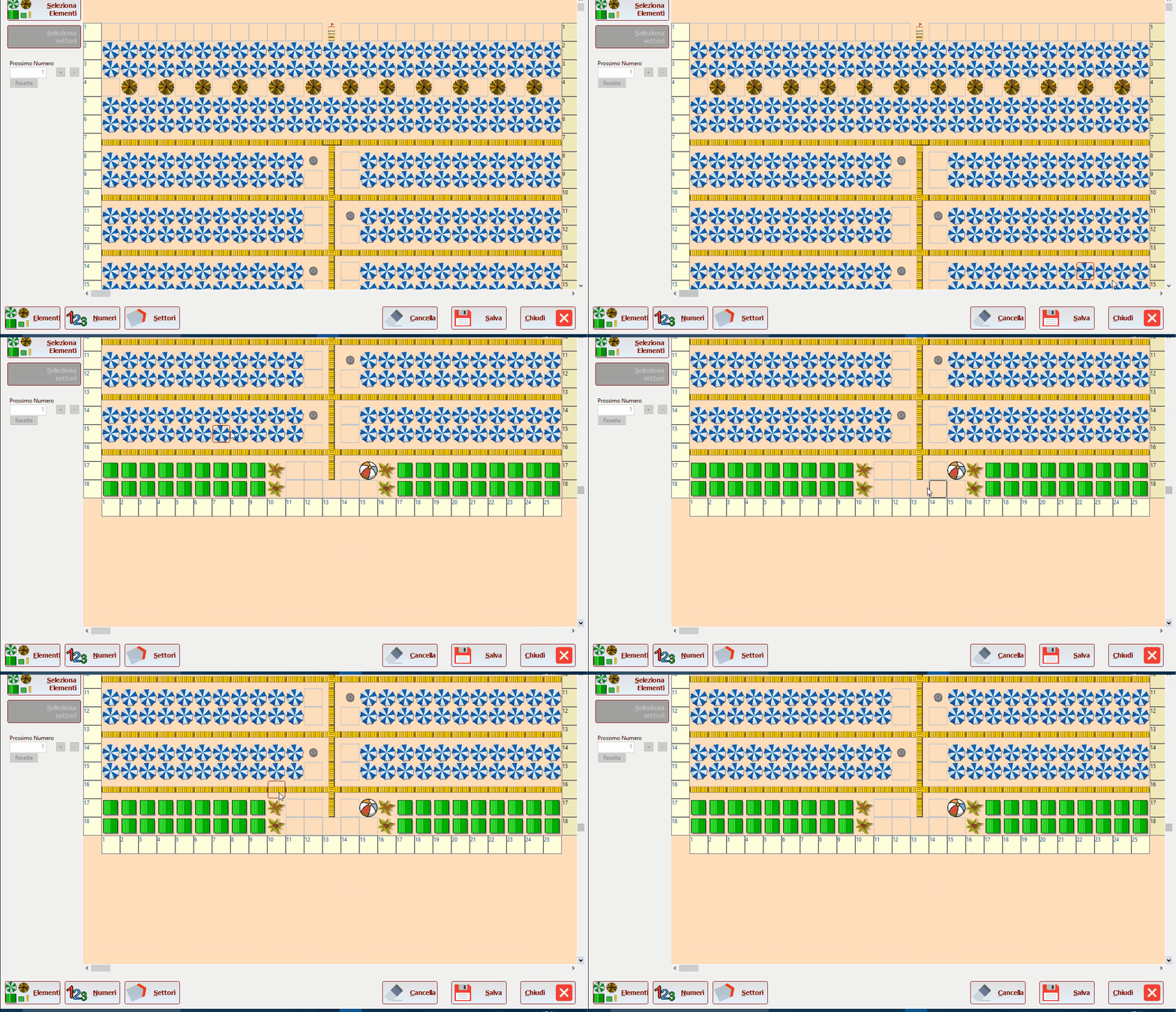
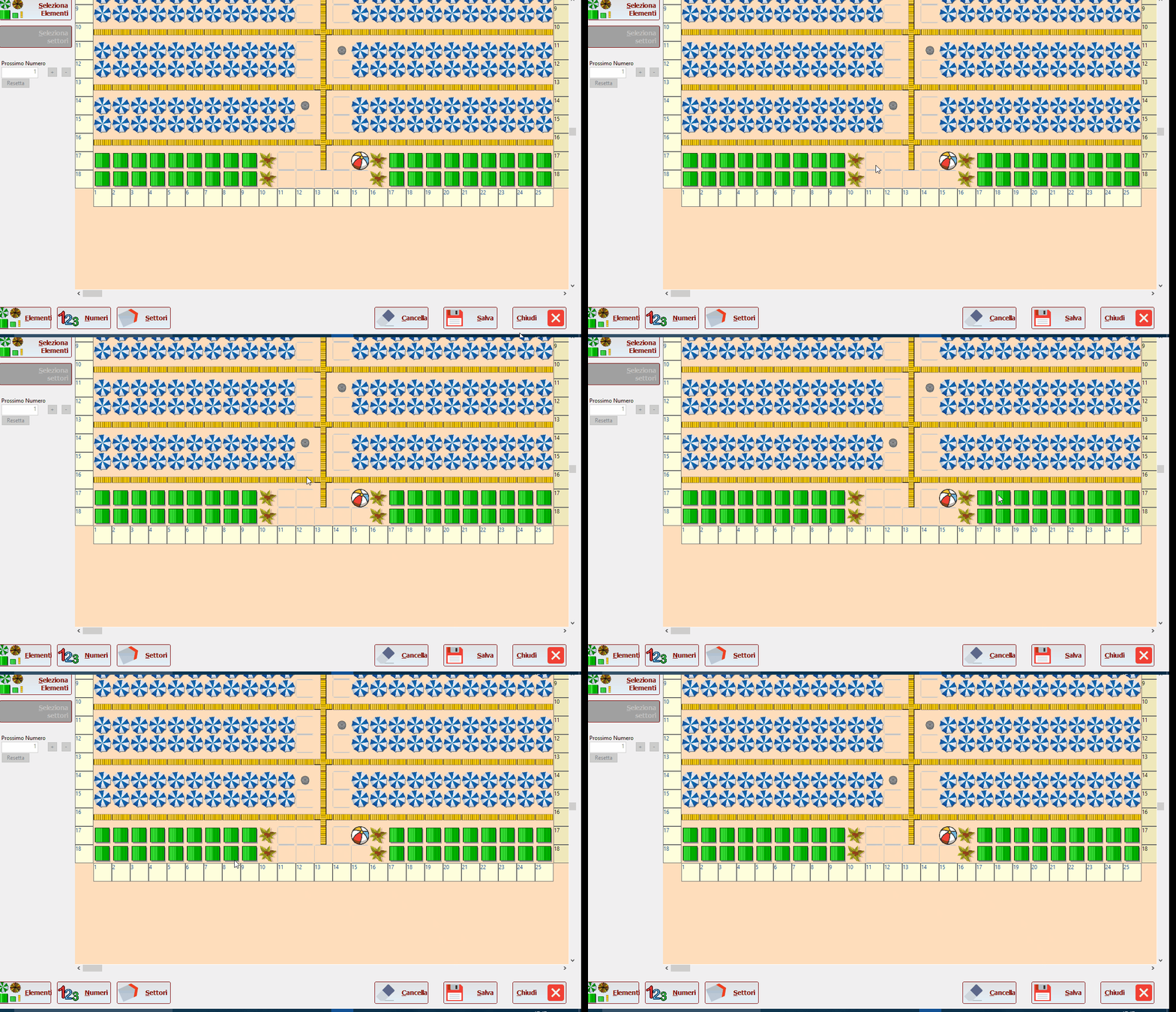
to show a color border on btnbmp when I move over with the mouse I made
aBmps[nY,nX]:nClrBorder := { || (IIF(aBmps[nY,nX]:lMOver,CLR_WHITE,CLR_GRAY)) }
But I not see any border colored and the border is allways black
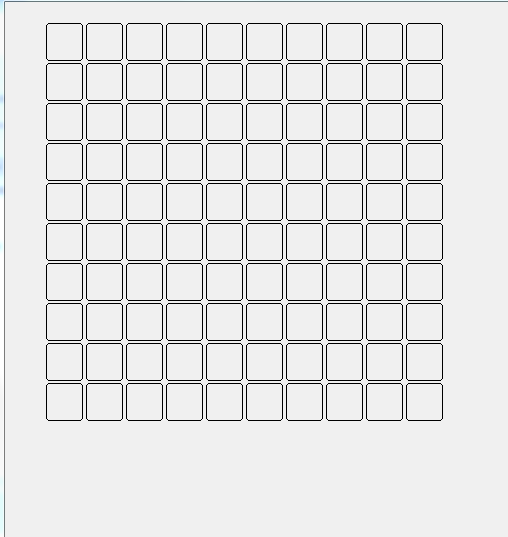
test sample
I tried to post the problem also on this topic :
viewtopic.php?f=3&t=36514&start=0&hilit=btnbmp+color+border
you can the first gif as it was before
https://i.postimg.cc/Kv8VX6fL/spiaggia-vecchia.gif
now i see this
https://i.postimg.cc/GmsXddyB/spiaggia-nuova.gif
aBmps[nY,nX]:nClrBorder := { || (IIF(aBmps[nY,nX]:lMOver,CLR_WHITE,CLR_GRAY)) }
But I not see any border colored and the border is allways black
test sample
#include"fivewin.ch"


#define BMP_H    20
#define BMP_V    20

Function test()
Local oDlg
Local aBmps
Local TOTX        := 10
Local TOTY        := 10
Local nx,xy

Local nRow:=10
Local nCol:=BMP_V
Local oFontNumber


      aBmps:=array( TOTX,TOTY )

DEFINE FONT oFontNumber NAME "VERDANA" SIZE 0,-14 BOLD

DEFINE DIALOG oDlg SIZE 800,600

 For nY := 1 to TOTY
    For nX := 1 To TOTX

  @ nrow, ncol  BTNBMP aBmps[ nY, nX ] RESOURCE "PNG_VUOTOC" OF oDlg ;
                SIZE  BMP_H, BMP_V PIXEL FLAT  TRANSPARENT FONT oFontNumber


              aBmps[nY,nX]:nClrBorder := { || (IIF(aBmps[nY,nX]:lMOver,CLR_WHITE,CLR_GRAY)) }

        ncol:=ncol+BMP_V

       Next nX
    nRow += BMP_H
   nCol := BMP_V
Next nY

ACTIVATE DIALOG oDLG CENTER
RETURN NIL
I tried to post the problem also on this topic :
viewtopic.php?f=3&t=36514&start=0&hilit=btnbmp+color+border
you can the first gif as it was before
https://i.postimg.cc/Kv8VX6fL/spiaggia-vecchia.gif
now i see this
https://i.postimg.cc/GmsXddyB/spiaggia-nuova.gif
Since from 1991/1992 ( fw for clipper Rel. 14.4 - Momos)
I use : FiveWin for Harbour March-April 2024 - Harbour 3.2.0dev (harbour_bcc770_32_20240309) - Bcc7.70 - xMate ver. 1.15.3 - PellesC - mail: silvio[dot]falconi[at]gmail[dot]com
I use : FiveWin for Harbour March-April 2024 - Harbour 3.2.0dev (harbour_bcc770_32_20240309) - Bcc7.70 - xMate ver. 1.15.3 - PellesC - mail: silvio[dot]falconi[at]gmail[dot]com