
Hi, i need use with easyreport barlib from caetano and zebra to qr code, how to do it?
Otto is working in ER, exist an updated version?
thanks
Hi, i need use with easyreport barlib from caetano and zebra to qr code, how to do it?
Otto is working in ER, exist an updated version?
thanks
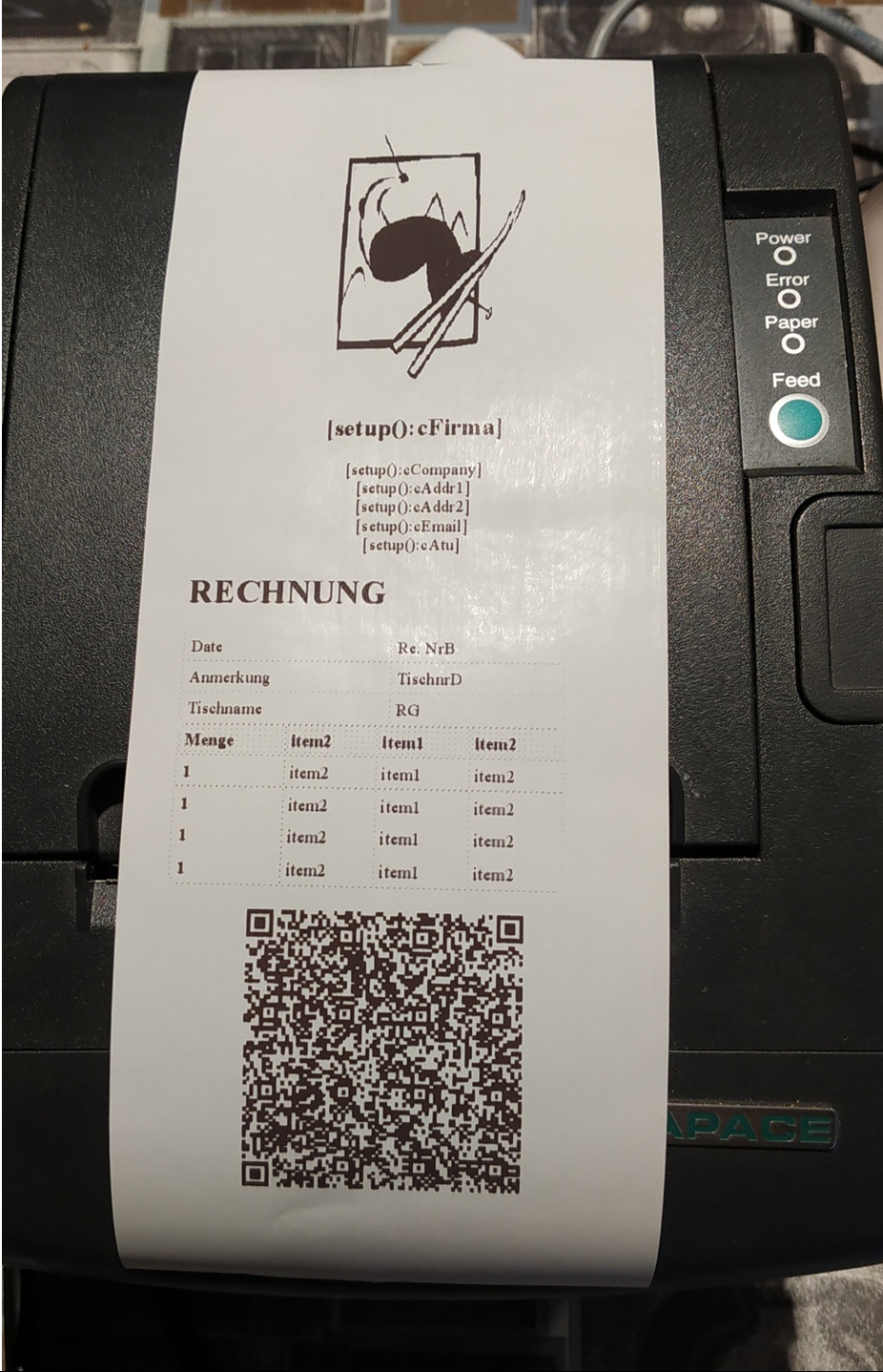
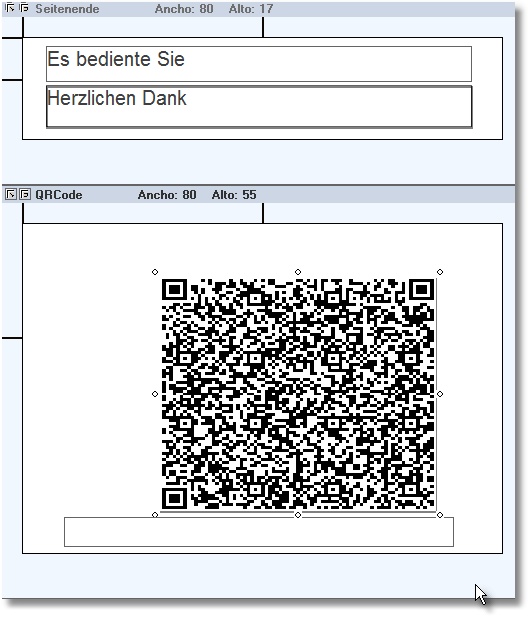
function QRCode
        local cBmpFile := ""
    *----------------------------------------------------------

        cBmpFile := cFLDNR_DEP  +  '.bmp'

        PRINTAREA 52 OF oVRD;
    ITEMIDS    { 100 };
    ITEMVALUES { cBmpFile }

return nil
//----------------------------------------------------------------------------//
Dear Otto,
Can you send me (a non professional programmer) the most easiest full source code to print barcodes from within a program (harbour 32)
Thank you in advance.
Hello,
can you please post a picture how your report should look.
Then I will try to make it.
Best regards
Otto
Dear Otto,
It concerns a personalised fill in paper for our local food bank but I do not succeed to join a copy to this post reply.
Right under I would like to position a barcode/QR code containing the follow number and the name of each person that are mentionned in the top of the paper. The dimension of teh barcode is not important.
20 years ago I could do it myself in Clipper with a lib called "barlib" but I do not find it any more...
Many thanks
José Deschutter, Belgium
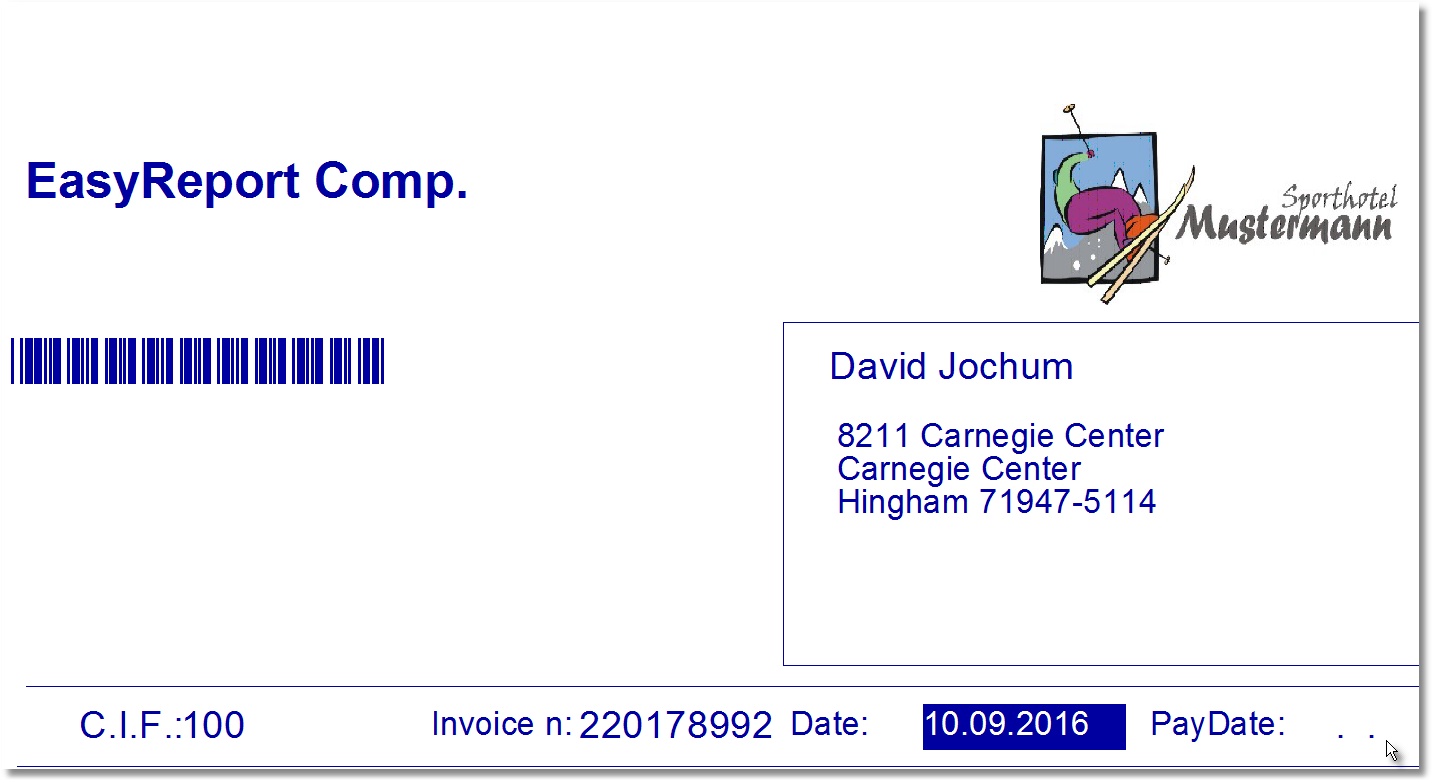
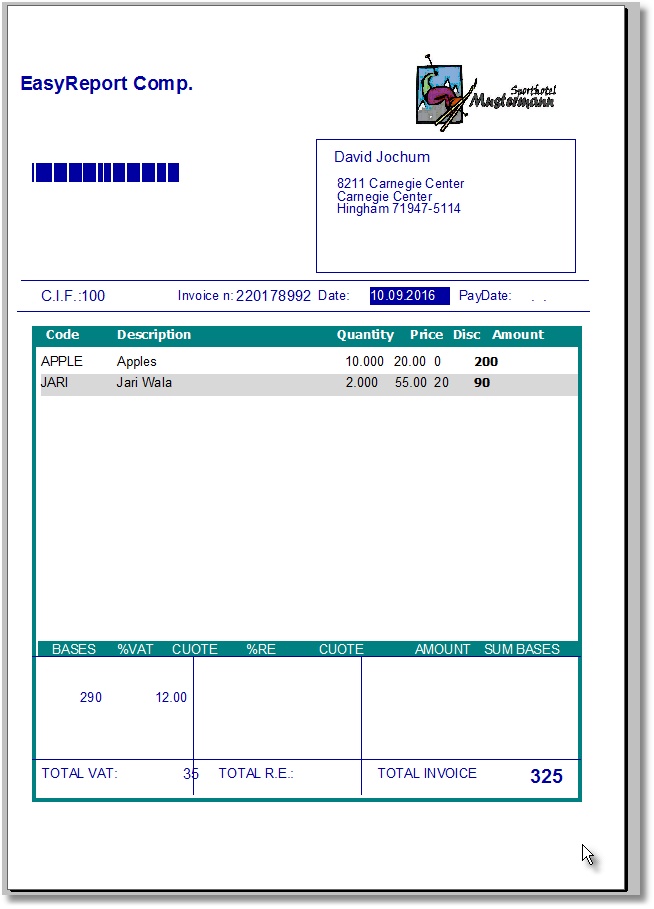
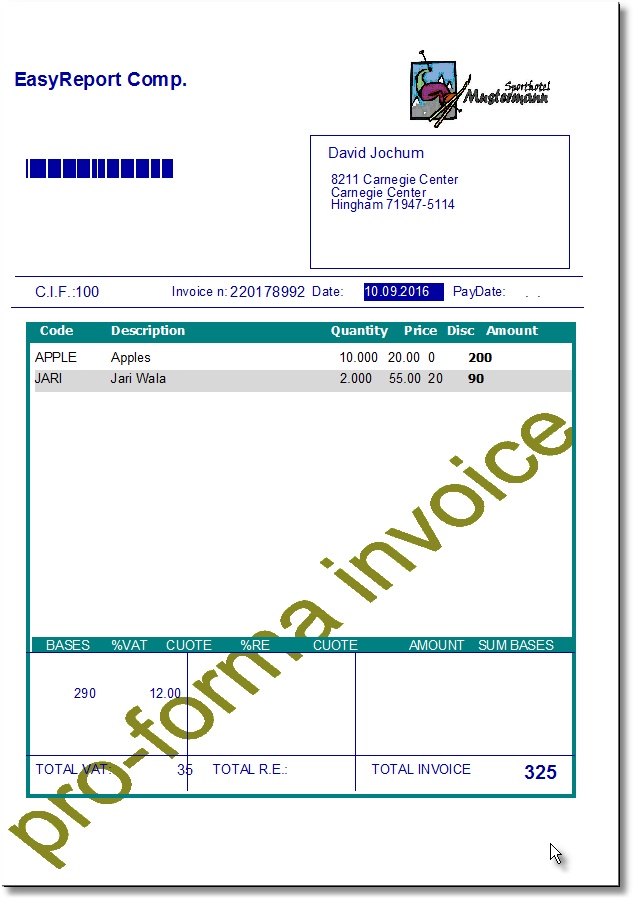
#DEFINE ER_COMPANY  201
#DEFINE ER_ADDRESS  500
#DEFINE ER_CIF      501
#DEFINE ER_INVOICE  602
#DEFINE ER_DATE     502
#DEFINE ER_PAYDATE  603
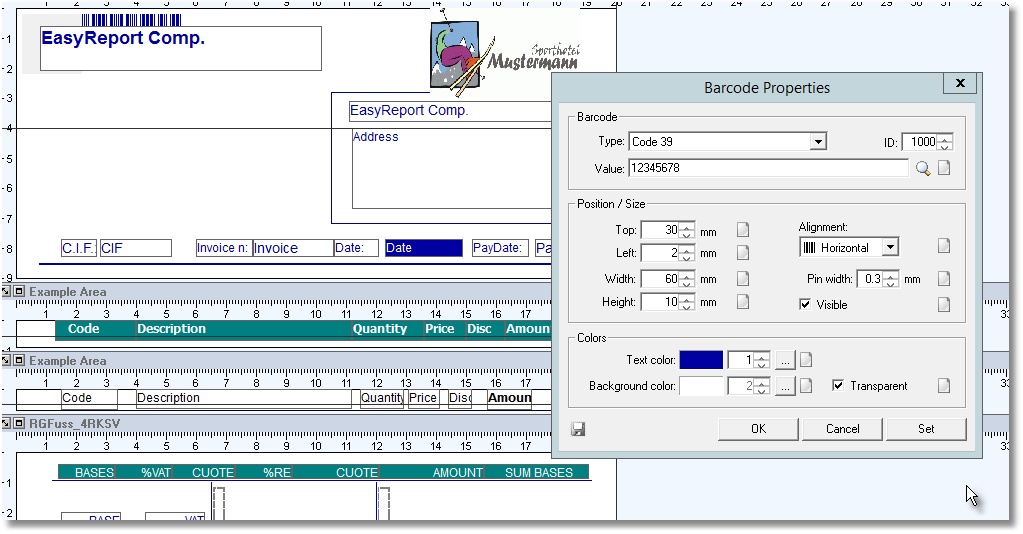
#DEFINE ER_BARCODE  1000

 PRINTAREA 1 OF oVRD ;
               ITEMIDS    {  ER_BARCODE  ,   ER_COMPANY   ,ER_ADDRESS,  ER_CIF, ER_INVOICE, ER_DATE, ER_PAYDATE } ;
               ITEMVALUES { "99999999", OBRW:CLIENT:VALUE, OBRW:ADDRESS:VALUE, "100", "220178992", DToC( oBrw:Date:Value ), DToC( oBrw:PayDate:Value ) }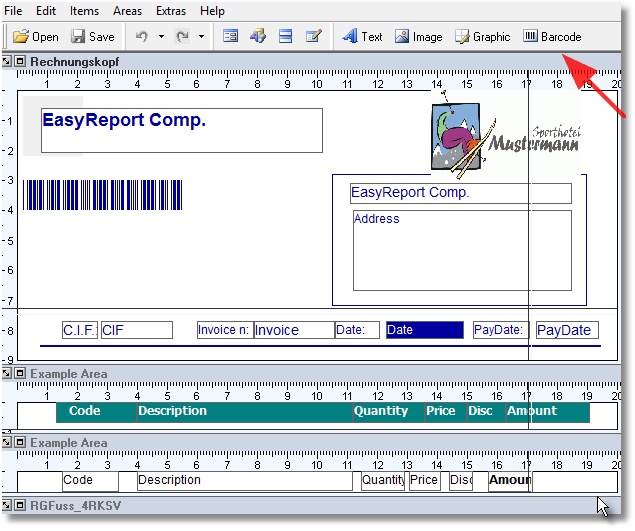
Thank you Otto, I will try it and let you know…José
Sorry Otto, I do not even find the VRD.exe via my internet browser...
