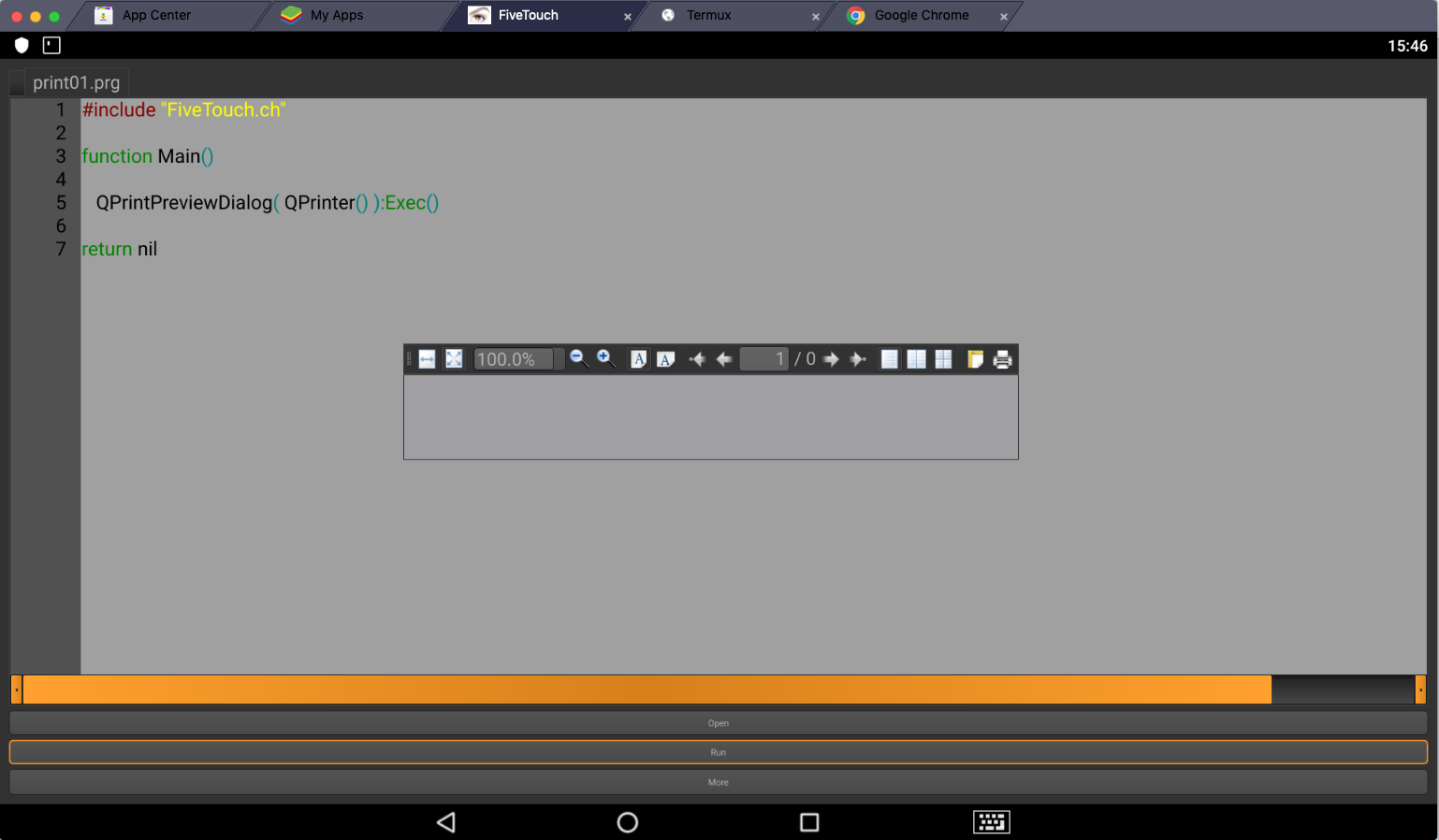
A real example:
QT print defines are here:
https://doc.qt.io/archives/qt-4.8/qprinter.html
print02.prg
#include "FiveTouch.ch"

#define QPRINTER_A4            0
#define QPRINTER_PORTRAIT    0
#define QPRINTER_MILLIMETER   0
#define QPRINTER_NATIVEFORMAT  0

function Main()

      local oPrinter, oPrintPreviewDialog

      oPrinter = QPrinter()
      oPrinter:setPageSize( QPageSize( QPRINTER_A4 ) )
      oPrinter:setPageOrientation( QPRINTER_PORTRAIT )
      oPrinter:setPageMargins( QMarginsF( 15, 15, 15, 15 ), QPRINTER_MILLIMETER )
      oPrinter:setFullPage( .F. )
      oPrinter:setOutputFormat( QPRINTER_NATIVEFORMAT )

      oPrintPreviewDialog := QPrintPreviewDialog( oPrinter )
      oPrintPreviewDialog:Connect( "paintRequested(QPrinter*)", { | oPrinter | PrintPage( oPrinter ) } )
      oPrintPreviewDialog:Exec()

return nil

function PrintPage( oPrinter )

      local oPainter

      oPainter = QPainter()
      oPainter:Begin( oPrinter )
      oPainter:DrawText( 100, 100, "Some text" )
      oPainter:End()

return nil
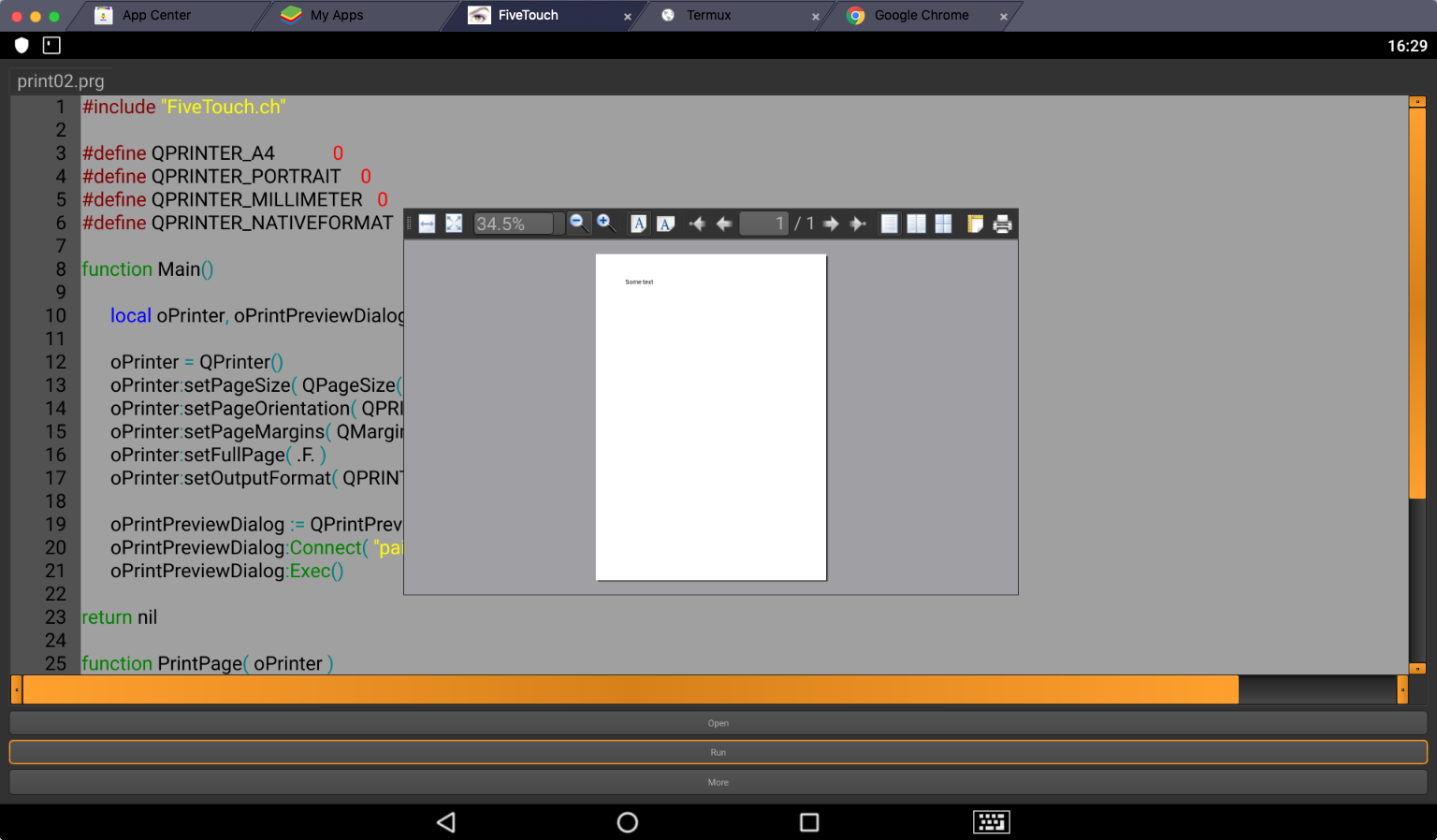
Many thanks to Cristian Francolino for his great example on qtcontribs google group:
https://groups.google.com/d/msg/qtcontribs/ftmFJn_py-k/v5zUyVfCBAAJ