FiveTech Support Forums

FiveWin / Harbour / xBase community
Board index FiveWin for Harbour/xHarbour Color error in tPrinter.prg
Posts: 3022
Joined: Fri Oct 07, 2005 01:45 PM
Color error in tPrinter.prg
Posted: Thu Mar 21, 2019 06:28 PM

If you use SAY( x,y, oText, oFont, nWidth, nClrText ) in tPrinter, and specify a nClrText, it should be used only for that oText specified, and return to default.

Instead, any further calls where nClrText is not specified will print in the nClrText from that line.

Example:

SAY( x, y, "Hello" ). // prints in the default
SAY( x, y, "Highlight",,,CLR_BLUE ). // prints in blue
SAY( x,y, "Oops" ). // prints in blue rather than the default

Tim Stone
http://www.MasterLinkSoftware.com
http://www.autoshopwriter.com
timstone@masterlinksoftware.com
Using: FWH 23.10 with Harbour 3.2.0 / Microsoft Visual Studio Community 2022-24 32/64 bit
Posts: 6983
Joined: Fri Oct 07, 2005 07:07 PM
Re: Color error in tPrinter.prg
Posted: Thu Mar 21, 2019 11:16 PM
Hello Tim,
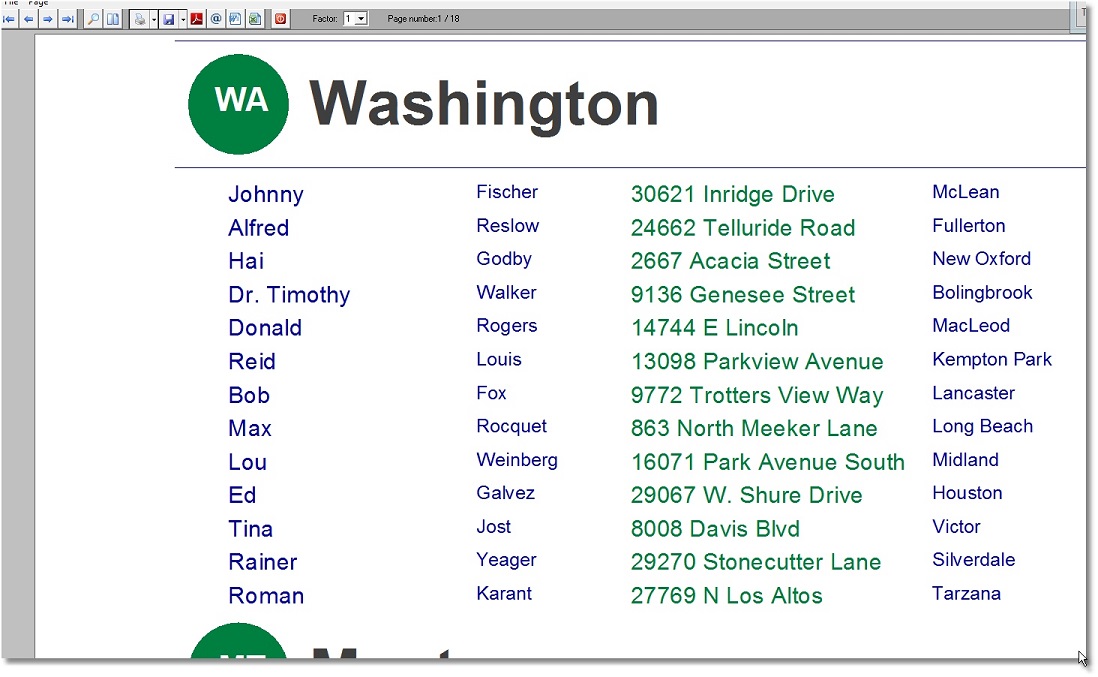
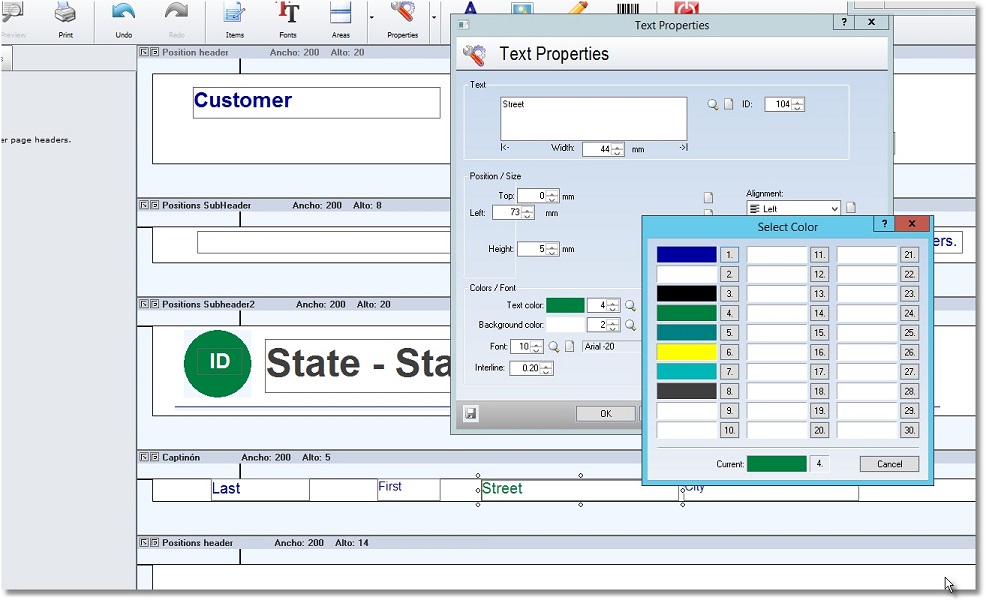
try Fivewin’s EasyReport.
Best regards
Otto


Posts: 3022
Joined: Fri Oct 07, 2005 01:45 PM
Re: Color error in tPrinter.prg
Posted: Fri Mar 22, 2019 05:54 PM

Otto,

All of my work is done with tPrinter. I have a lot of reports and want to bring color to them. I started with an Invoice ( very complex ) and it is working fine ( except the background colors ).

I brought this up because I believe it is a bug in the tPrinter class. I can do the fix, but it should be done in the distribution libraries or I will have to fix every release.

For the Say( ), if the value passed is ! NIL, the current color should be saved, and after execution of the print line, it should be restored.

Tim

Tim Stone
http://www.MasterLinkSoftware.com
http://www.autoshopwriter.com
timstone@masterlinksoftware.com
Using: FWH 23.10 with Harbour 3.2.0 / Microsoft Visual Studio Community 2022-24 32/64 bit

Continue the discussion