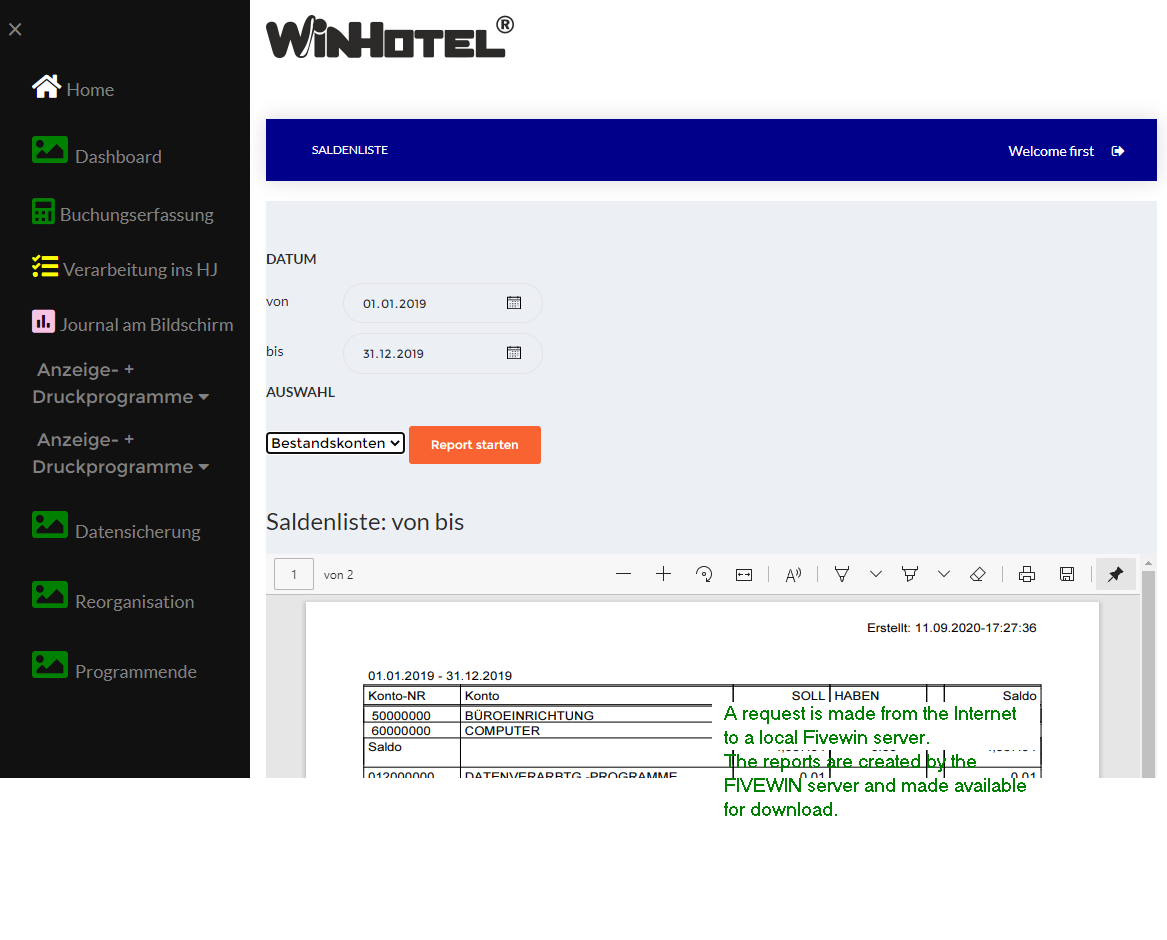
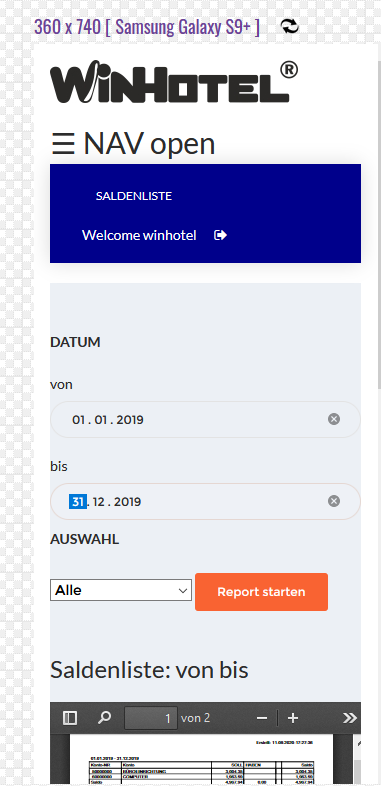
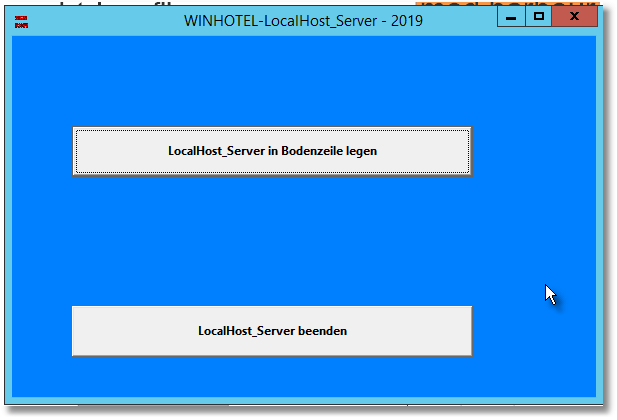
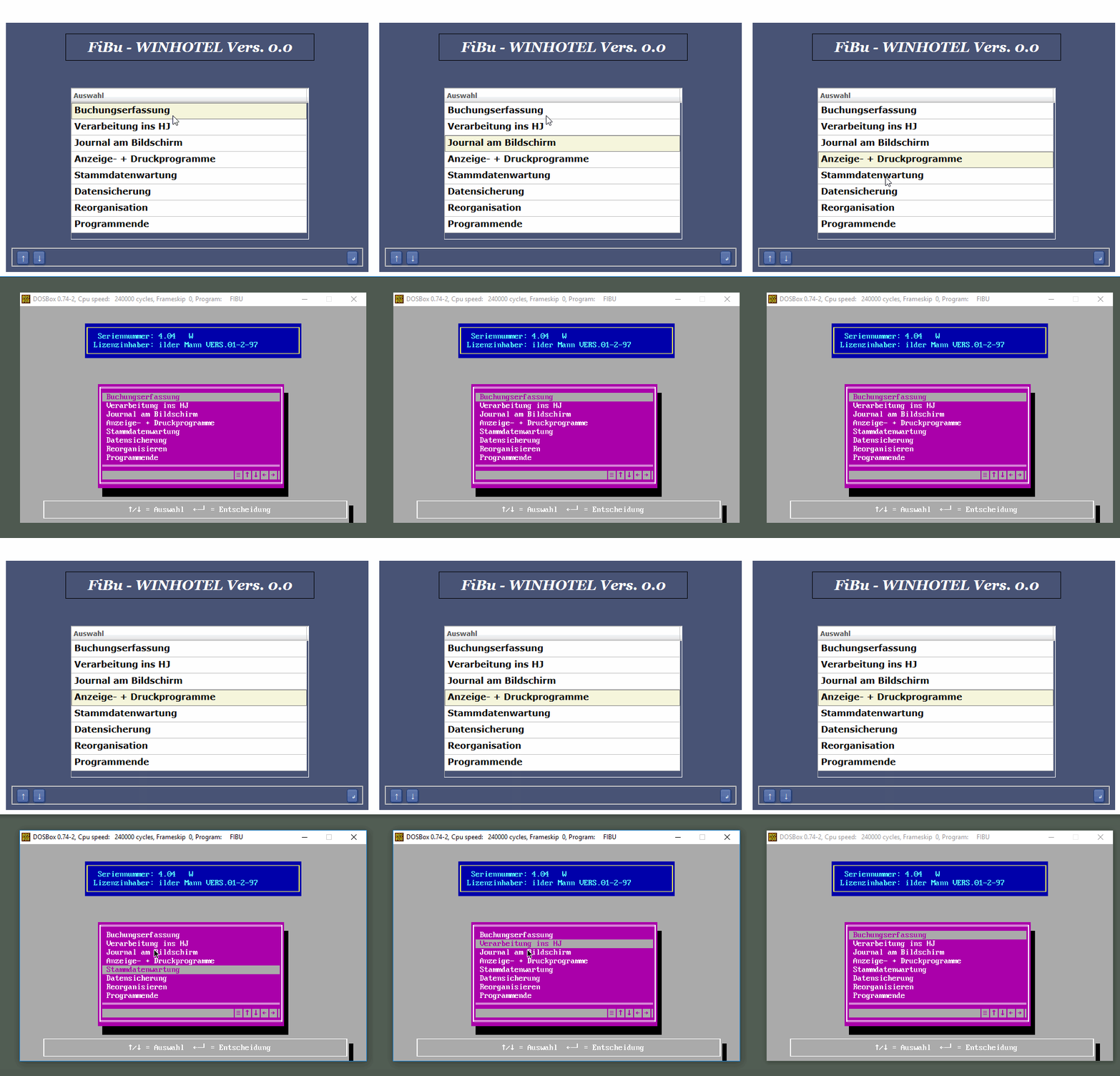
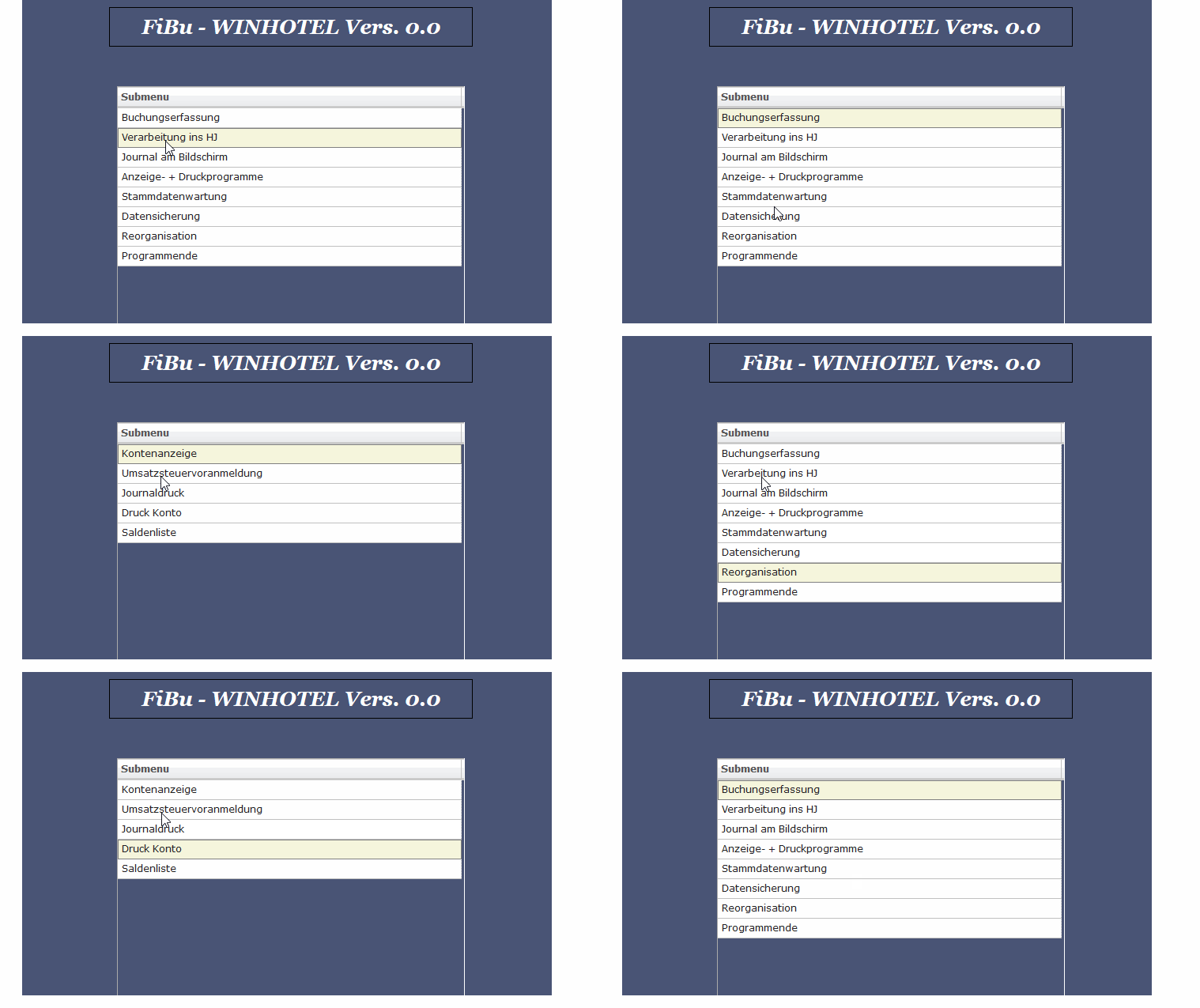
thank you for your advice and posting your screen shot.
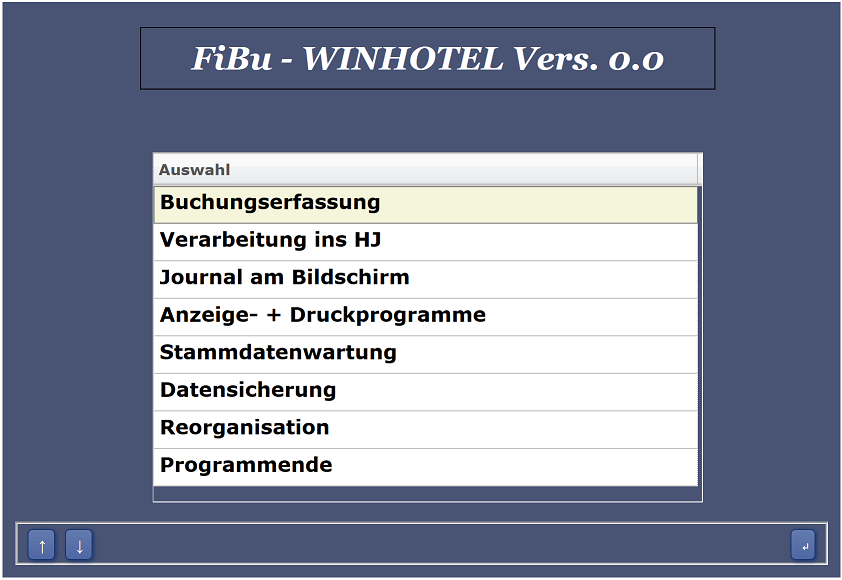
In this case starting with TWeb my callenge is to program a clone of my DOS program.
The start screen is ready.
Best regards
Otto
Thank you for sharing with us your step by step progress Otto. Am looking forward to learn from your experience
//DOS CLIPPER
box(22,5,24,75,"",atoattr(farb[5]))
aprint(23,12,padr(" "+chr(24)+"/"+chr(25)+" = Auswahl "+;
chr(27)+chr(196)+chr(217)+ " = Entscheidung ", 57),atoattr(farb[5]))
//TWEB
$oGroup = new TGroup( $oWnd, 'mygroup' , 415, 10,'' );
$oGroup->SetRight( 10 );
$oGroup->SetBottom( 10 );
$oBtn = new TButton( $oGroup, 'mybutton' , 6, 10, '↑', 'dummy()', 22,25 );
$oBtn = new TButton( $oGroup, 'mybutton' , 6, 40, '↓', 'dummy()', 22,25 );
$oBtn = new TButton( $oGroup, 'mybutton' , 6,620 , '↵', 'dummy()', 20,25 );
Otto:
Congratulations, I'm following you, thank you for sharing your results.

Otto,
It's nice work. Where do we find tWeb ? I could consider exploring that in the coming months.
I would like to share one thought, however, about the whole idea of duplicating a DOS based system. When I moved from DOS to Windows programming in 1999, many of my clients were resisting the new look of the interface. However, once they actually experienced how much easier it is to have Windows in charge, and how you can do so many different operations from one window, they fell in love with the time savings. Yes, there was a period of adjustment, but it didn't last long and none of them are unhappy.
One thing I learned is that people who use tools ( like computers ) don't often like change. However, they do like saving time, and especially with computers, saving keystrokes.
Tim

Hello,
I wish you all a happy Easter.
After Easter I will continue to work on my project and will post my questions again.
All the best
Otto

function f_op()
local cTable := "op"
oCn := maria_Connect( cServer, "fibu", "user", "pw" )
IF oCn == nil
? "Connect fail"
RETURN NIL
ENDIF
IF oCn:TableExists( cTable )
oCn:DropTable( cTable )
ENDIF
//This opens the dbf file, creates a table with the same structure and copies the data. By default, it creates the table with the same name as the dbf. If we want a different table name, we can give that as the second paramter.
oCn:ImportFromDBF( "c:\TWeb\fibu dbf files\OP.DBF" )
oCn:Close()
close
return nil
//-----------------------------------Hello,
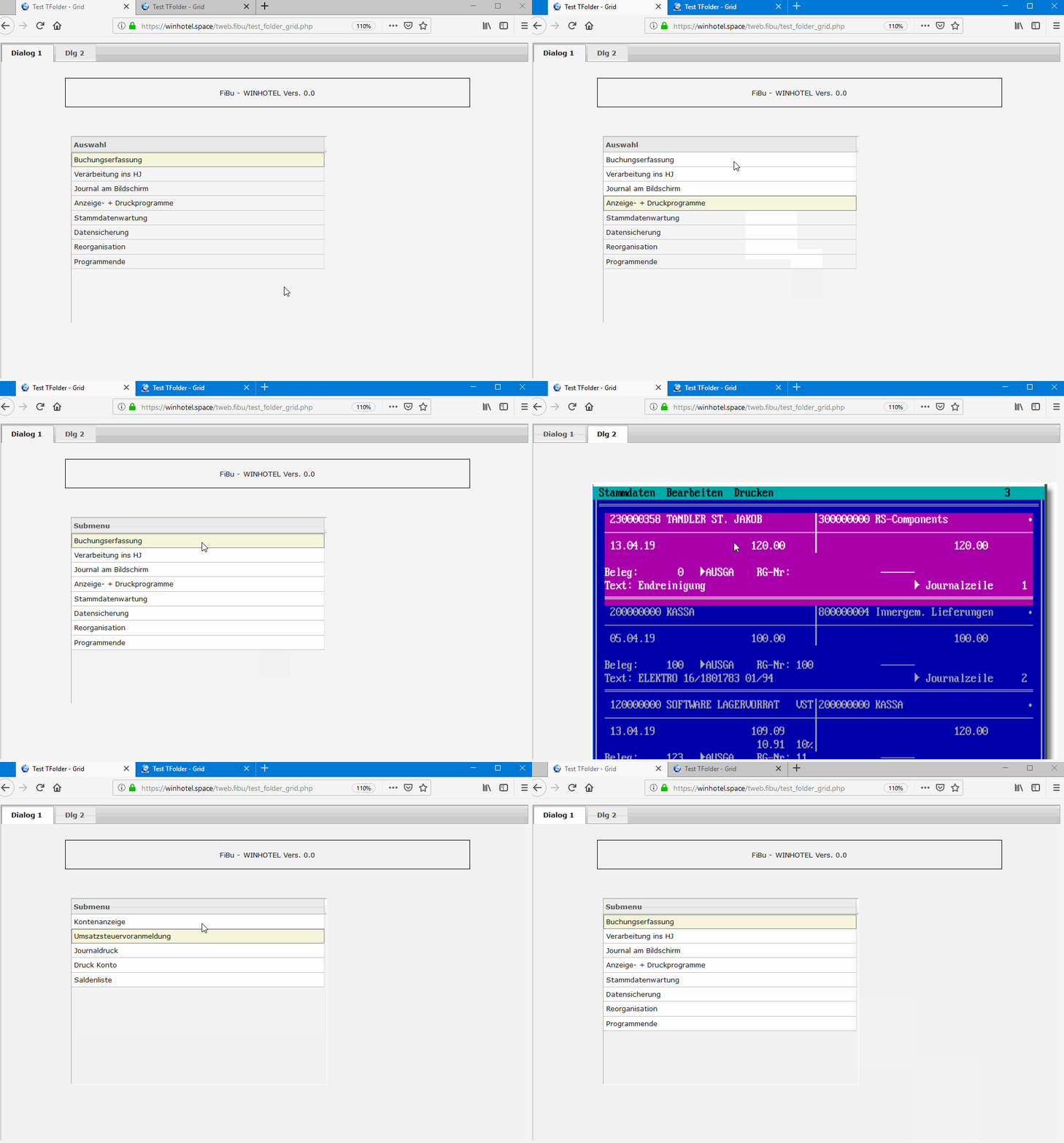
I would like to post a new link for a test.
Many functions are ready.
https://my3zinnen.com/tweb.myexamples/w ... g/main.php
Best regards
Otto