FiveTech Support Forums

FiveWin / Harbour / xBase community
Board index FiveWin for Harbour/xHarbour xBrowse new looks
Posts: 838
Joined: Wed Aug 22, 2007 10:09 AM
xBrowse new looks
Posted: Thu Dec 05, 2019 01:58 AM

Hello,

Is it posible to create an example that shows latest xBrowse new look/styles?

Thank you.

Saludos / Regards,


FWH 20.04, Harbour 3.2.0 dev (r1909261630) y BCC 7.40
Posts: 7318
Joined: Thu Oct 18, 2012 07:17 PM
Re: xBrowse new looks
Posted: Fri Dec 06, 2019 10:07 AM

what's mean

Since from 1991/1992 ( fw for clipper Rel. 14.4 - Momos)

I use : FiveWin for Harbour March-April 2024 - Harbour 3.2.0dev (harbour_bcc770_32_20240309) - Bcc7.70 - xMate ver. 1.15.3 - PellesC - mail: silvio[dot]falconi[at]gmail[dot]com
Posts: 838
Joined: Wed Aug 22, 2007 10:09 AM
Re: xBrowse new looks
Posted: Mon Dec 09, 2019 12:28 PM
Hi,

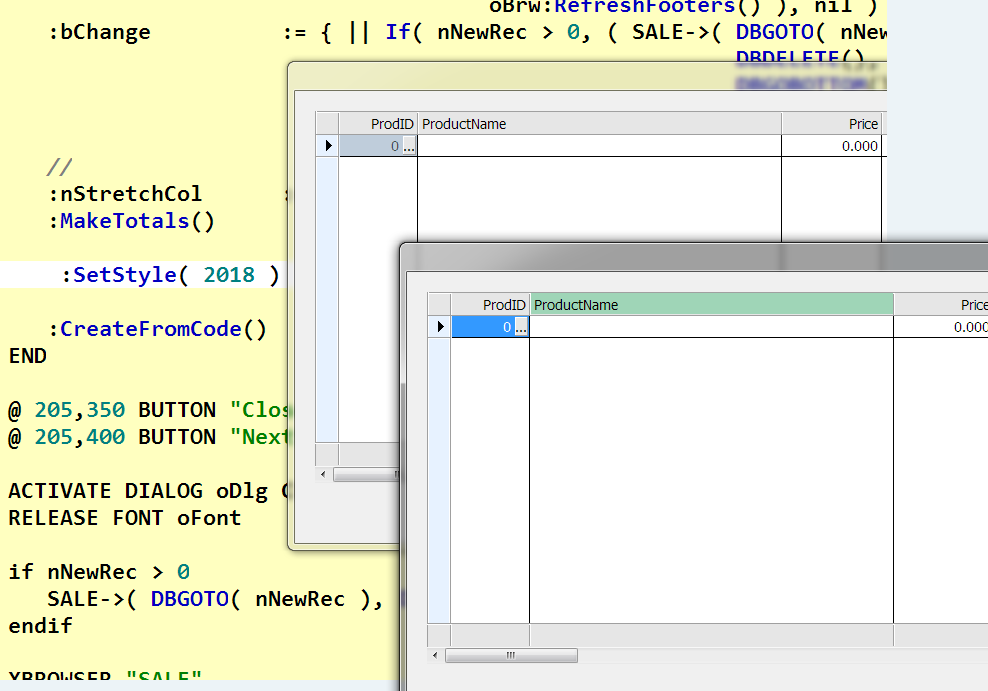
This code does not change the look:

Code (fw): Select all Collapse
 WITH OBJECT oBrowse
      
      :nStretchCol      := STRETCHCOL_WIDEST
      :SetStyle( 2018 )

END

Thank you.
Saludos / Regards,


FWH 20.04, Harbour 3.2.0 dev (r1909261630) y BCC 7.40
Posts: 7318
Joined: Thu Oct 18, 2012 07:17 PM
Re: xBrowse new looks
Posted: Mon Dec 09, 2019 12:39 PM
here make it


only recordsel is not with style
If I press on header it is colorized with green color
Since from 1991/1992 ( fw for clipper Rel. 14.4 - Momos)

I use : FiveWin for Harbour March-April 2024 - Harbour 3.2.0dev (harbour_bcc770_32_20240309) - Bcc7.70 - xMate ver. 1.15.3 - PellesC - mail: silvio[dot]falconi[at]gmail[dot]com
Posts: 838
Joined: Wed Aug 22, 2007 10:09 AM
Re: xBrowse new looks
Posted: Mon Dec 09, 2019 03:06 PM

Hi,
Don´t see changes.

Thanks

Saludos / Regards,


FWH 20.04, Harbour 3.2.0 dev (r1909261630) y BCC 7.40
Posts: 7318
Joined: Thu Oct 18, 2012 07:17 PM
Re: xBrowse new looks
Posted: Tue Dec 10, 2019 08:52 AM
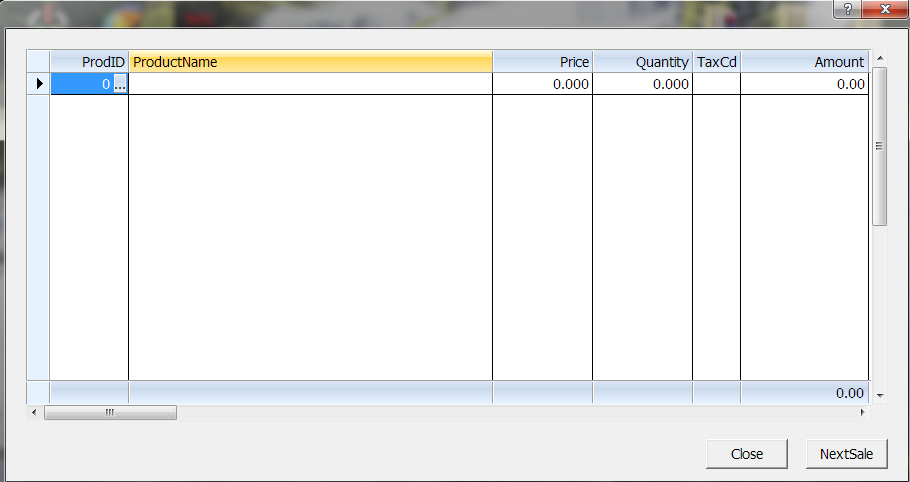
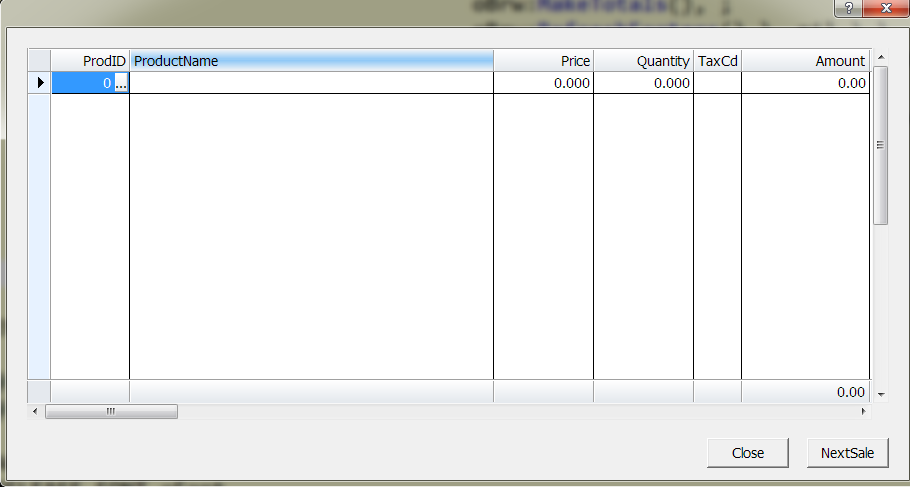
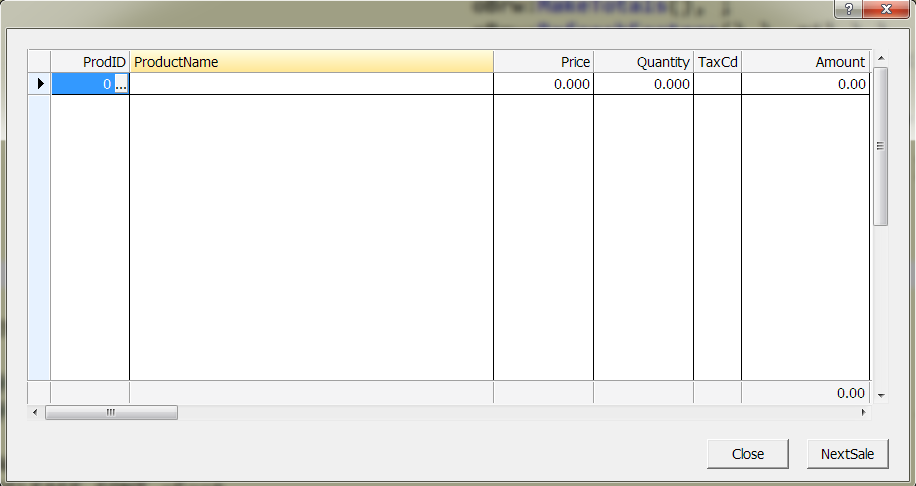
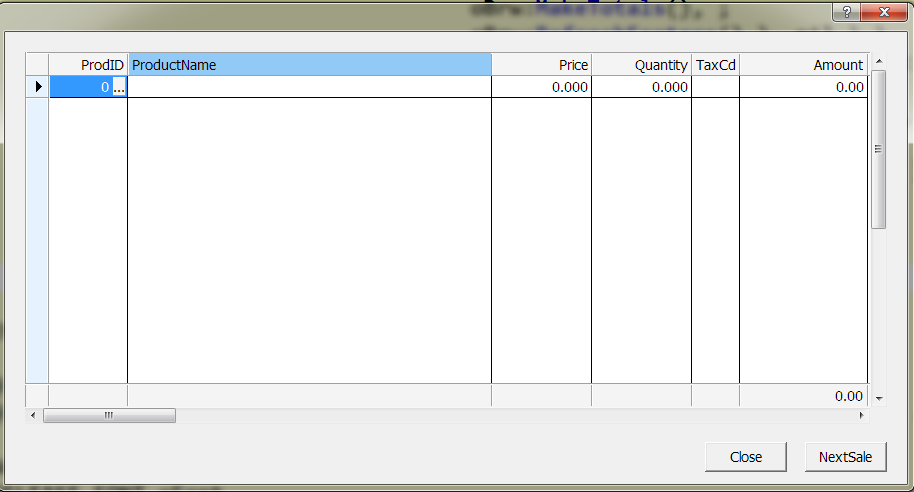
on header, on footer...

2007


2010


2013


2015


2018


2019
FUTURE
Since from 1991/1992 ( fw for clipper Rel. 14.4 - Momos)

I use : FiveWin for Harbour March-April 2024 - Harbour 3.2.0dev (harbour_bcc770_32_20240309) - Bcc7.70 - xMate ver. 1.15.3 - PellesC - mail: silvio[dot]falconi[at]gmail[dot]com
Posts: 1772
Joined: Thu Sep 05, 2019 05:32 AM
Re: xBrowse new looks
Posted: Wed Dec 18, 2019 05:04 AM
Silvio.Falconi wrote:on header, on footer...
FUTURE

these Color come from Theme which you get when use XP Manifest.
they have change with every Windows Version so next Version might ... Darkmode :-)

now with Windows 10 Darkmode you also can use Classic Style which make not much Difference in Darkmode.
the Difference without XP Manifest is that you also have no visual Effect like "hover" Color.

---

you can change Theme Color for 30 Parts of Control with SetSysColors() https://docs.microsoft.com/en-us/windows/win32/api/winuser/nf-winuser-setsyscolors
but it will "work" an All App as long as you login. re-login will use default Value from
Code (fw): Select all Collapse
HKEY_CURRENT_USER\Control Panel\Colors

so if you want you can force all Apps look like your App :-)
greeting,

Jimmy

Continue the discussion