
Buen dia.
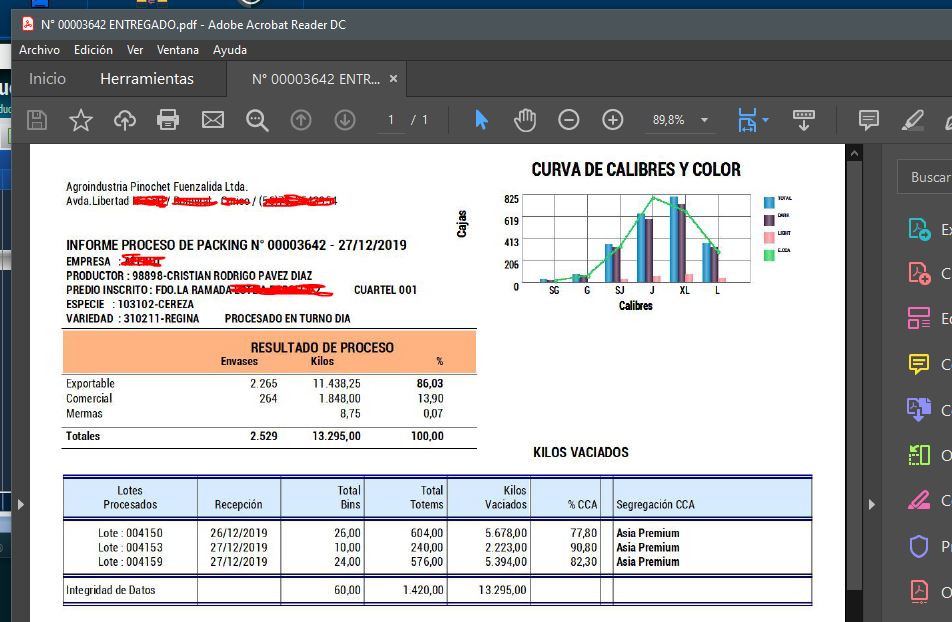
Necesito sacar un reporte en formato BMP, JPG o PDF, cualquiera de los tres me serviria.
Cualquier ayuda es bienvenida.
Gracias.
Jorge Jaurena
Buen dia.
Necesito sacar un reporte en formato BMP, JPG o PDF, cualquiera de los tres me serviria.
Cualquier ayuda es bienvenida.
Gracias.
Jorge Jaurena
QuitProgamLoad( "AcroRd32.EXE" )  // Verifica si esta abierto el Acro...
 cFile := ".\Informes\Cierre Productor CSG N° "+AllTrim(PA18->CCSG)+".PDF"

 SET 3DLOOK OFF
 PRINTER oPrn TO cPrintPDF FILE cFile  PREVIEW      // <-- cPrintPDF es una variable que contiene el nombre de una impresora virtual PDF (doPDF v7)

 IF EMPTY( oPrn:hDC )
     RETURN NIL
 ENDIF
...
...
...
    construyes tu report
...
... gas stations new york ny
Function QuitProgamLoad( cProceso )
LOCAL oBj, oServ, aProcess, objProcess
TRY
oBj := CreateObject( "wbemScripting.SwbemLocator" )
CATCH
Return nil
END
oServ := oBj:ConnectServer()
aProcess := oServ:ExecQuery( "Select * from Win32_Process" )
For Each objProcess in aProcess
If UPPER(objProcess:Name) = UPPER(cProceso)
objProcess:Terminate()
ENDIF
next
Return nil#include "FiveWin.ch"
FUNCTION Main()
LOCAL oPrn, oFont
PRINT oPrn NAME "impresion de JPG" PREVIEW MODAL
IF Empty( oPrn:hDC )
RETURN nil // Printer was not installed or ready
ENDIF
DEFINE FONT oFont NAME "Ms Sans Serif" SIZE 0, - 12 OF oPrn
PAGE
oPrn:SayImage( 0, 0, "cifrao.jpg", oPrn:nHorzRes(), oPrn:nVertRes() , NIL, .T. )
ENDPAGE
ENDPRINT
oFont:End() // Destroy the font object
RETURN nilBuen dia y muchas gracias por la ayuda.
La opcion de usar la impresora virtual me resuelve en parte el problema ya que cuando mando la impresion siempre me muestra el dialogo de la aplicacion doPDF y mi necesidad
es generar un archivo PDF o BMP o JPG (cualquiera serviria) directamente en una carpeta con el nombre que necesito sin que levante ningun dialogo y sin intervencion del operador
ya que tendria que realizar una impresion en lote.
Gracias
Jorge Jaurena
PRINT oPrn FILE "filename.PDF"
PAGE
<print ............>
ENDPAGE
ENDPRINT

