

Good Morning,
Can someone please help me with some source code on how to reduce an image to a fixed size.
Many thanks in advance
Otto
Board index FiveWin for Harbour/xHarbour reduce an image to a fixed size

ResizeBitmap( hBitmap, nWidth, nHeight ) --> hResizedBmp
Regards
G. N. Rao.
Hyderabad, India
G. N. Rao.
Hyderabad, India
Dear Mr. Rao,
Thank you. Would you be so kind as to show me the best way to get the handle and how to save the new BMP.
Best regards,
Otto

local hBmp
local hDib := DibFromBitmap( hBmp := ResizeBitmap( hBitmap, nWidth, nHeight ) )
DibWrite( cFileName, hDib )
GloBalFree( hDib )
DeleteObject( hBmp )
Dear Antonio,
Thank you.
In my case, the image is now saved with 96 dpi and a bit depth of 32. The size of the picture is
1,920 KB.
If I do the whole thing with PAINT, I get a picture that
226 KB, DPI 72, and bit depth 24.
How can I reduce the DPIs and the color depth with FIVEWIN.
Thank you in advance
Otto
Dear Otto,
It seems as we need to use the function SetDIBColorTable()
https://docs.microsoft.com/en-us/windows/win32/api/wingdi/nf-wingdi-setdibcolortable
Maybe there is a simpler way using GDI+
It seems as we need to use the function SetDIBColorTable()
https://docs.microsoft.com/en-us/windows/win32/api/wingdi/nf-wingdi-setdibcolortable
Maybe there is a simpler way using GDI+
Dear Antonio,
I tried with
The result is good.
Thank you and have a nice weekend.
Otto
I tried with
 oImage   := GdiBmp():New( "c:\fwh\samples\204.jpg" )
   oImage:Resize( nWidth, nHeight )
   oImage:Save( "newfile.jpg", nQuality )
   oImage:End()
The result is good.
Thank you and have a nice weekend.
Otto
Hello,
Now I can resize all my images in a quick and easy batch mode for WINDOWS QR.
This is a web page I made with mod harbour.
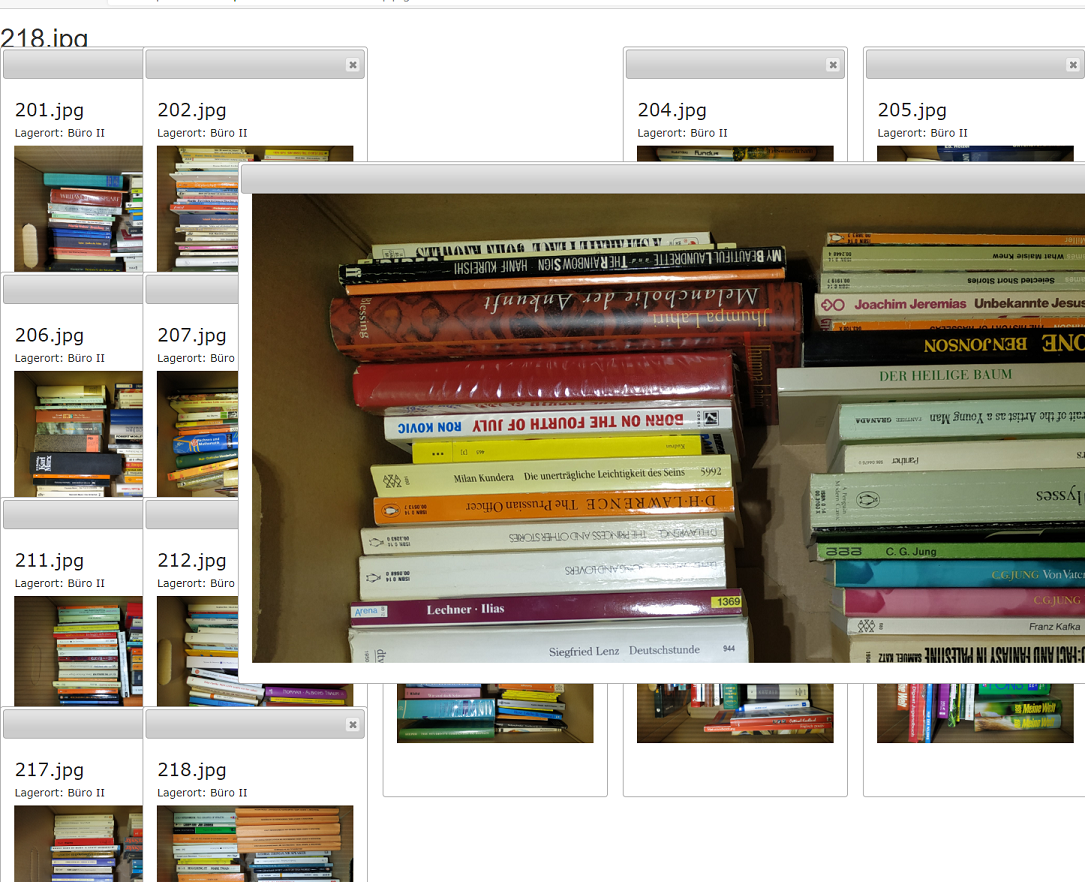
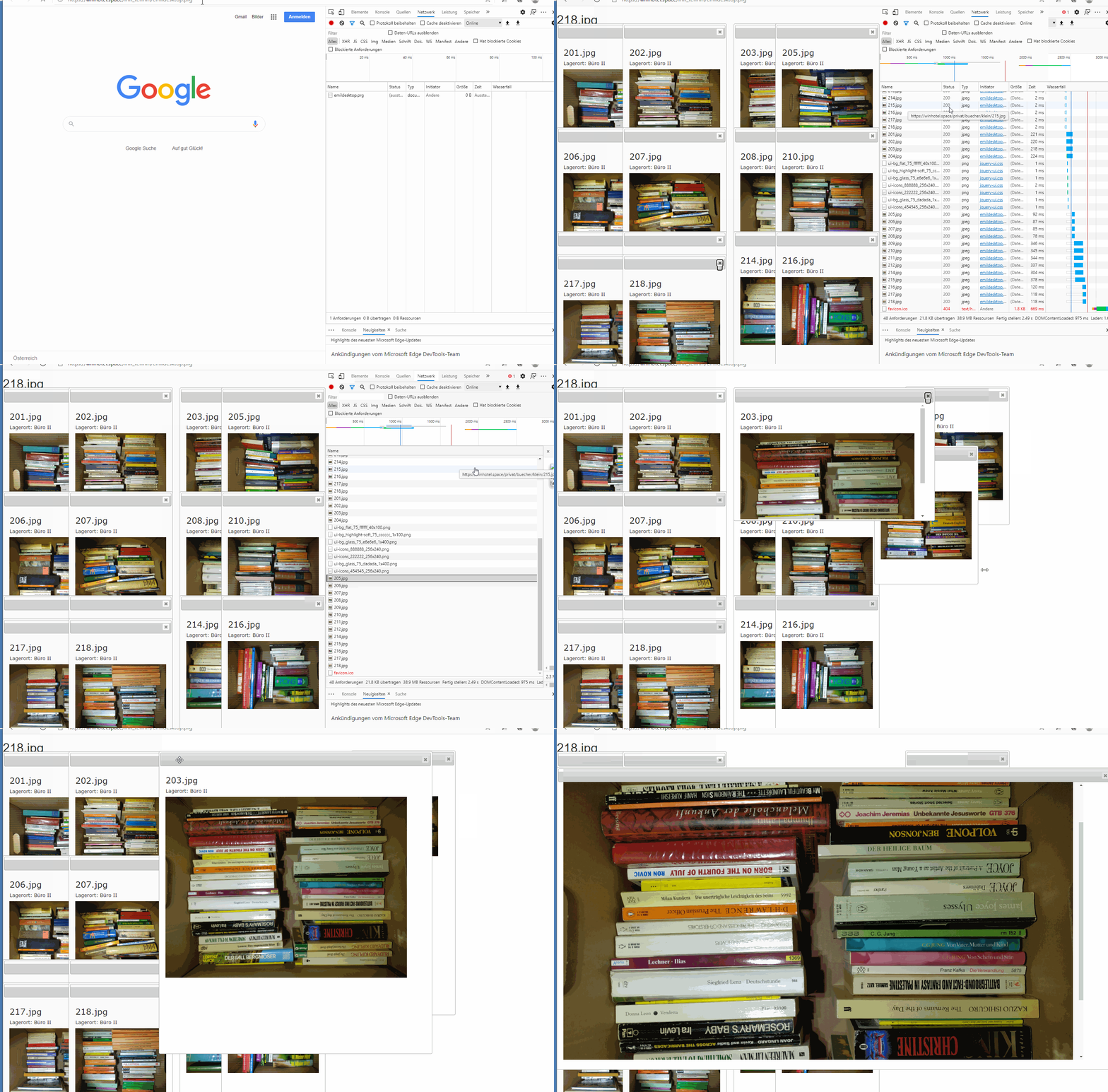
The small images are loaded first and the large ones asynchronously.
As soon as a large picture is loaded, the small one will be replaced.
With this method, the web page loads quickly.
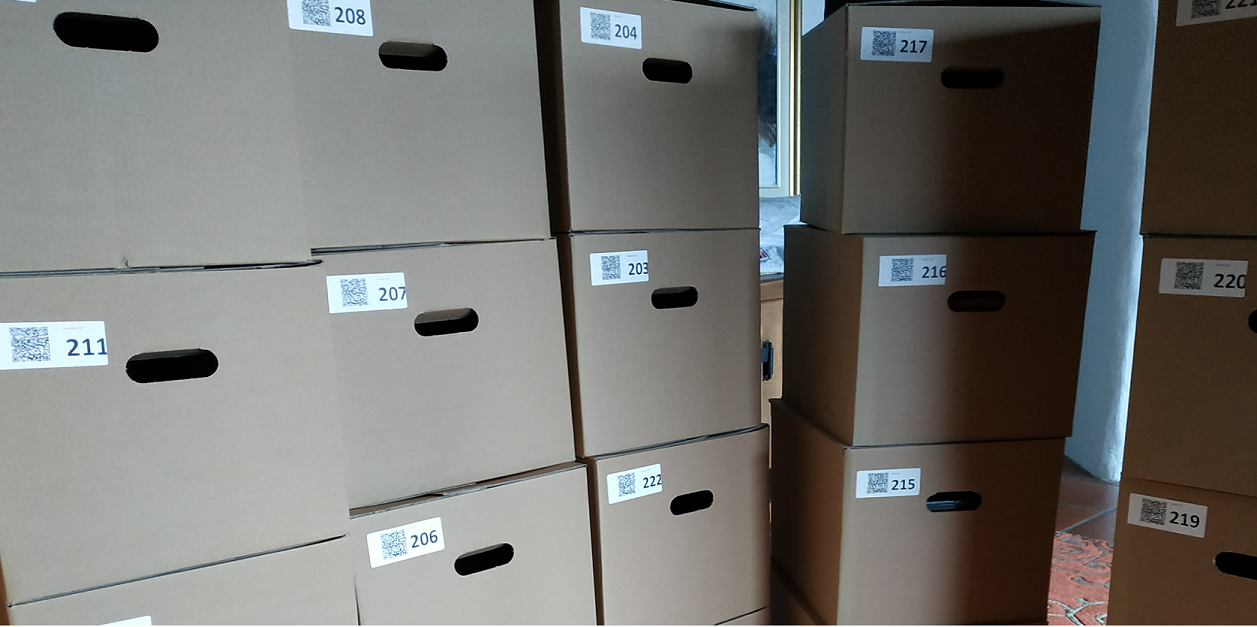
The contents of all stick boxes can be displayed on the PC, and then you can zoom into the boxes.
The correct box can then be found using the warehouse number.
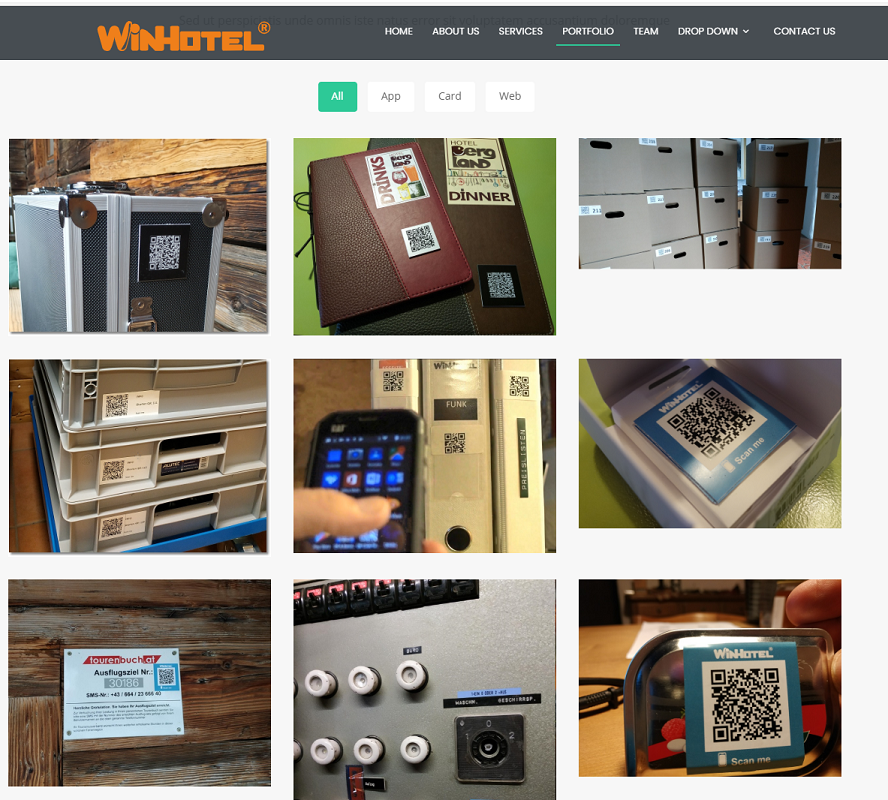
But you can also read the QR code on the stick box with your smartphone, and then the content is displayed on the mobile phone.
Best regards,
Otto

Now I can resize all my images in a quick and easy batch mode for WINDOWS QR.
This is a web page I made with mod harbour.
The small images are loaded first and the large ones asynchronously.
As soon as a large picture is loaded, the small one will be replaced.
With this method, the web page loads quickly.
The contents of all stick boxes can be displayed on the PC, and then you can zoom into the boxes.
The correct box can then be found using the warehouse number.
But you can also read the QR code on the stick box with your smartphone, and then the content is displayed on the mobile phone.
Best regards,
Otto
#include "FIVEWIN.CH"

function main()
    local oImage
    local nQuality := 0
    local I  := 0
    local cPfad := "c:\bilder\"
    local aDir := directory(  cPfad +  "*.jpg","DHS")
    local cSrc := ""
    local nWidth := 800
    local nHeight := 600
    *----------------------------------------------------------

   lMKDir( cPfad + "\klein" )

   for I := 1 to len( aDir )
       cSrc := aDir[I,1]
        oImage   := GdiBmp():New( cPfad + cSrc )
       oImage:Resize( nWidth, nHeight )

       oImage:Save( cPfad + "\klein\" + cFileNoPath( cSrc ) , nQuality )
       oImage:End()
   next

   ? "Ende"

return nil
//----------------------------------------------------------------------------//
Interesting !!
Will this keep a good quality of jpg's ??
I use folowing technic for my update of webshop pictures.
With Fw I select and create my menu and the products inside the menu.
Than I copy from source jpg's (all random size i got from manufacturers) to a picture folder and use nConvert with a .bat file to convert to 3 formats needed.
These 3 folders need to be uploaded with FTP to the server of the webshop.
If the pictures from Otto are Ok, then maybe I can start using his code for this. I have seen also some code to upload pic's from home to the server of the hosting company.
They gave my rights to do it with Ftp, so I think I can use it also for copy direct from FW.
Is the right ?
Marc Venken
Using: FWH 23.08 with Harbour
Using: FWH 23.08 with Harbour
Dear Otto,
many thanks for sharing your solution 