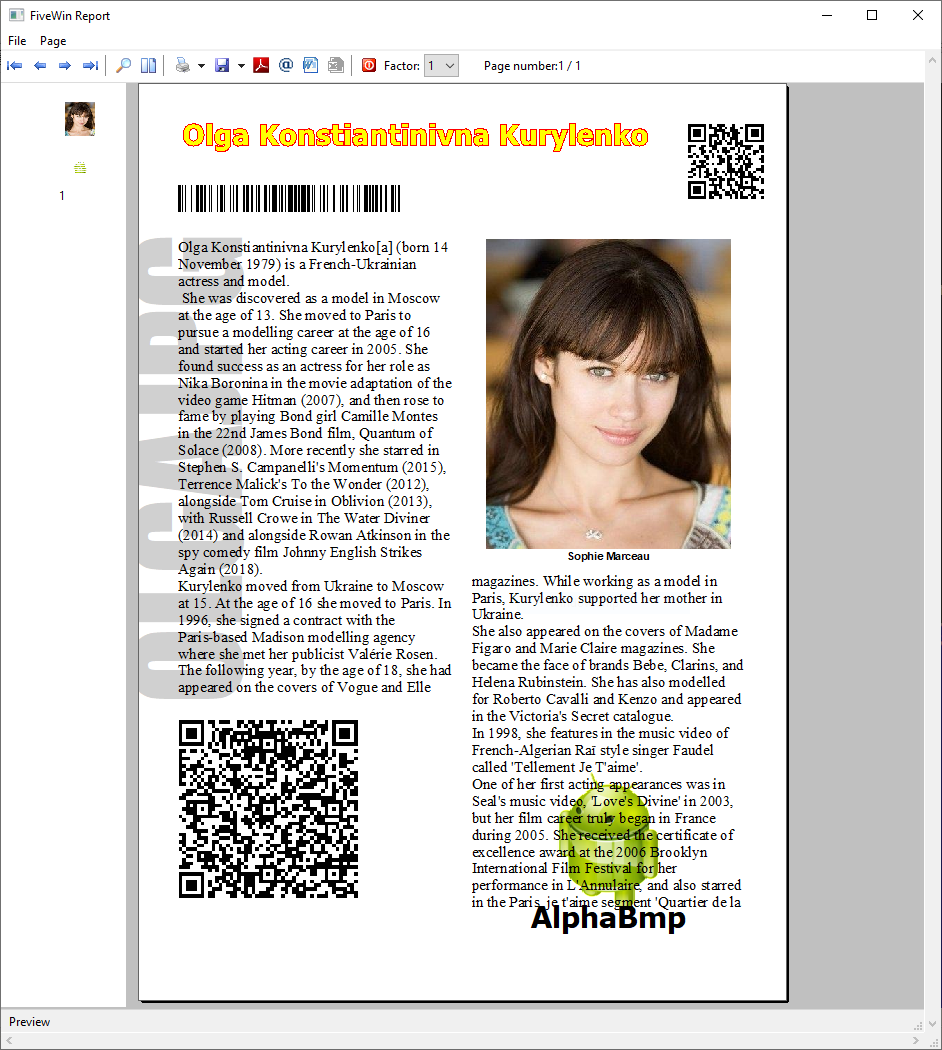
Well, we have this problem now. We do not know how long this will continue.
We are working on the issue.
We need to go ahead.
We basically have 3 image rendering methods in printer class:
1) SayBitmp(...)
2) SayImage(...)
3) PrintImage()
SayBitmap() works even now, though it can not handle transparencies and alpha images. Quality is much less in case of non-bmp images like jpg, png, etc. Pngs look very ackward though.
SayImage() also works like SayBitmap() but it can handle alpha images also. But the problem is alpha-painting is a problem now.
PrintImage() renders images with the best quality but now this has problems and we are checking how best to make it work.
REQUEST:
Will you all please indicate what methods or commands you are using and getting the problem of visiblity.
Before we continue with our tests, we request all of you to test this small program. Copy this program to your samples folder and test. We are using our good old SayBitmap() and we are able to see the images.
Your feed-back will greatly help us to proceed with the work.
#include "fivewin.ch"

function Main()

   local oPrn, oFont, hBmp

   PRINT oPrn PREVIEW
   DEFINE FONT oFont NAME "ARIAL" SIZE 0,-12 OF oPrn
   PAGE

   oPrn:SayBitmap(  500,1000,"..\bitmaps\frog.bmp",     900, 1000 )
   oPrn:SayBitmap(  500,2000,"..\bitmaps\shakira.bmp", 1000, 1200 )
   oPrn:SayBitmap(  500,3000,"..\bitmaps\olga1.jpg",   1760, 2100 )
   oPrn:SayBitmap( 1500,1000,"..\bitmaps\32x32\copy.bmp", 400, 400 )

   ENDPAGE
   ENDPRINT

return nil
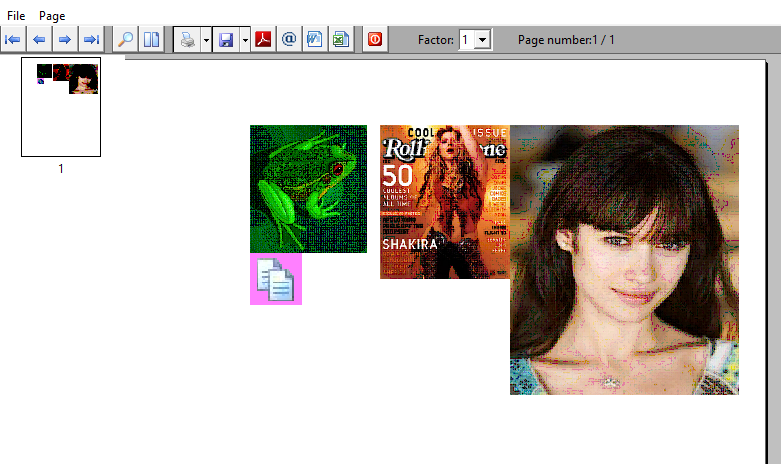
Please test this program and let us know if you are also able to see these images on your Windows 10 PCs.