

Dear Antonio,
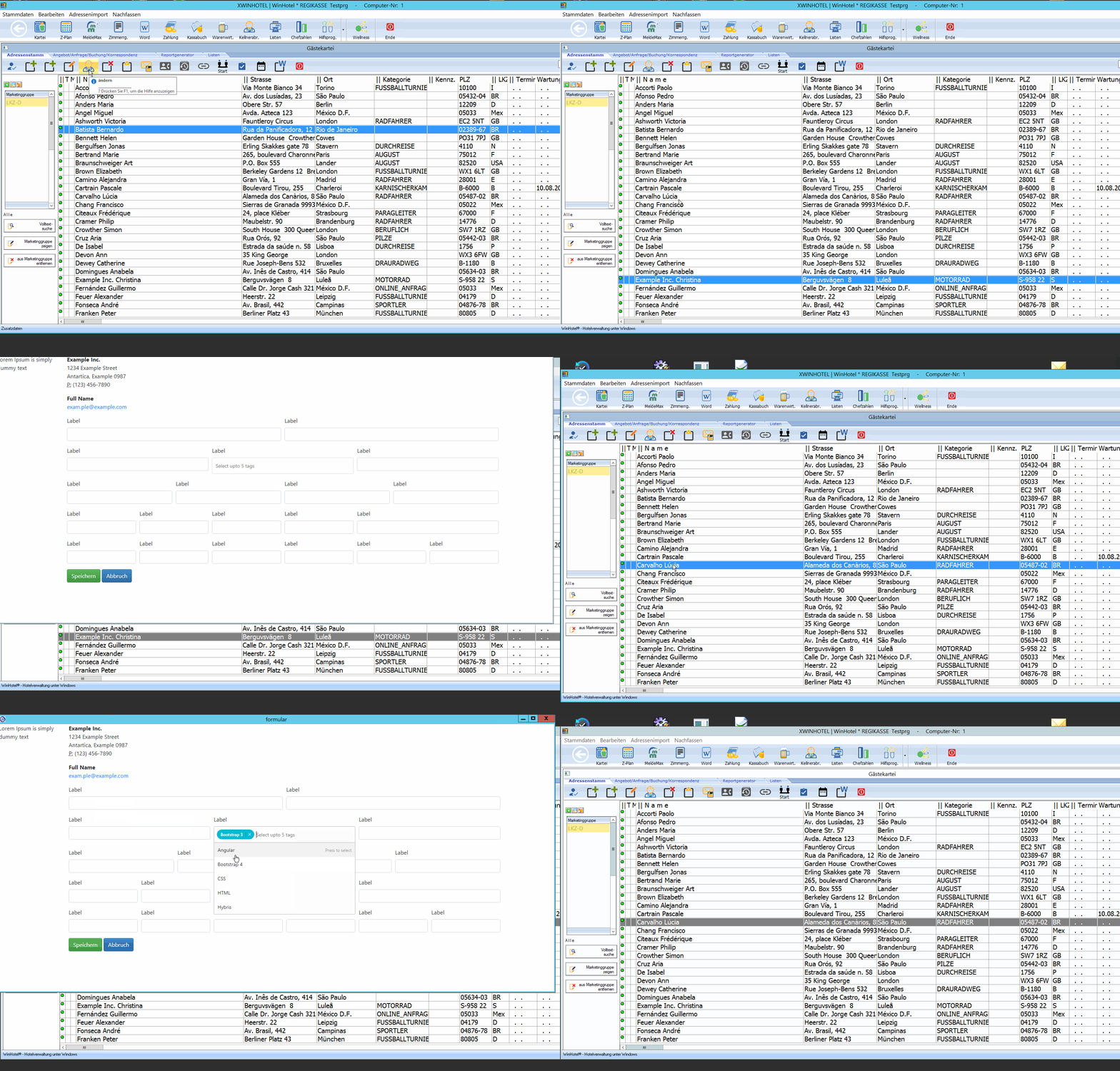
I remember that you showed on SLACK how to run a mod harbour program in kiosk mode on PC.
Unfortunately, I no longer have access to SLACK. Can you please post again how to do it?
Best regards
Otto
Dear Antonio,
I remember that you showed on SLACK how to run a mod harbour program in kiosk mode on PC.
Unfortunately, I no longer have access to SLACK. Can you please post again how to do it?
Best regards
Otto
Dear Otto,
> kiosk mode on PC
Could you post a screenshot of what you mean ?
thanks
Dear Antonio,
Can you please help me?
How can you notify the browser that the "APP" has been closed.
How to update the browser?
Do I have to use a timer?
Best regard,
Otto
window.onbeforeunload = function (e) {
  var e = e || window.event;

  // For IE and Firefox
  if (e) {
    e.returnValue = 'Any string';
  }

  // For Safari
  return 'Any string';
};#include "FiveWin.ch"
//----------------------------------------------------------------------------//
function Main()
local oDlg, lExit := .f., oBtn
DEFINE DIALOG oDlg FROM 5, 5 TO 15, 40 TITLE "A Dialog Box"
@ 3,4 ;
BUTTON "&END" ;
SIZE 40, 12 ;
ACTION ( lExit := .t., oDlg:End() ) ;
OF oDlg
@ 3, 12 BUTTON oBtn PROMPT "&Run" OF oDlg SIZE 40, 12 ;
ACTION ( waitrun( "c:\test\formular.bat", 0 ) )
ACTIVATE DIALOG oDlg VALID lExit
return nil
//----------------------------------------------------------------------------//cd\
cd C:\Windows\System32
REM window-position=y col,x row
start chrome --new-window --app=https://... --window-position=600,300 --window-size=1500,730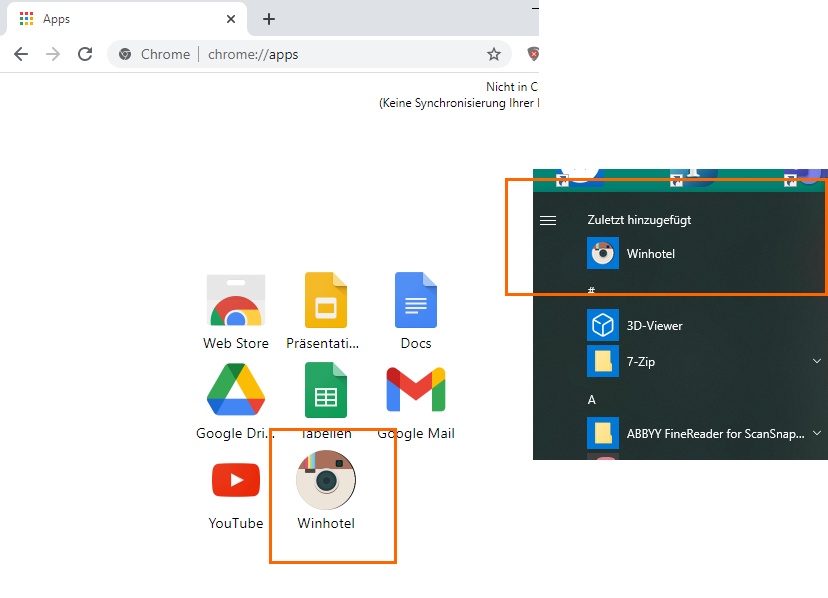
Dear Otto,
Are you looking to launch a mod_harbour app from a FWH app ?
You could use ShellExecute() to go to a URL
Please show a diagram or explanation, thanks
--new-window --app=https://wintest.com/formular/index.html --window-position=600,300 --window-size=1500,730
     @ 3, 12 BUTTON oBtn PROMPT "&R u n" OF oDlg SIZE 40, 12 ;
ACTION ( ShellExecute( 0, 'Open', "https://wintest.com/formular/index.html" , ) )I would say that a timer is a solution, but Mr. Rao surely knows a better way of doing it
