FiveTech Support Forums

FiveWin / Harbour / xBase community
Board index FiveWin for Harbour/xHarbour Question about WinExec()
Posts: 1467
Joined: Mon Oct 10, 2005 11:26 AM
Question about WinExec()
Posted: Mon Apr 19, 2021 02:45 PM
Hello,

Why isn't this code working?
Code (fw): Select all Collapse
WinExec("TASKKILL.EXE /IM OUTLOOK.EXE /F",0)
When I try this command line in the command prompt, it is working just fine.

Someone any idea?

Thanks.

Regards,

Michel D.
Genk (Belgium)


_____________________________________________________________________________________________

I use : FiveWin for (x)Harbour v. 25.12 - Harbour 3.2.0 (May 2025) - xHarbour Builder (January 2020) - Bcc773

Posts: 8515
Joined: Tue Dec 20, 2005 07:36 PM
Re: Question about WinExec()
Posted: Mon Apr 19, 2021 03:04 PM
Maybe:

Code (fw): Select all Collapse
WinExec("TASKKILL /F /s terminal /u password /im OUTLOOK.EXE",0)


Regards.
João Santos - São Paulo - Brasil - Phone: +55(11)95150-7341
Posts: 1096
Joined: Fri Oct 28, 2005 02:27 AM
Re: Question about WinExec()
Posted: Tue Apr 20, 2021 01:38 AM

Michel,
Maybe can try experimenting with ShellExecute()

FWH 11.08/FWH 19.12

BCC5.82/BCC7.3

xHarbour/Harbour
Posts: 1467
Joined: Mon Oct 10, 2005 11:26 AM
Re: Question about WinExec()
Posted: Tue Apr 20, 2021 07:36 AM
Thanks for your suggestion, but ShellExecute() doesn't do the job either.

So I developed a solution by going arround the problem :
Code (fw): Select all Collapse
IF FILE(nProg1 + "KILLOUT.BAT") ; DELETE FILE(nProg1 + "KILLOUT.BAT") ; ENDIF
aOutFile := FCREATE(nProg1 + "KILLOUT.BAT")
FWRITE(aOutFile,"TASKKILL.EXE /F /IM OUTLOOK.EXE")
FCLOSE(aOutFile)
WinExec(nProg1 + "KILLOUT.BAT",0)
SYSWAIT(1)
IF FILE(nProg1 + "KILLOUT.BAT") ; DELETE FILE(nProg1 + "KILLOUT.BAT") ; ENDIF
And guess what? It works this way.

Thank you.

Regards,

Michel D.
Genk (Belgium)


_____________________________________________________________________________________________

I use : FiveWin for (x)Harbour v. 25.12 - Harbour 3.2.0 (May 2025) - xHarbour Builder (January 2020) - Bcc773

Posts: 44158
Joined: Thu Oct 06, 2005 05:47 PM
Re: Question about WinExec()
Posted: Tue Apr 20, 2021 08:20 AM

very good!

regards, saludos

Antonio Linares
www.fivetechsoft.com
Posts: 9020
Joined: Thu Oct 06, 2005 08:17 PM
Re: Question about WinExec()
Posted: Tue Apr 20, 2021 09:03 AM
driessen wrote:Hello,

Why isn't this code working?
Code (fw): Select all Collapse
WinExec("TASKKILL.EXE /IM OUTLOOK.EXE /F",0)
When I try this command line in the command prompt, it is working just fine.

Someone any idea?

Thanks.


I tried your sample as is and it worked fine.

EMG
Posts: 159
Joined: Wed Mar 28, 2007 01:19 PM
Re: Question about WinExec()
Posted: Tue Apr 20, 2021 12:54 PM

Hi to all.

WinExec("TASKKILL.EXE /IM NOTEPAD.EXE /F",0)
did not work im my computer (W 8.1)
but...

WinExec("CMD /C TASKKILL.EXE /IM NOTEPAD.EXE /F",0)
did the job.
Regards, Euclides

Posts: 1467
Joined: Mon Oct 10, 2005 11:26 AM
Re: Question about WinExec()
Posted: Tue Apr 20, 2021 04:03 PM

Thank you very much for your suggestion.
I'll try it out tomorrow.

After edit : Thank you so much. It works fine now.

Regards,

Michel D.
Genk (Belgium)


_____________________________________________________________________________________________

I use : FiveWin for (x)Harbour v. 25.12 - Harbour 3.2.0 (May 2025) - xHarbour Builder (January 2020) - Bcc773

Posts: 6983
Joined: Fri Oct 07, 2005 07:07 PM
Re: Question about WinExec()
Posted: Wed Apr 21, 2021 05:52 AM
Hello Euclides,

May I ask for your help.
Do you think that I could replace this function with a Winexec().

Code (fw): Select all Collapse
function runIndxprg( nkdnr )
    local cText := ""
    
    cText += "cd\" + CRLF
    cText += "cd C:\Windows\System32" + CRLF
    cText += "REM window-position=y col,x row" + CRLF  
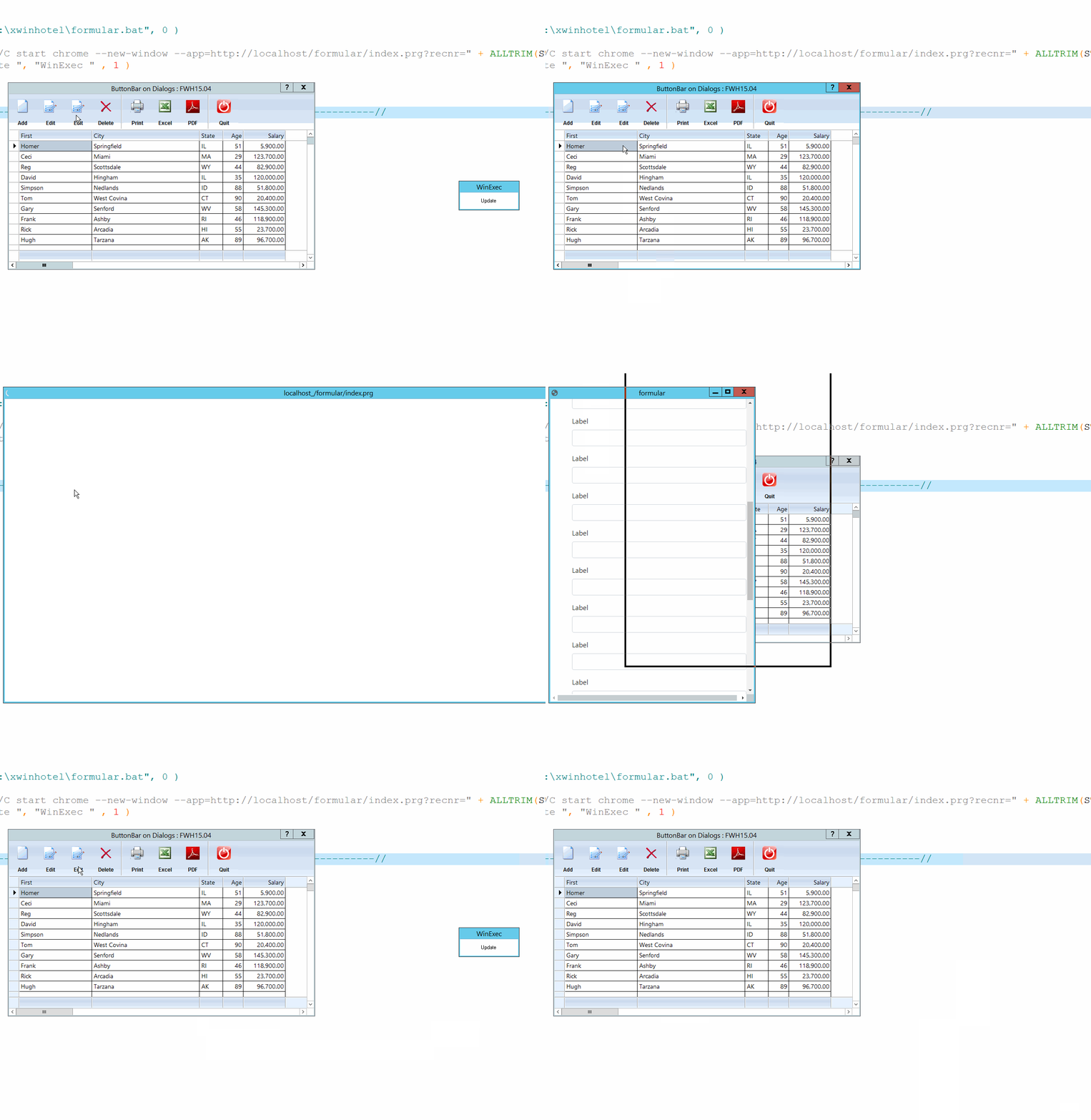
    cText += "start chrome --new-window --app=https://test.com.space/formular/index.prg?recnr=" + ALLTRIM(STR( nkdnr )) + "--window-position=600,300  --window-size=1500,730" 

    memowrit("c:\xwinhotel\formular.bat", cText )
    
    waitrun( "c:\xwinhotel\formular.bat", 0 )

return nil


Sincerely
Otto
Posts: 159
Joined: Wed Mar 28, 2007 01:19 PM
Re: Question about WinExec()
Posted: Wed Apr 21, 2021 01:21 PM
Hi Otto.
The same way...
Code (fw): Select all Collapse
  nkdnr := 10
  WinExec("CMD /C start chrome --new-window --app=https://test.com.space/formular/index.prg?recnr=" + ALLTRIM(STR( nkdnr )) + " --window-position=600,300  --window-size=1500,730",0)

It opened the window with the correct size but got DNS_PROBE_FINISHED_NXDOMAIN error.
But...
Code (fw): Select all Collapse
   WinExec("CMD /C start chrome --new-window --app=http://fivewin.com.br/index.php?/files/ --window-position=600,300 --window-size=1500,730",0)

Opens the site OK but does not respect the window sposition and size parameters
With your program compiled, got the same DNS_PROBE_FINISHED_NXDOMAIN error.
Regards, Euclides
Posts: 6983
Joined: Fri Oct 07, 2005 07:07 PM
Re: Question about WinExec()
Posted: Wed Apr 21, 2021 04:36 PM
Hello Euclides,

Thanks, it works very well. I run the program in localhost.

I want to make my WINHOTEL extensions in the future with mod harbour since we can access the same databases.
Thanks again. The call is much safer now. No bat-file - which you can change - in between.

Best regards,
Otto

Continue the discussion