FiveTech Support Forums

FiveWin / Harbour / xBase community
Board index FiveWin for Harbour/xHarbour A problem with xImage and JPG
Posts: 4043
Joined: Wed Dec 19, 2007 06:40 PM

A problem with xImage and JPG

Posted: Mon Apr 26, 2021 02:16 PM
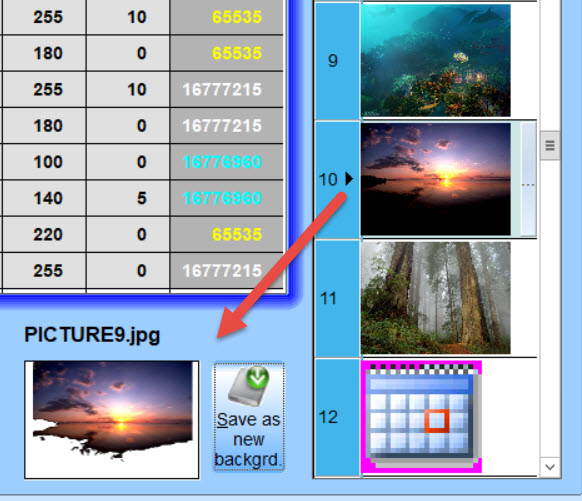
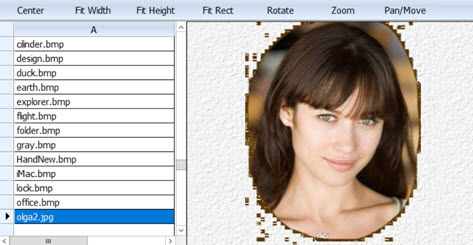
A alphablended JPG with xImage how is that possible :-)
The normal formats using transparent are : GIF, PNG, TIF and BMP


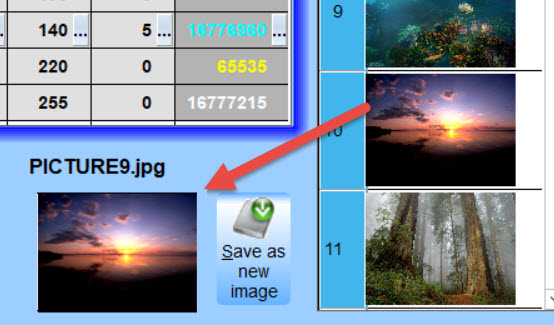
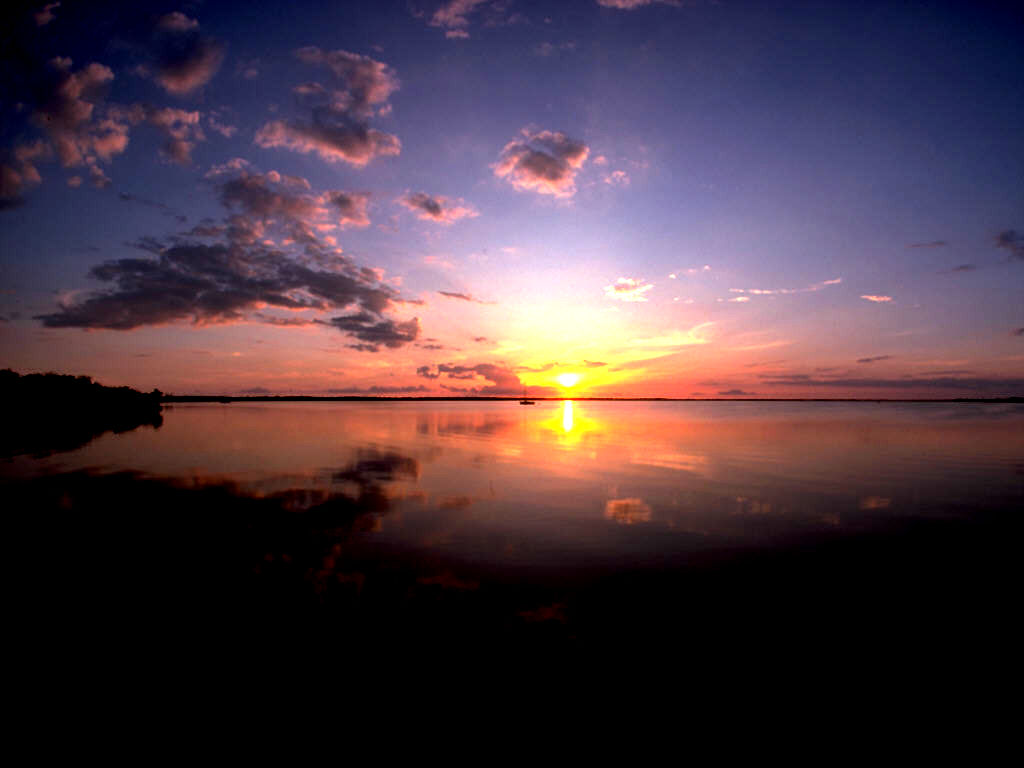
the original JPG


regards
Uwe :-)
Since 1995 ( the first release of FW 1.9 )

i work with FW.

If you have any questions about special functions, maybe i can help.
Posts: 8523
Joined: Tue Dec 20, 2005 07:36 PM

Re: A problem with xImage and JPG

Posted: Mon Apr 26, 2021 04:08 PM

Example, PRG?

Regards.

João Santos - São Paulo - Brasil - Phone: +55(11)95150-7341
Posts: 4043
Joined: Wed Dec 19, 2007 06:40 PM

Re: A problem with xImage and JPG

Posted: Mon Apr 26, 2021 04:23 PM

Nothing extra.
It is the original sample xImage01.prg from the sample-folder
You can test it from there.
For the test I added the image to the imagefolder thats all.
Just see the picture above

regards
Uwe

Since 1995 ( the first release of FW 1.9 )

i work with FW.

If you have any questions about special functions, maybe i can help.
Posts: 8523
Joined: Tue Dec 20, 2005 07:36 PM

Re: A problem with xImage and JPG

Posted: Mon Apr 26, 2021 04:57 PM

Master, this JPG is damaged. I opened it with IRFANVIEW.EXE and the image is not perfect. Try another one please.

Greetings.

João Santos - São Paulo - Brasil - Phone: +55(11)95150-7341
Posts: 8523
Joined: Tue Dec 20, 2005 07:36 PM

Re: A problem with xImage and JPG

Posted: Mon Apr 26, 2021 05:16 PM
Look,


Regards.
João Santos - São Paulo - Brasil - Phone: +55(11)95150-7341
Posts: 4043
Joined: Wed Dec 19, 2007 06:40 PM

Re: A problem with xImage and JPG

Posted: Mon Apr 26, 2021 05:46 PM
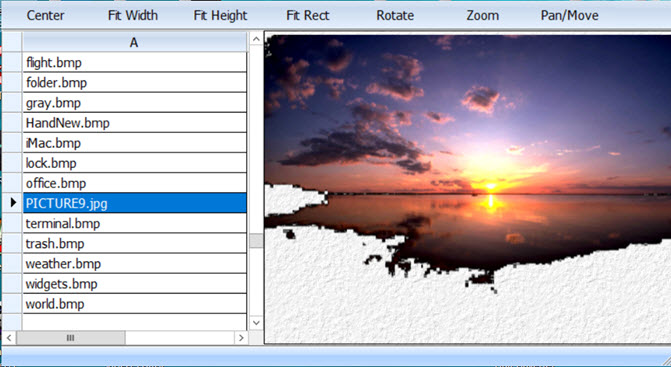
I*m using a professional sofware PHOTOSHOP and there is no error.

Most of JPG-files don't use solid colors on the border-area.
That is the reason black is shown transparent.
With my new < cellborder-tool > it is possible to test it as well.
The image-selection from the browser is using xImage.

I tested some more JPG*s

the problem belongs to JPG-images with some SOLID colorspaces from the outside
Next I painted a SOLID freehand-border around image Olga1.jpg
A normal JPG without solid colors doesn*t have any problems


Images can be tested here :


regards
Uwe
Since 1995 ( the first release of FW 1.9 )

i work with FW.

If you have any questions about special functions, maybe i can help.
Posts: 10733
Joined: Sun Nov 19, 2006 05:22 AM

Re: A problem with xImage and JPG

Posted: Tue Apr 27, 2021 06:31 AM
Please try chaing oBrw:bChange as
Code (fw): Select all Collapse
      :bChange       := { || oImage:lBmpTransparent := !( Lower( cFileExt( oBrw:aRow[ 2 ] ) ) $ "jpg,jpeg" ), ;
                             oImage:Refresh() }
Regards


G. N. Rao.

Hyderabad, India
Posts: 4043
Joined: Wed Dec 19, 2007 06:40 PM

Re: A problem with xImage and JPG

Posted: Tue Apr 27, 2021 12:38 PM
Thank You very much
it is working now :-)
solid color-areas are rarely inside JPG-files special on the outline area :-)


regards
Uwe
Since 1995 ( the first release of FW 1.9 )

i work with FW.

If you have any questions about special functions, maybe i can help.

Continue the discussion