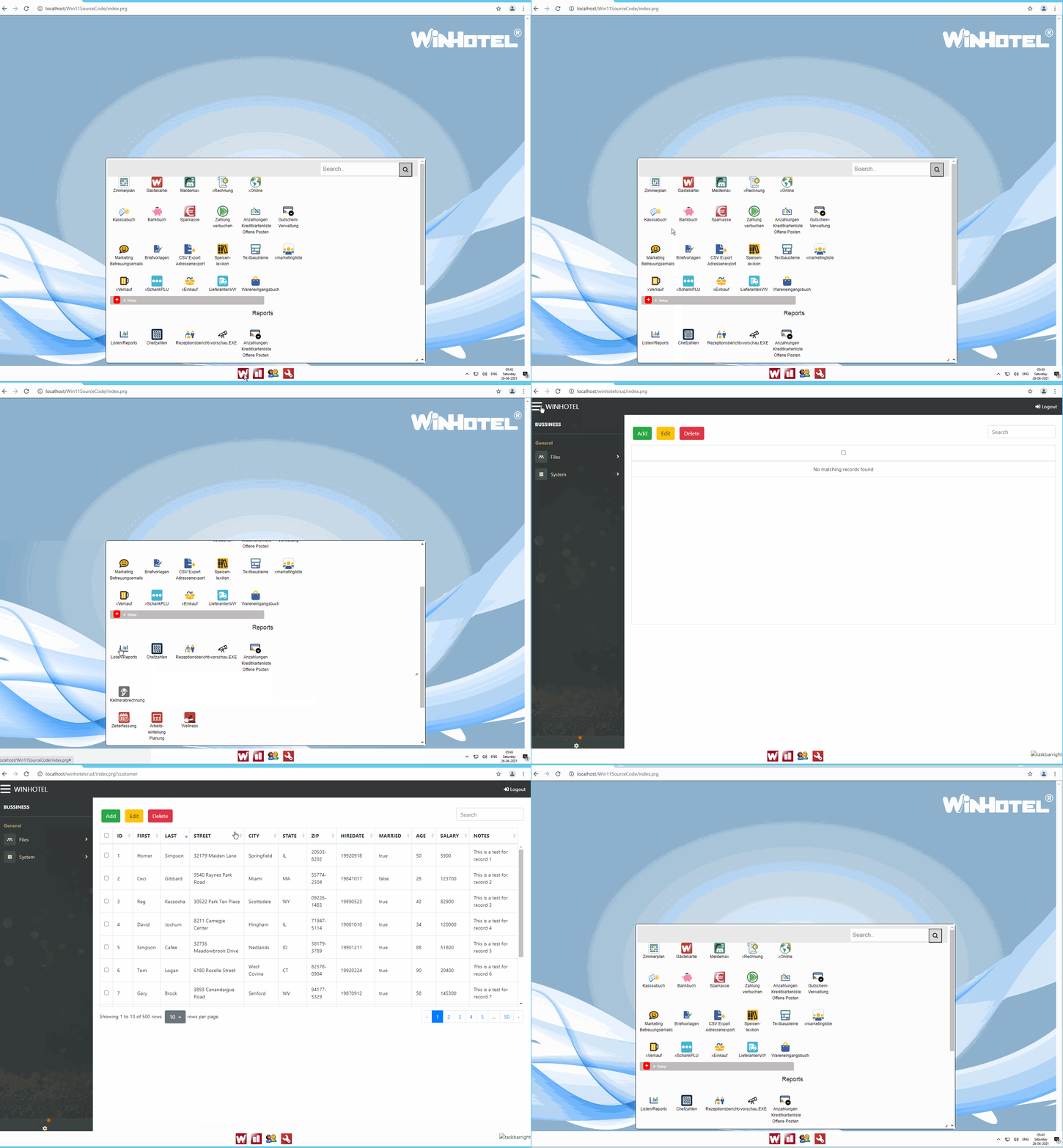
I will update to Windows 11.
Me too, as soon as possible!
I have a MacBook Pro ( Intel ), running the latest Mac OS, which is essentially a test computer for projects.
I installed Parallels 17.0.0 which is supposed to work with Windows 10 ( and on the M1 chip ).
I installed the Beta version of Windows 11, and Visual Studio 2022 Community preview.
Most things work OK. However, many of the announced features for Windows 11 will NOT be available at rollout on October 5, or even soon thereafter. I find my essential programs ( Ultra Edit, Visual Studio, Office 365 ) work OK. I didn't see anything to jump in excitement about ... yet.
I am encountering some issues that may, or may not, be related to this. I've reached out to Parallels but so far absolutely no response. That is becoming normal for them. Tech questions may wait for weeks before receiving a scripted, inappropriate, response, even though their marketing team is working night and day to try and advertise their new release.
I will let my other Windows computers update when the "invite" arrives. I will say the update process may have issues. Mine certainly did, and the computer was a very fresh install. I had reverted it to it's factory state, freshly formatted the disk, and then did the OS updates before installing the VM and then Windows 10. Once that was all in place, it took a number of reboots, and further Win 10 updates, to get it up and running.
I have suggested to my clients they wait perhaps until November before allowing the update. Microsoft quality control is a very low priority and support, like with so many other companies, is very hard to attain. We should expect huge delays awaiting a clean update.
Tim,
Be advised that most, if not all, of your customer's probably don't have the hardware required to run Windows 11. Microsoft has relaxed some of the requirements, but hardware still requires some of the latest and most powerful CPU chips. So this means high-end computers purchased within the last 2 years.
James,
My MacBook is older than that and it runs it. My other two computers are newer ... a Dell AIO and a Surface Notebook, both purchased this year. Neither one will have any problems.
As for my clients, many have updaterd their computers within that timeframe, and almost all of them are on Windows 10 current versions. Those devices that pass the approval of Microsoft will update, and should work fine on their networks with the Windows 10 computers. I'm sure most of my time in Oct-Dec will be supporting those clients who do have computers upgrade. 95% of the help I give now is when a Windows update hits a computer, shuts off networking, and doesn't turn it back on after completion.
One thing that is interesting is that Parallels claims it will run the beta version of Windows 11 on an M1 ( ARM ) chip. Previously one had to use a different, beta, version of the OS to run on the Microsoft ARM computers ( and the M1 ) chip, but it would appear that Windows 11 may consolidate the OS into one package that works on both Intel and ARM processors. I haven't really researched this one yet.
Tim
My PC is older (2013) and therefore it's not compatible with Windows 11. ![]()
EMG
My computers range from 1 to 7 years old but none of them has the required TPM chip so no W11 at the moment.


I am interested in Windows 365 ![]()
Dear Antonio,
Thank you for pointing out WINDOWS 365.
It seems very interesting.
I imagine it is similar to an RDP server, but much easier to administer.
We will still need to install a web server or maybe IIS is installed.
I have to inform me about this new WINDOWS 365.
But if you do not have to care about the hardware and the software is ready to go installed it is much easier for us. Especially if we address small companies.
Best regards,
Otto
Willing to put my hands on it... ![]()
Dear Antonio,
https://www.youtube.com/watch?v=RmTAcskU3pM
I wanted to try. But for DBF-files, disk speed is the best performance booster.
And it seems that this is not so good.
BTW - our SERVERBOOK is very similar to this CLOUD PC.
We use Zerotier to connect extern PCs to the system.
Maybe you all know Zerotier if not:
https://www.zerotier.com/
Connect team members from anywhere in the world on any device.
ZeroTier creates secure networks between on-premise, cloud, desktop, and mobile devices.
This software is for small teams free.
There are installers for:
MICROSOFT WINDOWS/MAC OS/APPLE IOS/ANDROID/LINUX
It is so easy to set up a virtual network.
Best regards,
Otto