From WORDPRESS to DBF-mod harbour
We export from phpMyAdmin to json file. This looks something like this:
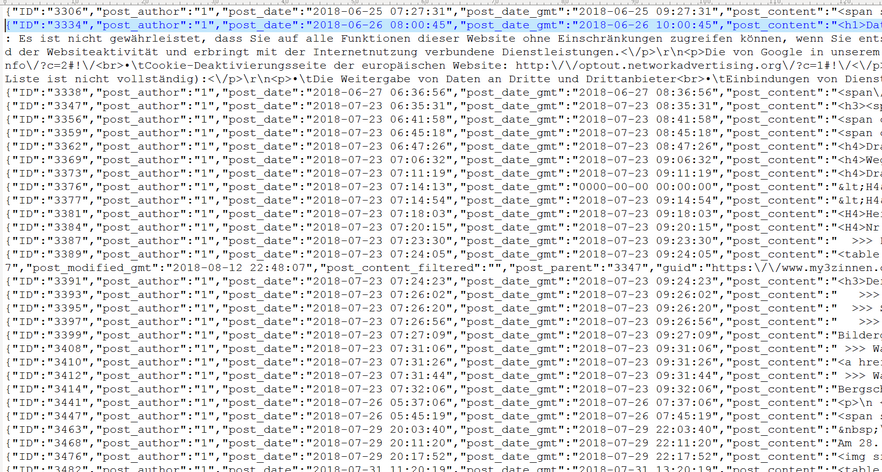
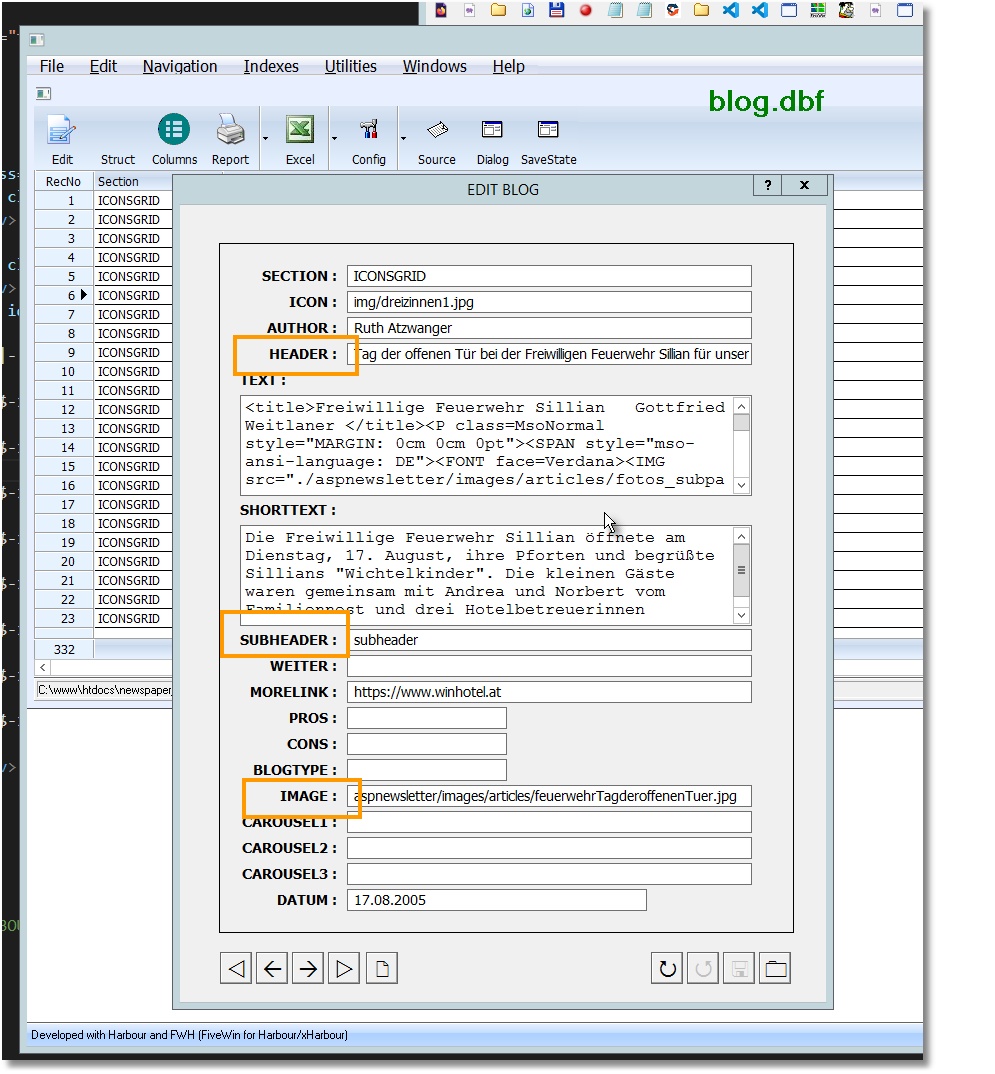
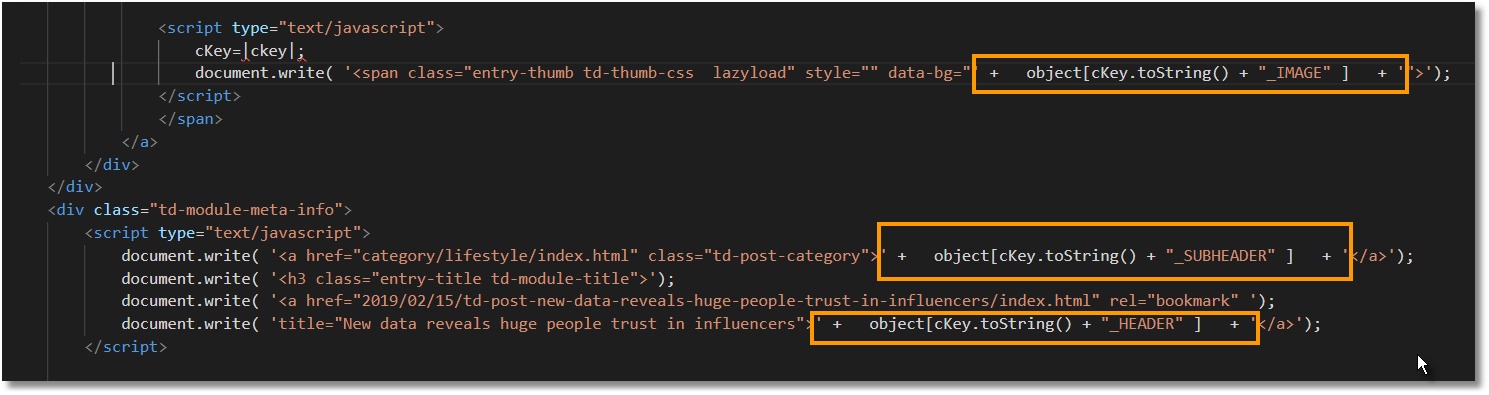
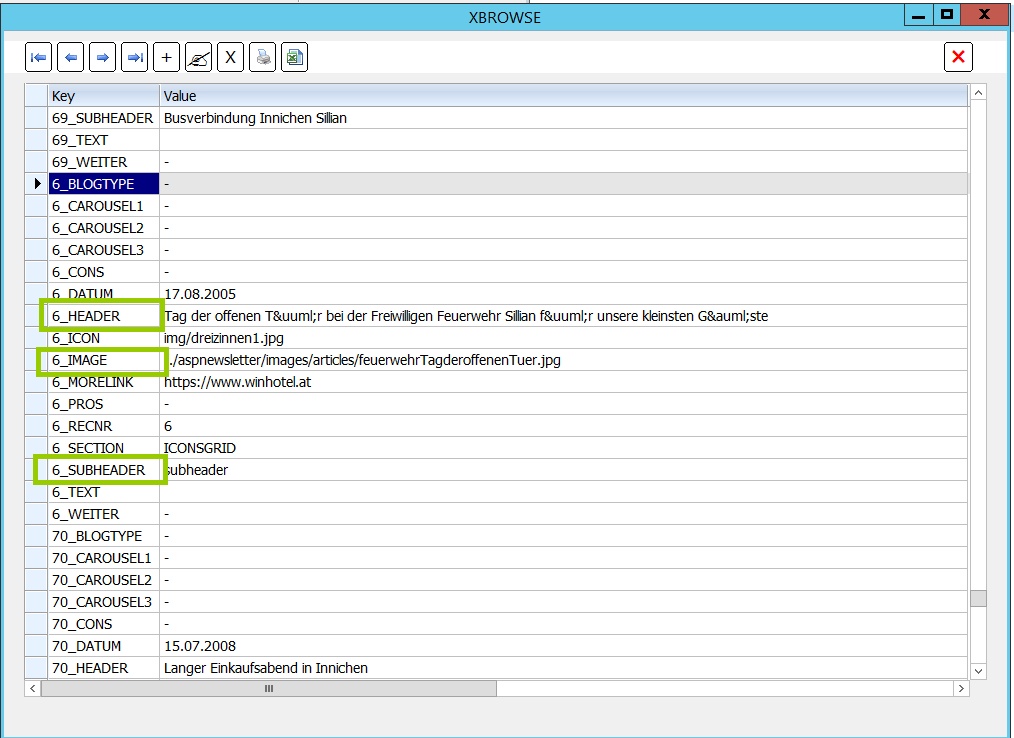
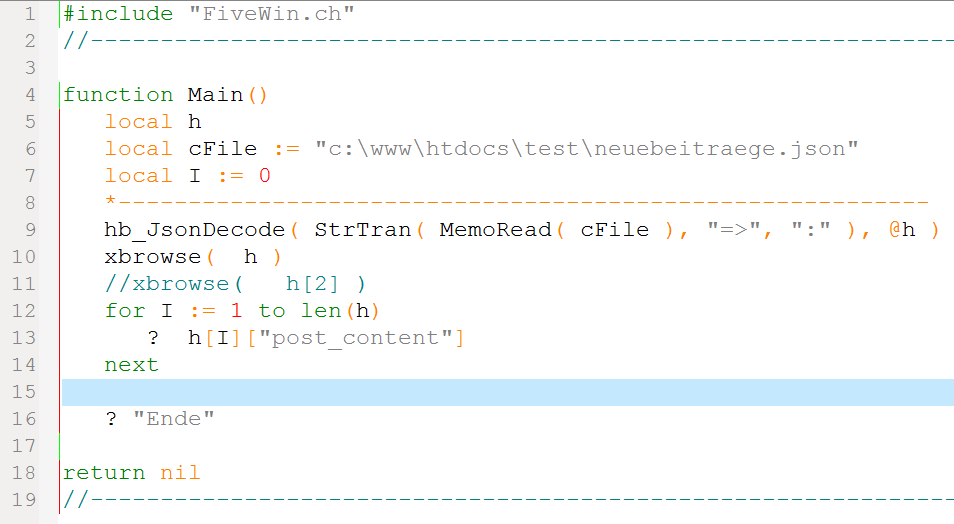
Then with a little HABOUR/FIVEWIN program we import the json file into a DBF. With 2 lines of source we get a hash in HARBOUR.
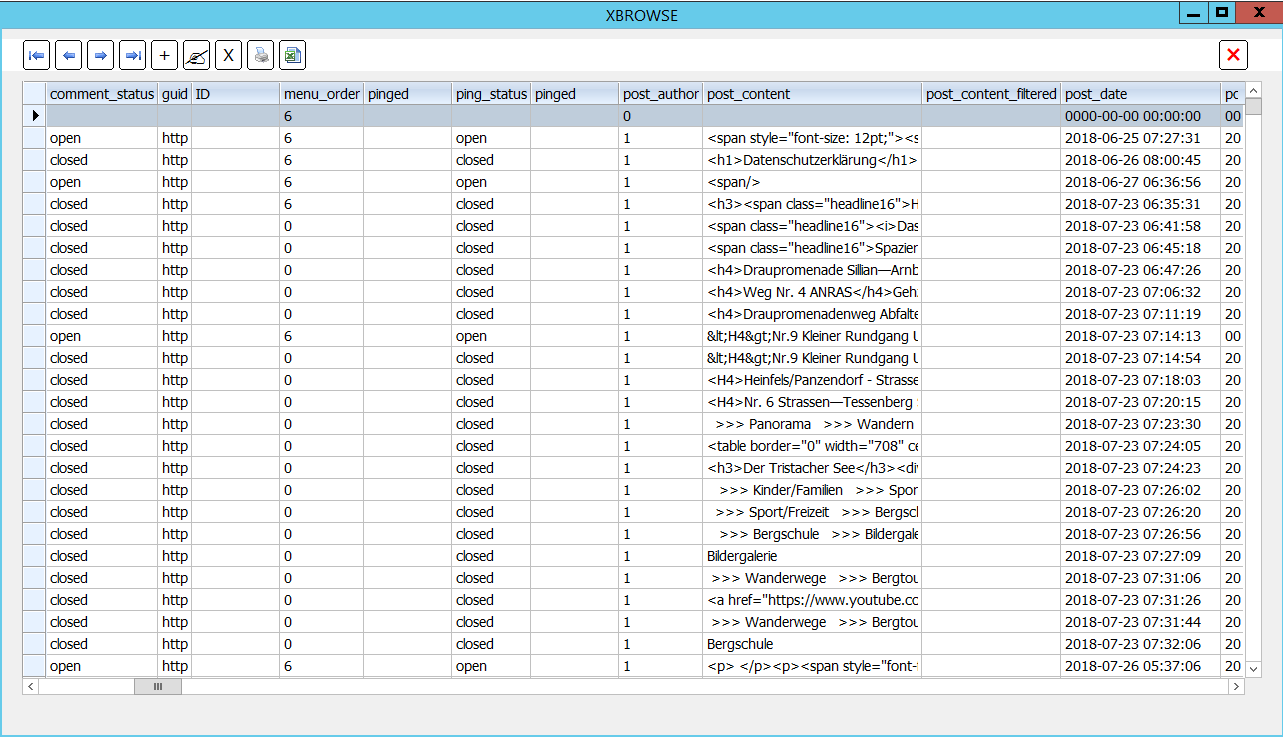
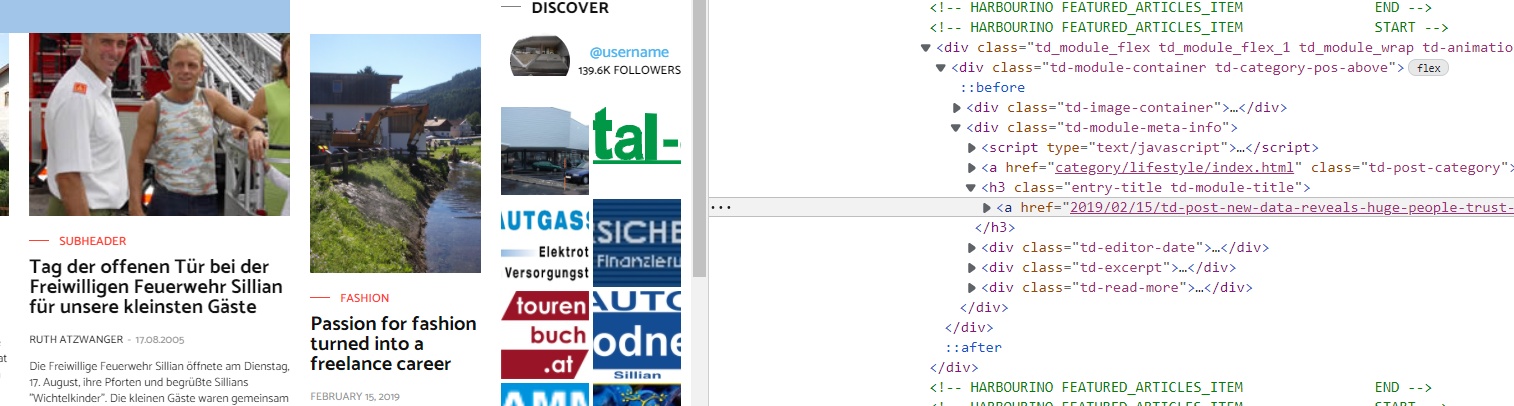
The WordPress blog I am importing started around the year 2000. Here is a screenshot from a post of 2005. Look how small the pictures have been.

We export from phpMyAdmin to json file. This looks something like this:
Then with a little HABOUR/FIVEWIN program we import the json file into a DBF. With 2 lines of source we get a hash in HARBOUR.
properties oft the object:
$post_id = -99; // negative ID, to avoid clash with a valid post
$post = new stdClass();
$post->ID = $post_id;
$post->post_author = 1;
$post->post_date = current_time( 'mysql' );
$post->post_date_gmt = current_time( 'mysql', 1 );
$post->post_title = 'Some title or other';
$post->post_content = 'Whatever you want here. Maybe some cat pictures....';
$post->post_status = 'publish';
$post->comment_status = 'closed';
$post->ping_status = 'closed';
$post->post_name = 'fake-page-' . rand( 1, 99999 ); // append random number to avoid clash
$post->post_type = 'page';
$post->filter = 'raw'; // important!
The WordPress blog I am importing started around the year 2000. Here is a screenshot from a post of 2005. Look how small the pictures have been.