

https://github.com/rcmaehl/WhyNotWin11/releases/download/2.4.1/WhyNotWin11.exe
Please check if you have TPM. No TPMs on the iMacs...
Please check if you have TPM. No TPMs on the iMacs...
Antonio
I have a Strix ( asus ) Republic of gamers laptop .. I do have TPM 2.0, and have loaded the latest Windows 11 Dev operating system ... with that said .. the latest W11 hardware requirement program :
https://www.bleepingcomputer.com/news/m ... lity-info/
does indeed pass my machine on TPM 2.0 but fails on my i7 processor Intel(R) Core(TM) i7-7700HQ CPU @ 2.80GHz 2.80 GHz. Again with that said .. I had no difficulty installing the latest W11 dev.
When I ran the above pc-health check ( again ) the i7 processor fails and I have no clue why ... I had no problem doing a fresh install of W11 dev ???
Rick Lipkin

Antonio
I already have W11 converted from ISO to bootable USB ... I installed Oracle Virtualbox .. I have all the settings set to see the USB ... unfortunately, the Boot order will not see the USB as a boot device ..
The W11 Iso I have is too big to extract to a DVD .. so I unfortunately can not answer your question .. 
Rick Lipkin
Rick,
You can directly boot from the W11 ISO on the virtualbox VM
Antonio
No ... I can not boot from the USB to the VM ... The pass-thru for the USB is there, but the USB is not a bootable option in the settings
Rick
Rick,
W11 installs fine on VirtualBox running it from OSX. It doesn't work from Windows (bootcamp).
Very good!
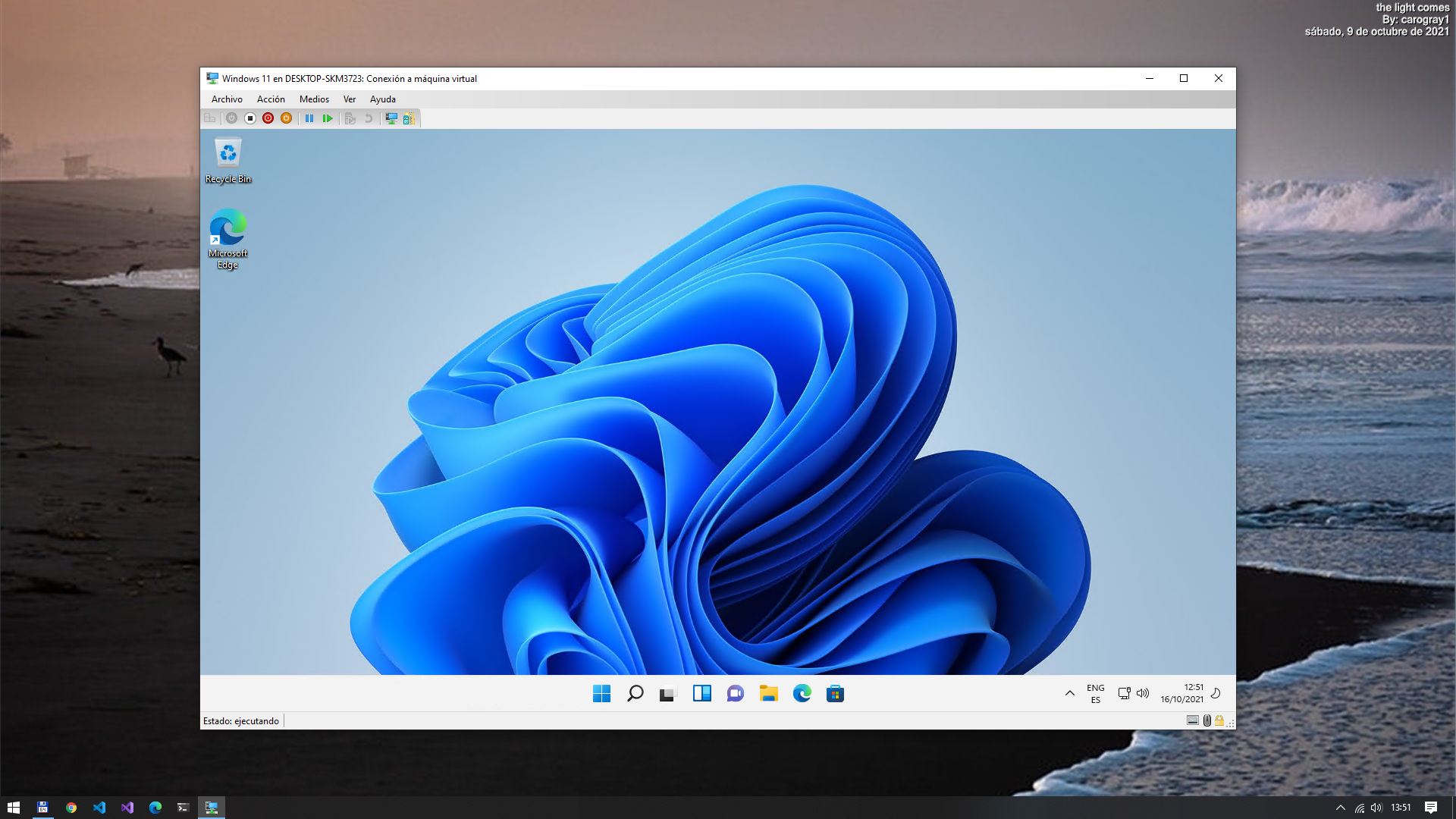


Thank you Rick!
C:\Windows\system32>wsl --install
Installing: Virtual Machine Platform
Virtual Machine Platform has been installed.
Installing: Windows Subsystem for Linux
Windows Subsystem for Linux has been installed.
Downloading: WSL Kernel
Installing: WSL Kernel
WSL Kernel has been installed.
Downloading: GUI App Support
Installing: GUI App Support
GUI App Support has been installed.
Downloading: Ubuntu
The requested operation is successful. Changes will not be effective until the system is rebooted.
