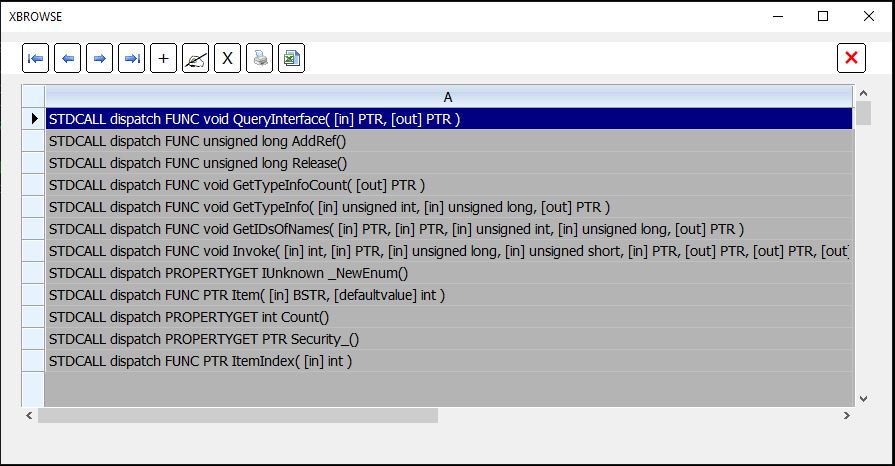
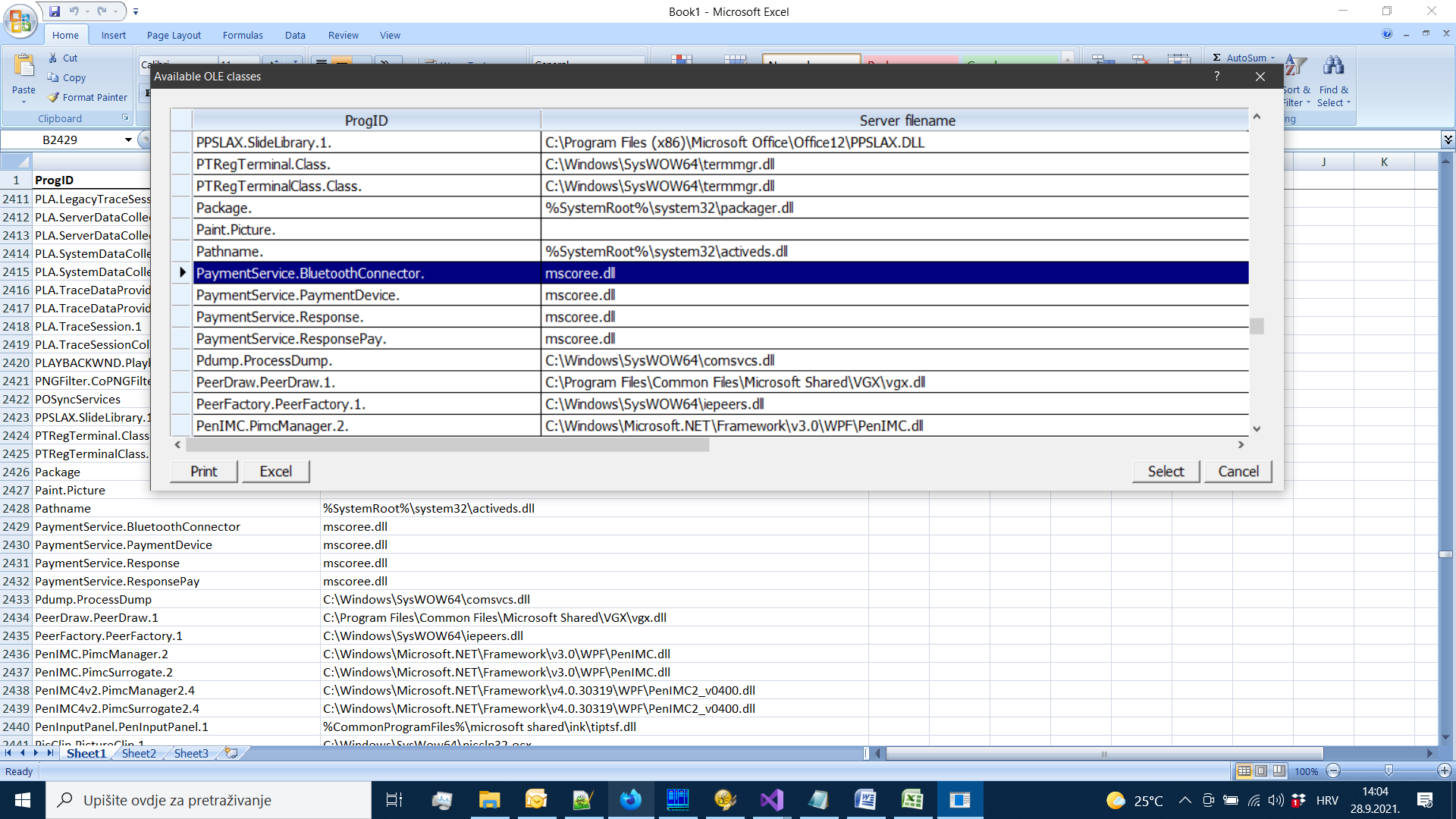
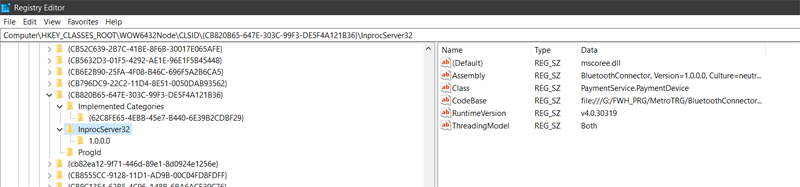
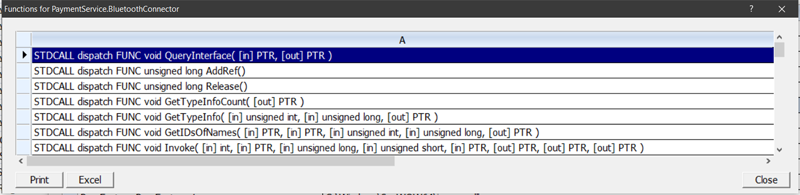
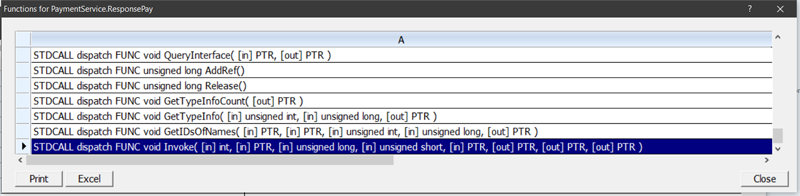
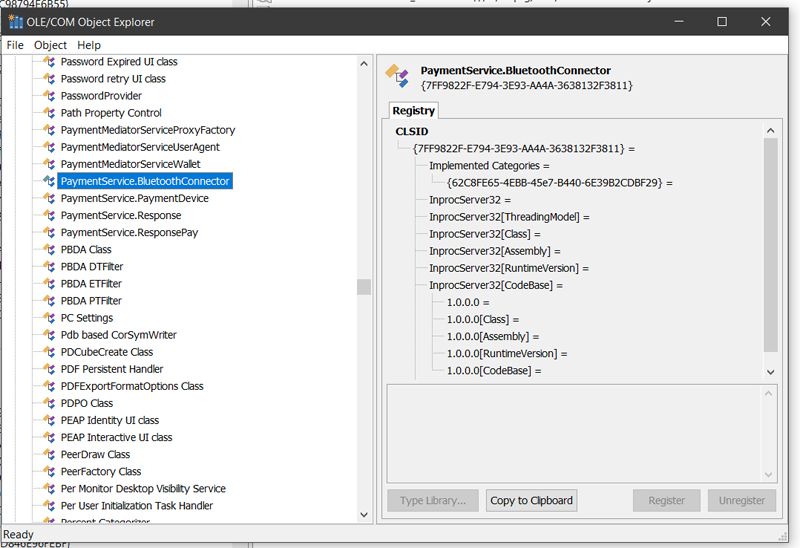
I need to connect the POS device TPS900 to a POS application that is done with FWH / xHarbour. The TPS900 vendor has created a software interface as a COM component with functions to communicate with the TPS900 (C #).
So far, I have used the CREATEOBJECT function very successfully for account fiscalization as well.
Example, how I used CREATEOBJECT.
Class1.cs (c#)
register.bat
C:\Windows\Microsoft.NET\Framework\v4.0.30319\regasm /codebase C:\Users\Dubravko\source\repos\MyTest\MyTest\bin\Debug\MyTest.dll
I received an email from the equipment supplier saying that they use a singleton pattern to manage and control instances of Bluetooth connections and suggest that I use the factory method BluetoothConnector.GetInstance (string serviceGuid)
[ Mail ] Greeting,
I am sending a reworked dll, it should work now. The problem was probably that COM registration required the class to have a public default constructor, and since we use a singleton pattern (to manage and control instances of Bluetooth connections), the constructor was private. In any case, do not use the constructor for the BluetoothConnector class (there is only for COM registration), but instead use the factory method BluetoothConnector.GetInstance (string serviceGuid) to create, and retrieve an instance of BluetoothConnector.
Can anyone help me how to use CREATEOBJECT for factory method
BluetoothConnector.GetInstance (string serviceGuid)
e.g:
oPOS := CREATEOBJECT("BluetoothConnector.GetInstance('TestConnectionDLL()' ) or something ?
Thanks for any help
Regards,
( TestConnectionDLL () is a built-in function in BluetoothConnector.cs
Returns what we sent as an argument. )
BluetoothConnector.cs
So far, I have used the CREATEOBJECT function very successfully for account fiscalization as well.
Example, how I used CREATEOBJECT.
Class1.cs (c#)
using System;
using System.Collections.Generic;
using System.Linq;
using System.Text;
using System.Threading.Tasks;

namespace MyTest
{

    public class HelloWord
        {
        public String SayHello(string test)
            {
            return test;
            }
        }
}
register.bat
C:\Windows\Microsoft.NET\Framework\v4.0.30319\regasm /codebase C:\Users\Dubravko\source\repos\MyTest\MyTest\bin\Debug\MyTest.dll
       //Test.prg
      //==========================================  My Test ActiveX
      Public oPOS
      Local ret := ““

      oPOS   := CREATEOBJECT("MyTest.HelloWord")             //    namespace->MyTest  public class->HelloWord

      alert(valtype(oPOS))                                                            // "O"

      ret := oPOS:SayHello("I'm here !!!!!!")

      alert( ret )                                                                             // -> " I'm here !!!!!!"

      //==========================================
I received an email from the equipment supplier saying that they use a singleton pattern to manage and control instances of Bluetooth connections and suggest that I use the factory method BluetoothConnector.GetInstance (string serviceGuid)
[ Mail ] Greeting,
I am sending a reworked dll, it should work now. The problem was probably that COM registration required the class to have a public default constructor, and since we use a singleton pattern (to manage and control instances of Bluetooth connections), the constructor was private. In any case, do not use the constructor for the BluetoothConnector class (there is only for COM registration), but instead use the factory method BluetoothConnector.GetInstance (string serviceGuid) to create, and retrieve an instance of BluetoothConnector.
Can anyone help me how to use CREATEOBJECT for factory method
BluetoothConnector.GetInstance (string serviceGuid)
e.g:
oPOS := CREATEOBJECT("BluetoothConnector.GetInstance('TestConnectionDLL()' ) or something ?
Thanks for any help
Regards,
( TestConnectionDLL () is a built-in function in BluetoothConnector.cs
Returns what we sent as an argument. )
BluetoothConnector.cs
using System;
using System.Collections.Generic;
using System.IO;
using System.Linq;
using System.Text;
using System.Threading.Tasks;
using InTheHand.Net;
using InTheHand.Net.Bluetooth;
using InTheHand.Net.Sockets;
using Newtonsoft.Json;

namespace PaymentService
{
  public class BluetoothConnector
  {
    private static BluetoothConnector _instance = null;
    private static readonly object lockObj = new object();

    private BluetoothClient _client;
    private List<BluetoothDeviceInfo> _availableDevices = new List<BluetoothDeviceInfo>();
    private BluetoothDeviceInfo _selectedDevice = null;
    private string _serviceGuid;

    BluetoothConnector()
    {
      this._client = new BluetoothClient();
    }

    private string ServiceGuid
    {
      set
      {
        this._serviceGuid = value;
      }
    }

    public static BluetoothConnector GetInstance(string serviceGuid)
    {
      if (_instance == null)
      {
        lock (lockObj)
        {
          if (_instance == null)
          {
            _instance = new BluetoothConnector();
            _instance.ServiceGuid = serviceGuid;
          }
        }
      }
      return _instance;
    }

    /// <summary>
    /// Looks up for all available bluetooth devices near by.
    /// </summary>
    /// <returns>Returns a list of devices found.</returns>
    public IReadOnlyCollection<PaymentDevice> FindAvailableDevices()
    {
      List<PaymentDevice> devicesList = new List<PaymentDevice>();
      var devices = this._client.DiscoverDevices();
      foreach (var dev in devices)
      {
        _availableDevices.Add(dev);

        PaymentDevice d = new PaymentDevice()
        {
          DeviceName = dev.DeviceName,
          Authenticated = dev.Authenticated,
          DeviceAddress = dev.DeviceAddress.ToUInt64()
        };

        devicesList.Add(d);
      }

      return devicesList.AsReadOnly();
    }

    /// <summary>
    /// Attempts pairing process with the POS terminal device.
    /// </summary>
    /// <param name="device">Device information.</param>
    /// <returns>Returns <b>true</b> if pairing succeeded.</returns>
    public bool Pair(PaymentDevice device)
    {
      bool result = false;

      if (!device.Authenticated)
      {
        result = BluetoothSecurity.PairRequest(device.DeviceAddress, null);
      }
      else
        result = true;

      BluetoothDeviceInfo deviceInfo = _availableDevices.FirstOrDefault(d => d.DeviceAddress.ToUInt64() == device?.DeviceAddress);
      this._selectedDevice = deviceInfo;
      deviceInfo?.Refresh();

      return result;
    }

    /// <summary>
    /// Executes payment transaction against the POS terminal device.
    /// </summary>
    /// <param name="amount">Transaction amount.</param>
    /// <param name="currency">Transaction currency. This parameter is optional and if omitted, "HRK" is used as default.</param>
    /// <returns>Transaction execution result details.</returns>
    public ResponsePay Pay(decimal amount, string currency = "HRK")
    {
      this.ConnectClient();

      var stream = _client.GetStream();
      StreamWriter sw = new StreamWriter(stream, System.Text.Encoding.UTF8);

      ResponsePay responseObject = null;

      try
      {
        var obj = new
        {
          requestId = Guid.NewGuid().ToString().ToLower(),
          method = "pay",
          parameters = new { amount, currency }
        };
        var objectJson = JsonConvert.SerializeObject(obj);
        sw.WriteLine(objectJson);
        sw.Flush();

        string response;

        if (stream.CanRead)
        {
          using (StreamReader sr = new StreamReader(stream))
          {
            response = sr.ReadLine();
            responseObject = JsonConvert.DeserializeObject<ResponsePay>(response);
          }
        }
      }
      catch (Exception ex)
      {
        throw new InvalidOperationException(ex.Message);
      }

      return responseObject;
    }

    /// <summary>
    /// Executes payment transaction against the POS terminal device.
    /// </summary>
    /// <param name="transactionId">Transaction identifier.</param>
    /// <returns>Transaction cancellation execution result details.</returns>
    public ResponsePay Cancel(string transactionId)
    {
      this.ConnectClient();

      var stream = _client.GetStream();
      StreamWriter sw = new StreamWriter(stream, System.Text.Encoding.UTF8);

      ResponsePay responseObject = null;

      try
      {
        var obj = new
        {
          requestId = Guid.NewGuid().ToString().ToLower(),
          method = "cancel",
          parameters = new { transactionId }
        };
        var objectJson = JsonConvert.SerializeObject(obj);
        sw.WriteLine(objectJson);
        sw.Flush();

        string response;

        if (stream.CanRead)
        {
          using (StreamReader sr = new StreamReader(stream))
          {
            response = sr.ReadLine();
            responseObject = JsonConvert.DeserializeObject<ResponsePay>(response);
          }
        }
      }
      catch (Exception ex)
      {
        throw new InvalidOperationException(ex.Message);
      }

      return responseObject;
    }

    /// <summary>
    /// Tests a bluetooth connection against the paired device and its registered service.
    /// </summary>
    /// <returns>Response with the test result.</returns>
    public Response TestConnection()
    {
      this.ConnectClient();

      var stream = _client.GetStream();
      StreamWriter sw = new StreamWriter(stream, System.Text.Encoding.UTF8);

      Response responseObject = null;

      try
      {
        var obj = new
        {
          requestId = Guid.NewGuid().ToString().ToLower(),
          method = "test",
          parameters = new { data = "testData" }
        };
        var objectJson = JsonConvert.SerializeObject(obj);
        sw.WriteLine(objectJson);
        sw.Flush();

        string response;

        if (stream.CanRead)
        {
          using (StreamReader sr = new StreamReader(stream))
          {
            response = sr.ReadLine();
            responseObject = JsonConvert.DeserializeObject<Response>(response);
          }
        }
      }
      catch (Exception ex)
      {
        throw new InvalidOperationException(ex.Message);
      }

      return responseObject;
    }

    private void ConnectClient()
    {
      if (!_client.Connected)
      {
        _client.Connect(_selectedDevice.DeviceAddress, Guid.Parse(_serviceGuid));
      }
      if (!_client.Connected || _client.PairedDevices.Count() == 0)
      {
        throw new InvalidOperationException("Niste spojeni na niti jedan uređaj. Pokrenite spajanje/uparivanje.");
      }
    }
  }
}