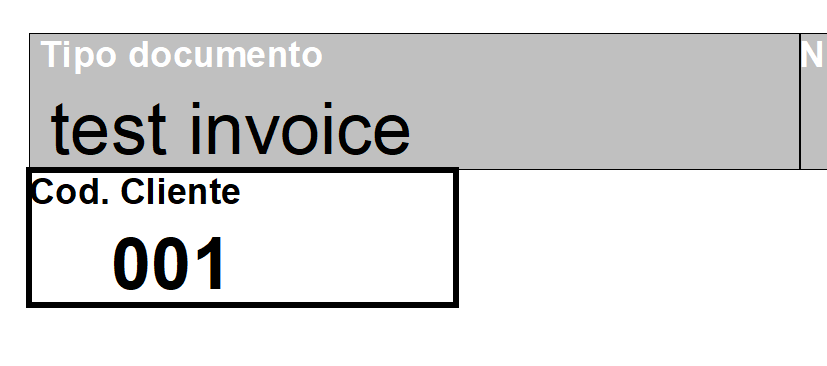
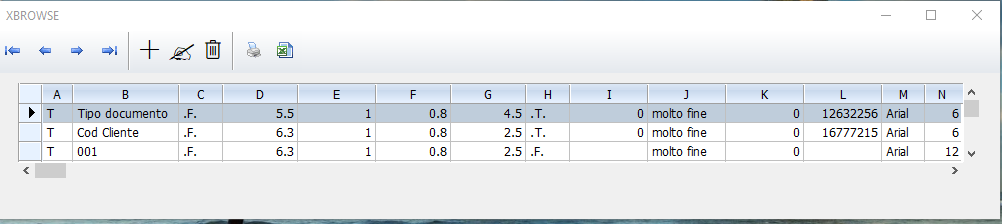
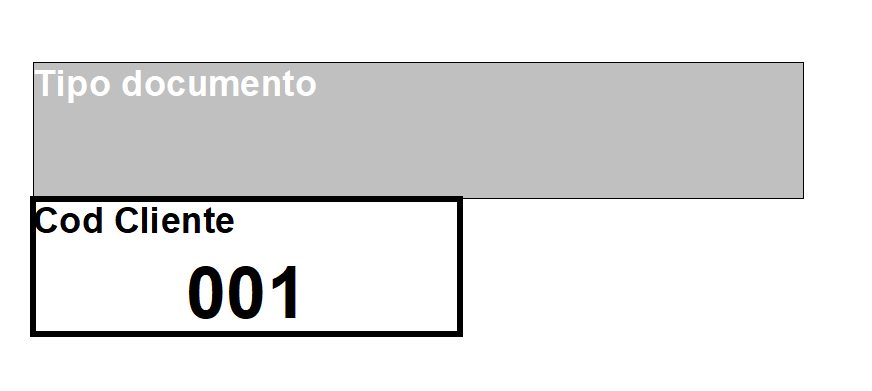
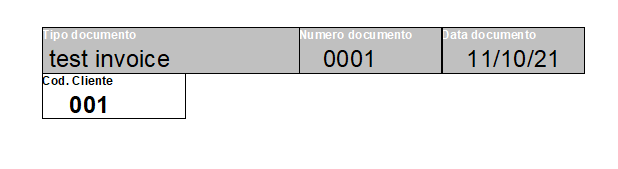
I made a Box with
nRiga := 5.5
nColonna := 1
nAltezza := 0.8
nlarghezza := 4.5
....
oPrn:Box(nRiga,nColonna,nAltezza+nRiga,nlarghezza, { cColorbordo, nTipoBordo }, cBackbordo, ;
{ cTesto, oFnt, nColorFont, cAlign }, ;
"CM" )
as you can see here
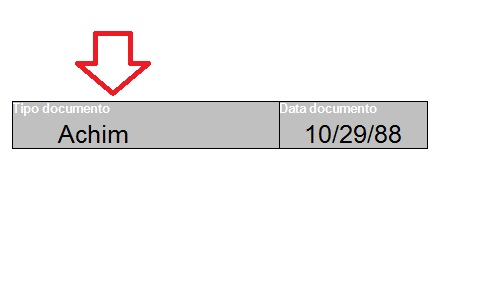
How I can make to move only the text for some mm ?
the "T" of the text is close to the line of the box, how do I move the content of the text so that the whole box does not move?
If I insert nColonna+0.3 it move also the box
nRiga := 5.5
nColonna := 1
nAltezza := 0.8
nlarghezza := 4.5
....
oPrn:Box(nRiga,nColonna,nAltezza+nRiga,nlarghezza, { cColorbordo, nTipoBordo }, cBackbordo, ;
{ cTesto, oFnt, nColorFont, cAlign }, ;
"CM" )
as you can see here
How I can make to move only the text for some mm ?
the "T" of the text is close to the line of the box, how do I move the content of the text so that the whole box does not move?
If I insert nColonna+0.3 it move also the box
Since from 1991/1992 ( fw for clipper Rel. 14.4 - Momos)
I use : FiveWin for Harbour March-April 2024 - Harbour 3.2.0dev (harbour_bcc770_32_20240309) - Bcc7.70 - xMate ver. 1.15.3 - PellesC - mail: silvio[dot]falconi[at]gmail[dot]com
I use : FiveWin for Harbour March-April 2024 - Harbour 3.2.0dev (harbour_bcc770_32_20240309) - Bcc7.70 - xMate ver. 1.15.3 - PellesC - mail: silvio[dot]falconi[at]gmail[dot]com