
dim:=directory(MyFolder+"*.*")
Board index FiveWin for Harbour/xHarbour Copy File Name
Page: 1 2 (22 posts)

Use, HB_FNameSplit:
https://vivaclipper.wordpress.com/tag/hb_fnamesplit/
https://hmgforum.com/esgici/vivaclipper.wordpress.com/2014/02/22/hb_fnamesplit/index.html
Regards.
https://vivaclipper.wordpress.com/tag/hb_fnamesplit/
https://hmgforum.com/esgici/vivaclipper.wordpress.com/2014/02/22/hb_fnamesplit/index.html
Regards.
João Santos - São Paulo - Brasil - Phone: +55(11)95150-7341
I did not make an empty text file .
https://cloud.mail.ru/public/jKRA/mDdPAAgoS
The header of this file consists of 3 characters D090 D090 CC86.
D0 is Cyrillic UTF-8. After reading this file through directory() I will get AA?.txt because the FW not recognize the CC86 symbol. This symbol must be deleted. I can edit the file headers in Explorer or TC, but there are a lot of files with the CC86 symbol in my name on the network (I haven't figured out where yet), You can rename such files from FW, apparently, through the bat file
chcp 1251
cmd ren C:\file1*.pdf file2.pdf
or bat file Powershell
https://cloud.mail.ru/public/jKRA/mDdPAAgoS
The header of this file consists of 3 characters D090 D090 CC86.
D0 is Cyrillic UTF-8. After reading this file through directory() I will get AA?.txt because the FW not recognize the CC86 symbol. This symbol must be deleted. I can edit the file headers in Explorer or TC, but there are a lot of files with the CC86 symbol in my name on the network (I haven't figured out where yet), You can rename such files from FW, apparently, through the bat file
chcp 1251
cmd ren C:\file1*.pdf file2.pdf
or bat file Powershell

Hello Natter,
I didn't think I would deal with this problem so quickly myself.
Are you using xHarbur or Harbour.
With Chinese characters my test program compiled with Harbor works fine. But not with xHarbour.
Best regards,
Otto
I didn't think I would deal with this problem so quickly myself.
Are you using xHarbur or Harbour.
With Chinese characters my test program compiled with Harbor works fine. But not with xHarbour.
Best regards,
Otto
#include "fivewin.ch"
     #include "ini.ch"

     #include "adodef.ch"
     #include "ord.ch"
     #include "xbrowse.ch"

     function Main()

      local I, cVData
      local cReturn := ""

      HB_CDPSELECT( "UTF8" )
      FW_SetUnicode( .T. )

      aDir := directory( "C:\test\source\C*.*","DHS")
      xbrowse(aDir )

      cVData := aDir[1,1]

      for I := 1 to len(cVData)
        cReturn += (str(I) + "-" + cVData + CRLF + substr( cVData, I, 1 ) + " # "+ str( ASC ( substr( cVData, I, 1 ) ) ))  + CRLF
      next

      ? cReturn

      ? memoread( "C:\test\source\" + cVData )


return nilDear Antonio,
with HARBOUR this is working fine. It is not working for me with xHarbour. But I switched the project to HARBOUR.
Best regards,
Otto
HARBOURINO now supports
HB_CDPSELECT( "UTF8" )
FW_SetUnicode( .T. )
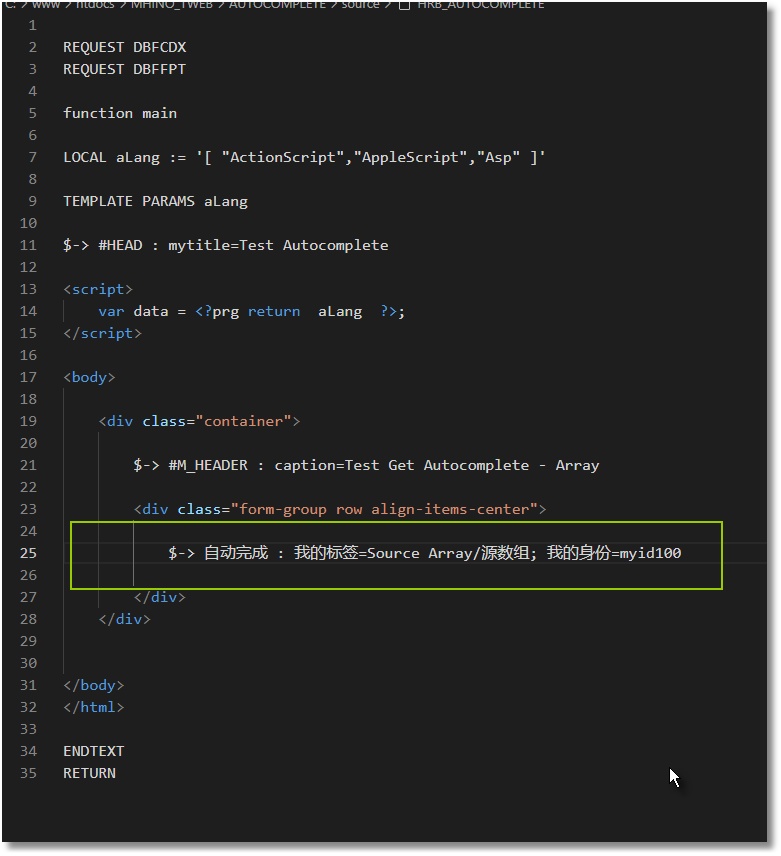
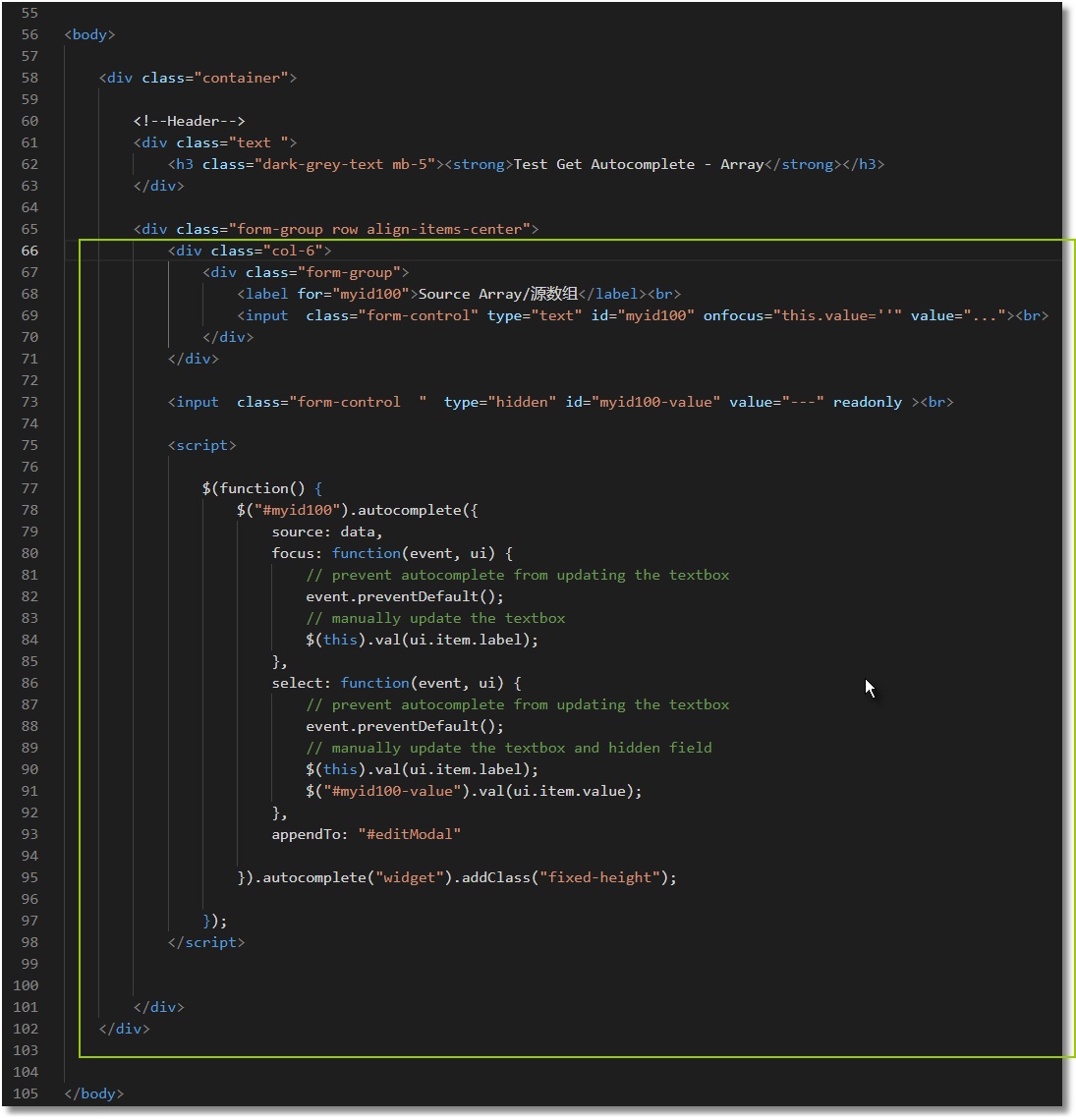
with HARBOUR this is working fine. It is not working for me with xHarbour. But I switched the project to HARBOUR.
Best regards,
Otto
HARBOURINO now supports
HB_CDPSELECT( "UTF8" )
FW_SetUnicode( .T. )
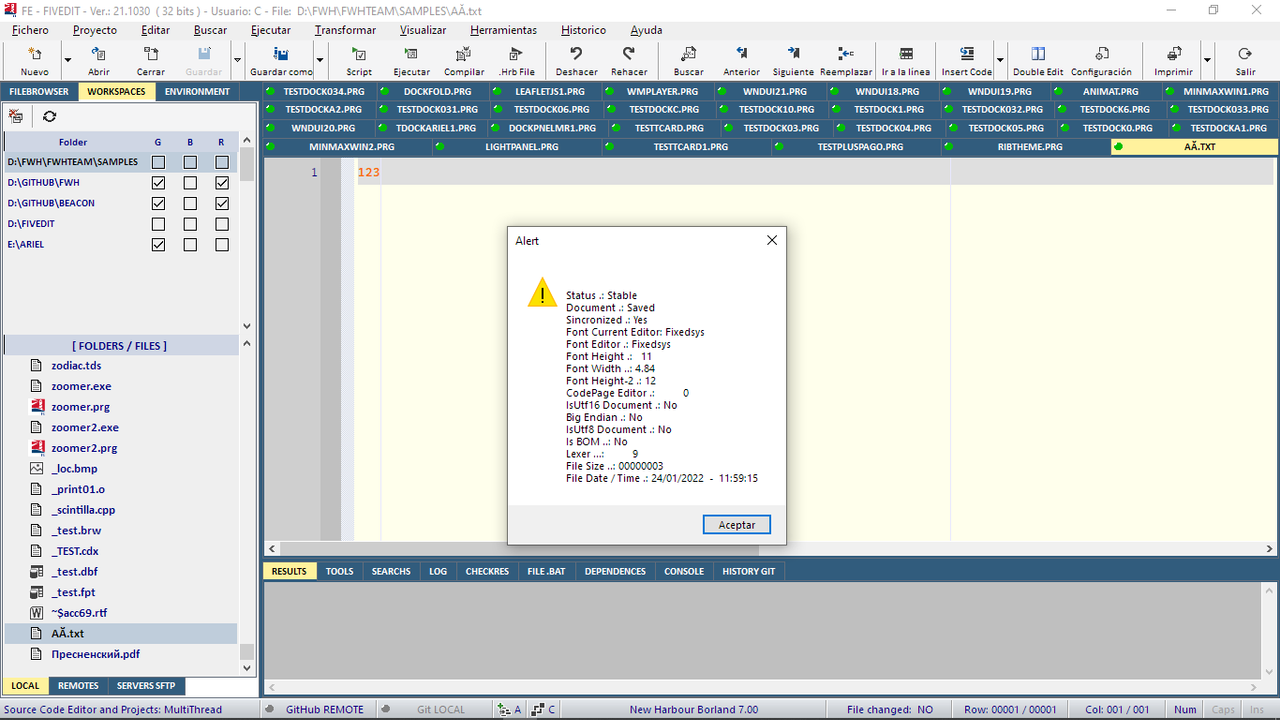
Otto, I built your program under Harbor and tried to read the file (not empty). I get empty 

Look my screen ( file list on the left of the screen ) and tell me better your problem
Cristobal Navarro
Hay dos tipos de personas: las que te hacen perder el tiempo y las que te hacen perder la noción del tiempo
El secreto de la felicidad no está en hacer lo que te gusta, sino en que te guste lo que haces
Hay dos tipos de personas: las que te hacen perder el tiempo y las que te hacen perder la noción del tiempo
El secreto de la felicidad no está en hacer lo que te gusta, sino en que te guste lo que haces
Page: 1 2 (22 posts)