FiveTech Support Forums

FiveWin / Harbour / xBase community
Board index FiveWin for Harbour/xHarbour Harbour warnings
Posts: 9020
Joined: Thu Oct 06, 2005 08:17 PM
Re: Harbour warnings
Posted: Fri Jun 24, 2022 09:22 PM
rhlawek wrote:Yes, unfortunately. I know inserting this throughout any code base could be a hassle but, yes, this is exactly what I have done. If I cant' fix something just via code (always my preference) I may hide the error using an HB_SYMBOL_UNUSED() call at the end of a func/proc and only use the pragma as a last resort.

I tend to keep all my fivewin code isolated from my pure harbour code, so it actually isn't a huge problem for me, but then again I did it years ago and have maintained that practice. My practice is to fix anything/everything that I can fix for warnings thrown when using -W3, including using HB_SYMBOL_UNUSED() where it is applicable, then only use the pragma to fix what is left. I'm always looking for a better answer, but so far this is the best I've come up with.

I'll say again, I know using the pragma to change to w1 works, but a following call to set back to w3 doesn't always work. I've always assumed this is a harbour bug of some sort but I've never tried to track it down.


Can you show me how do you fix my sample without using -w, please?

EMG
Posts: 6755
Joined: Wed Feb 15, 2012 08:25 PM
Re: Harbour warnings
Posted: Sat Jun 25, 2022 05:22 AM
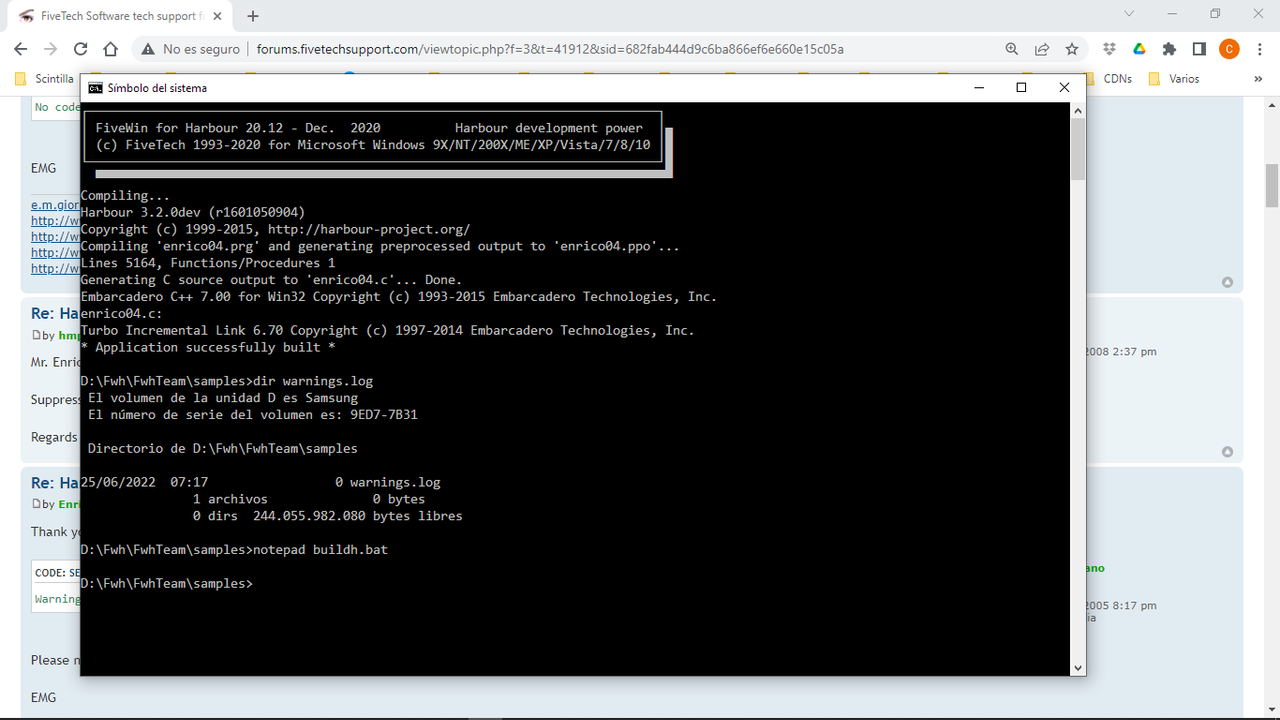
Enrico, I can't reproduce what you say. I use buildh.bat from the fivewin folder, in which this line appears

%hdir%\bin\harbour %1 /n /i%fwh%\include;%hdir%\include; /w /p %2 %3 > comp.log 2> warnings.log


Cristobal Navarro

Hay dos tipos de personas: las que te hacen perder el tiempo y las que te hacen perder la noción del tiempo

El secreto de la felicidad no está en hacer lo que te gusta, sino en que te guste lo que haces
Posts: 44158
Joined: Thu Oct 06, 2005 05:47 PM
Re: Harbour warnings
Posted: Sat Jun 25, 2022 06:49 AM

Dear Enrico,

Weren't you a xHarbour user ?

Knowing you for years, what made the miracle of changing ? :-)

regards, saludos

Antonio Linares
www.fivetechsoft.com
Posts: 9020
Joined: Thu Oct 06, 2005 08:17 PM
Re: Harbour warnings
Posted: Sat Jun 25, 2022 07:29 AM
cnavarro wrote:Enrico, I can't reproduce what you say. I use buildh.bat from the fivewin folder, in which this line appears

%hdir%\bin\harbour %1 /n /i%fwh%\include;%hdir%\include; /w /p %2 %3 > comp.log 2> warnings.log


Please remove /w switch. I don't want to suppress all the /w3 warnings.

EMG
Posts: 9020
Joined: Thu Oct 06, 2005 08:17 PM
Re: Harbour warnings
Posted: Sat Jun 25, 2022 07:32 AM
Antonio Linares wrote:Dear Enrico,

Weren't you a xHarbour user ?

Knowing you for years, what made the miracle of changing ? :-)


I have both compilers ready to use and already use Harbour for some project.

EMG
Posts: 44158
Joined: Thu Oct 06, 2005 05:47 PM
Re: Harbour warnings
Posted: Sat Jun 25, 2022 07:49 AM

very good :-)

regards, saludos

Antonio Linares
www.fivetechsoft.com
Posts: 9020
Joined: Thu Oct 06, 2005 08:17 PM
Re: Harbour warnings
Posted: Sat Jun 25, 2022 08:05 AM

But I would like to solve the warning problem...

EMG

Posts: 44158
Joined: Thu Oct 06, 2005 05:47 PM
Re: Harbour warnings
Posted: Sat Jun 25, 2022 09:05 AM

Dear Enrico,

The warning is correct. What do you want to solve ?

regards, saludos

Antonio Linares
www.fivetechsoft.com
Posts: 9020
Joined: Thu Oct 06, 2005 08:17 PM
Re: Harbour warnings
Posted: Sat Jun 25, 2022 12:56 PM
Antonio Linares wrote:Dear Enrico,

The warning is correct. What do you want to solve ?


I don't want to see warnings that I cannot fixed. There is a way to fix it?

Code (fw): Select all Collapse
   ACTIVATE DIALOG oDlg;
           ON INIT MSGINFO();
           CENTER


EMG
Posts: 44158
Joined: Thu Oct 06, 2005 05:47 PM
Re: Harbour warnings
Posted: Sat Jun 25, 2022 01:05 PM
Dear Enrico,

Have you tried it this way ?

Code (fw): Select all Collapse
  ACTIVATE DIALOG oDlg;
           ON INIT ( Self := Self, MSGINFO() ) ;
           CENTER


or following Harbour rules:

Code (fw): Select all Collapse
  ACTIVATE DIALOG oDlg;
           ON INIT ( HB_SYMBOL_UNUSED( self ), MSGINFO() ) ;
           CENTER
regards, saludos

Antonio Linares
www.fivetechsoft.com
Posts: 9020
Joined: Thu Oct 06, 2005 08:17 PM
Re: Harbour warnings
Posted: Sat Jun 25, 2022 02:28 PM

Thank you, but this is not a solution at all. Do I have to put it in each DIALOG of all my apps? This would be a huge work!

EMG

Posts: 44158
Joined: Thu Oct 06, 2005 05:47 PM
Re: Harbour warnings
Posted: Sat Jun 25, 2022 02:57 PM

Dear Enrico,

What solution do you expect ?

How would that solution should be ?

regards, saludos

Antonio Linares
www.fivetechsoft.com
Posts: 10733
Joined: Sun Nov 19, 2006 05:22 AM
Re: Harbour warnings
Posted: Sat Jun 25, 2022 03:19 PM

Once we find a solution, we need to implement it in fivewin.ch commands.

Regards


G. N. Rao.

Hyderabad, India
Posts: 9020
Joined: Thu Oct 06, 2005 08:17 PM
Re: Harbour warnings
Posted: Sat Jun 25, 2022 03:31 PM

The solution is already present in xHarbour (-wb- compiler switch). As I already wrote, I did hope that there were a similar solution for Harbour. Ok, I understood that there is not. :-(

EMG

Posts: 195
Joined: Sun Jul 22, 2012 07:01 PM
Re: Harbour warnings
Posted: Sat Jun 25, 2022 03:35 PM
What Antonio suggests here actually works:

Code (fw): Select all Collapse
ACTIVATE DIALOG oDlg;
           ON INIT ( Self := Self, MSGINFO() ) ;
           CENTER


But this does not, primarily because hb_symbol_unused() is defined in fivewin.ch after "dialog.ch" is included in fivewin.ch

Code (fw): Select all Collapse
ACTIVATE DIALOG oDlg;
           ON INIT ( hb_symbol_unused( Self ), MSGINFO() ) ;
           CENTER


This edit in dialogs.ch does work (not sure of negative fallout), but it is inadequate/incomplete because things like nRow, nCol, nFlags, etc. need to be handled in other rows as well. What I do NOT understand why Self in the row for .center. does not also throw the warning when using w3. (if you take out the ON INIT from the sample and leave CENTER there is no warning, but add in something like ON CLICK and there will be warnings on nRow, nCol, nFlags and Self, but the same assignment trick works for these as well)

Code (fw): Select all Collapse
#xcommand ACTIVATE DIALOG <oDlg> ;
             [ <center: CENTER, CENTERED> [ <inwnd: IN PARENT> ] ] ;
             [ <NonModal: NOWAIT, NOMODAL> ] ;
             [ WHEN <uWhen> ] ;
             [ VALID <uValid> ] ;
             [ ON [ LEFT ] CLICK <uClick> ] ;
             [ ON INIT <uInit> ] ;
             [ ON MOVE <uMoved> ] ;
             [ ON PAINT <uPaint> ] ;
             [ ON RIGHT CLICK <uRClicked> ] ;
             [ <Resize16: RESIZE16> ] ;
             [ <mdi: AS MDICHILD> [ SETUP <usetup> ] ] ;
        => ;
          <oDlg>:Activate( <oDlg>:bLClicked [ := {|nRow,nCol,nFlags,Self|<uClick>}], ;
                           <oDlg>:bMoved    [ := <{uMoved}> ], ;
                           <oDlg>:bPainted  [ := {|hDC,cPS,Self|<uPaint>}],;
                           <.center.>, [{|Self|<uValid>}],;
                           [ ! <.NonModal.> ], [{|Self|<uInit>,self:=self}],; // NOTE addition of self := self
                           <oDlg>:bRClicked [ := {|nRow,nCol,nFlags,Self|<uRClicked>}],;
                           [{|Self|<uWhen>}], [<.Resize16.>], [<.inwnd.>], ;
                           [<.mdi.>], [@<oDlg>], [{|oWnd|<usetup>}] )