FiveTech Support Forums

FiveWin / Harbour / xBase community
Board index FiveWin for Harbour/xHarbour webview2 object WINDOW/DIALOG
Posts: 6984
Joined: Fri Oct 07, 2005 07:07 PM

webview2 object WINDOW/DIALOG

Posted: Fri Aug 19, 2022 11:23 PM

Dear Antonio,
Can you show us how to display a webview2 object inside a control on a window or dialog?

Best regards,
Otto

Posts: 1387
Joined: Fri May 23, 2008 01:33 PM

Re: webview2 object WINDOW/DIALOG

Posted: Sat Aug 20, 2022 07:51 AM
Otto wrote:Dear Antonio,
Can you show us how to display a webview2 object inside a control on a window or dialog?

Best regards,
Otto


Hi Mr. Otto.

You can look at the last example. http://forums.fivetechsupport.com/viewtopic.php?f=3&t=42010&start=30&sid=8b9b5df0c5c1881b0fda1306ebcce562
Regards,


Hakan ONEMLI


Harbour & MSVC 2022 & FWH 23.06
Posts: 44162
Joined: Thu Oct 06, 2005 05:47 PM

Re: webview2 object WINDOW/DIALOG

Posted: Sat Aug 20, 2022 08:24 AM

Dear Otto,

oWebView:SetParent( oWnd )

regards, saludos

Antonio Linares
www.fivetechsoft.com
Posts: 6984
Joined: Fri Oct 07, 2005 07:07 PM

Re: webview2 object WINDOW/DIALOG

Posted: Sat Aug 20, 2022 08:26 AM
Hi Hakan,
thank you.
I will run all the samples of the post you mentioned.

I tested with:

METHOD SetParent( oWnd ).
I will try to extend the method and pass width and height and top.

This is such a great class.
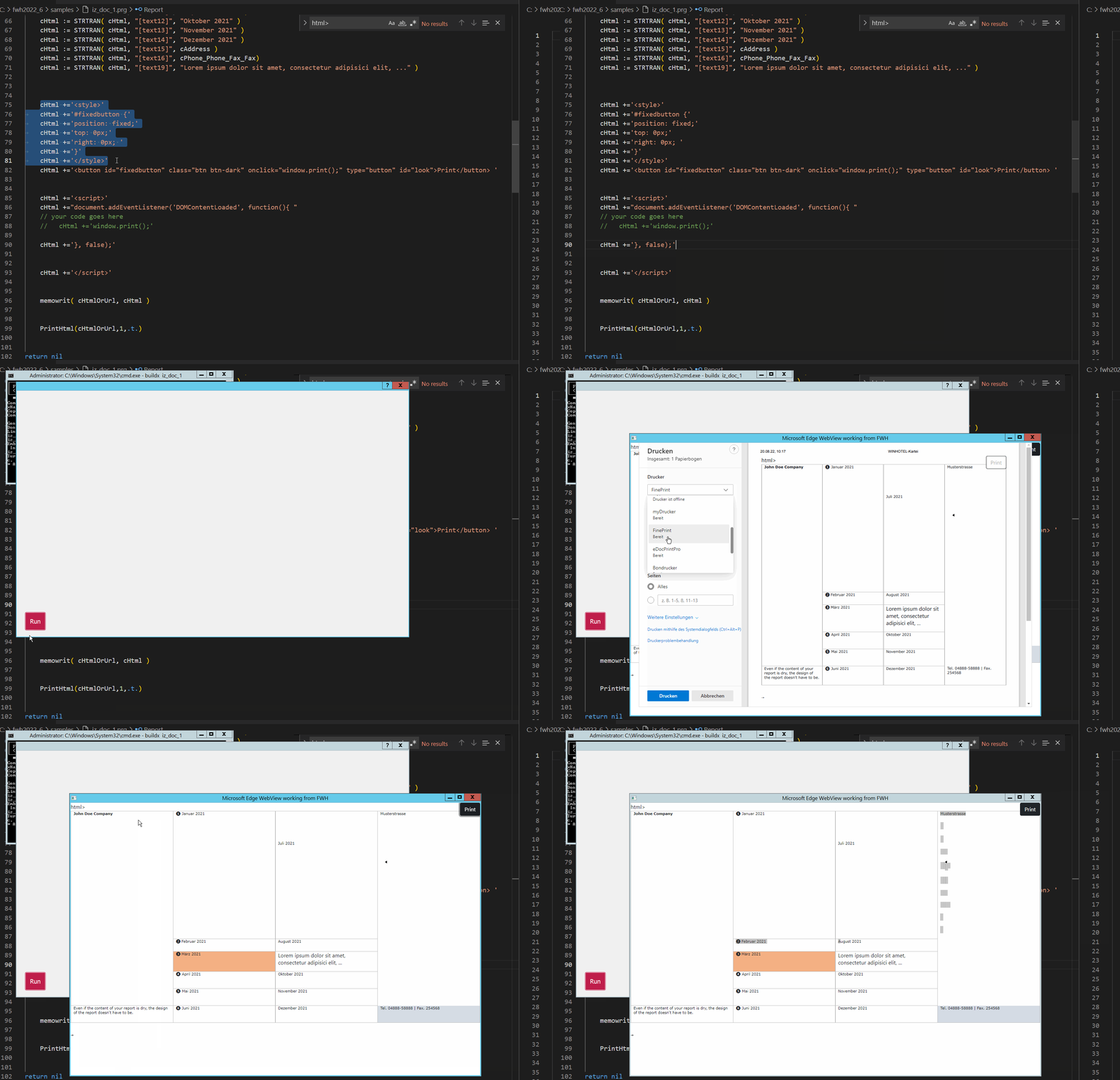
Here is a test with bootstrap button. I think now HTML for reports is perfect.


Best regards,
Otto

Continue the discussion