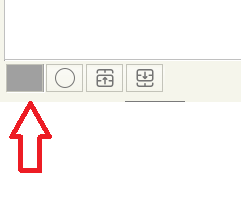
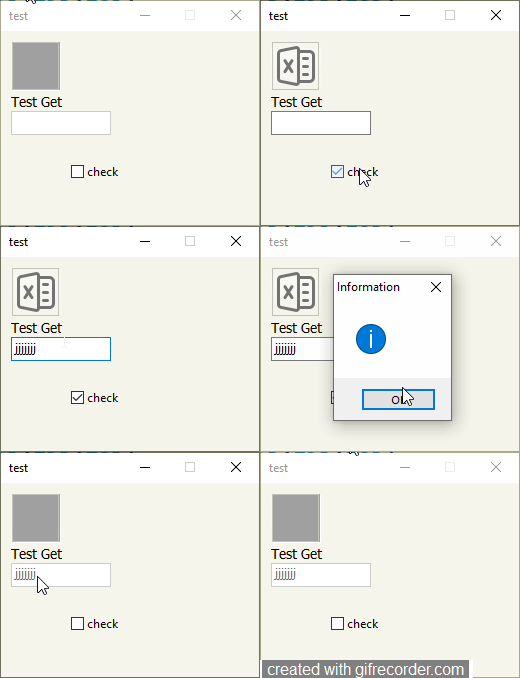
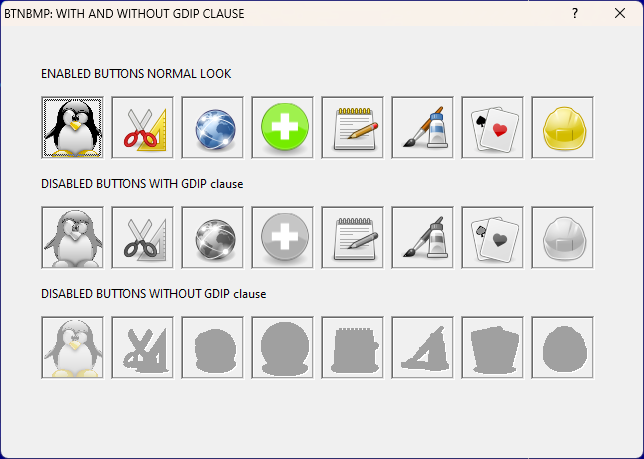
i made a solution but it is not good
MakeDisable_BtnBmp(oBtn)
Function MakeDisable_BtnBmp(oBtn)
    local aBru[ 2 ]
    DEFINE BRUSH aBru[ 1 ]   STYLE BDIAGONAL COLOR  Rgb(195,195,185)    // you can use also FDIAGONAL or another type type BORLAND OLD
    DEFINE BRUSH aBru[ 2 ]   STYLE BDIAGONAL COLOR  Rgb(195,195,185)
   oBtn:l2007:=.t.
   oBtn:SetFile(,)
   oBtn:lBorder := .f.
   oBtn:bClrGrad := { |lInvert| If( lInvert, aBru[ 2 ]:hBrush, aBru[ 1 ]:hBrush ) }
   oBtn:disable()
  RETURN NIL
SetBrush( "HORIZONTAL", nRGB( 0, 255, 0 ) )
Vertical SetBrush( "VERTICAL", nRGB( 20, 30, 40 ) )
FDiagonal SetBrush( "FDIAGONAL", nRGB( 255, 0, 35 ) )
BDiagonal SetBrush( "BDIAGONAL" )
Cross SetBrush( "CROSS" )
DiagCross SetBrush( "DIAGCROSS", nRGB( 0, 100, 255 ) )
then to remake the border use the Uwe's solution
DEFINE DIALOG oDlg.....
oDlg:bPainted := < |hDC|
oBtn:setsize(20,17.6) // this because the obtn is more big with png
DRAWBORDER( hDC, oBtn:nLeft-2, oBtn:ntop-2,;
oBtn:nWidth+2, oBtn:nHeight+2 , 0, 1, Rgb(195,195,185), .t. )
RETURN NIL
>
ACTIVATE DIALOG oDlg....
Result
( in my opinion it is better to see the bmp bits with diagonal lines (and it is disabled) than having a disabled btnbmp with a figure that is not nice to see )

I can make a small class to make it but I have problem with Border of Btnbmp and the last solution is that of Uwe
https://forums.fivetechsupport.com/viewtopic.php?f=3&t=36937&start=0&hilit=xbrowse+borderSince from 1991/1992 ( fw for clipper Rel. 14.4 - Momos)
I use : FiveWin for Harbour March-April 2024 - Harbour 3.2.0dev (harbour_bcc770_32_20240309) - Bcc7.70 - xMate ver. 1.15.3 - PellesC - mail: silvio[dot]falconi[at]gmail[dot]com