
Webview and external css files. Is it possible?
Board index FiveWin for Harbour/xHarbour Webview and external css

Cristobal Navarro
Hay dos tipos de personas: las que te hacen perder el tiempo y las que te hacen perder la noción del tiempo
El secreto de la felicidad no está en hacer lo que te gusta, sino en que te guste lo que haces
Hay dos tipos de personas: las que te hacen perder el tiempo y las que te hacen perder la noción del tiempo
El secreto de la felicidad no está en hacer lo que te gusta, sino en que te guste lo que haces
I tried it, but it didn't work :(

Dear Vilian,
You have to read it with memoRead() and place it inside your HTML code as explained above
If it is a remote CSS file then you have to download it using FWH WebPageContents( cUrl, lText, nSysWait ) and then StrTran() it into the HTML

Vilian, es un css personalizado? O uno estandar como bootstrap o tailwind?
Aqui uso uno web y funciona muy bien
https://www.fivetechsupport.com/forums/viewtopic.php?p=273775#p273775
Sino, como dice antonio, leerlo con Memoread e inscrustarlo en el codigo
Aqui uso uno web y funciona muy bien
https://www.fivetechsupport.com/forums/viewtopic.php?p=273775#p273775
Sino, como dice antonio, leerlo con Memoread e inscrustarlo en el codigo
Dear Vilian,
YES, Is it possible to load a local style file in the webview
It is not necessary to load the HTML code or the contents of the CSS file into a variable, nor to use a web server (although it is recommended for many other uses in combination with the webview).
I've attached the code for the prg you should use and the HTML, CSS to use.
Please replace the path shown in the examples with the correct path where your files are located.
Try it and let me know if it worked for you.
HTML file ( index1.html )
CSS file ( styles.css )
YES, Is it possible to load a local style file in the webview
It is not necessary to load the HTML code or the contents of the CSS file into a variable, nor to use a web server (although it is recommended for many other uses in combination with the webview).
I've attached the code for the prg you should use and the HTML, CSS to use.
Please replace the path shown in the examples with the correct path where your files are located.
Try it and let me know if it worked for you.
#include "fivewin.ch"

static oWebView

function Main()

   local oWnd

   DEFINE WINDOW oWnd TITLE "Test External CSS"

   ACTIVATE WINDOW oWnd MAXIMIZED ;
      ON INIT CreaWebView( oWnd ) ;
      ON RESIZE if( hb_IsObject( oWebView ), oWebView:SetSize( nWidth, nHeight ), )

return nil

Function CreaWebView( oWnd )

   oWebView = TWebView2():New( oWnd )

   oWebView:OpenDevToolsWindow(.T.)
   oWebView:Navigate( 'file:///d:/fwh/fwhteam/samples/vilian/index1.html' )

Return oWebView<!DOCTYPE html>
<html lang="es">
<head>
<meta charset="UTF-8">
<meta name="viewport" content="width=device-width, initial-scale=1.0">
<title>WebView con CSS</title>
<script>
function loadCSS(url) {
const link = document.createElement('link');
link.rel = 'stylesheet';
link.href = url;
link.type = "text/css";
console.log( "Cargando CSS" );
link.onload = function() {
console.log(`Archivo CSS cargado: ${url}`);
};
link.onerror = function() {
console.error(`Error al cargar el archivo CSS: ${url}`);
};
// Simula un retraso para depuración
setTimeout(() => {
console.log('Verificando carga...');
}, 2000);
document.head.appendChild(link); // Agrega el CSS al <head>
}
// Uso
loadCSS('file:///d:/fwh/fwhteam/samples/vilian/styles.css');
</script>
</head>
<body>
<h1>Hola desde WebView</h1>
<p>Este texto está estilizado con CSS.</p>
</body>
</html>body {
font-family: Arial, sans-serif;
background-color: #f4f4f4;
color: #333;
}
h1 {
color: #ff0000;
}
p {
color: #0000ff;
}Cristobal Navarro
Hay dos tipos de personas: las que te hacen perder el tiempo y las que te hacen perder la noción del tiempo
El secreto de la felicidad no está en hacer lo que te gusta, sino en que te guste lo que haces
Hay dos tipos de personas: las que te hacen perder el tiempo y las que te hacen perder la noción del tiempo
El secreto de la felicidad no está en hacer lo que te gusta, sino en que te guste lo que haces
As soon as I have some time, I will publish an example of how to integrate a web server and webview into a graphical interface, all done with fivewin and harbor, obviously.
Look the message bar of images
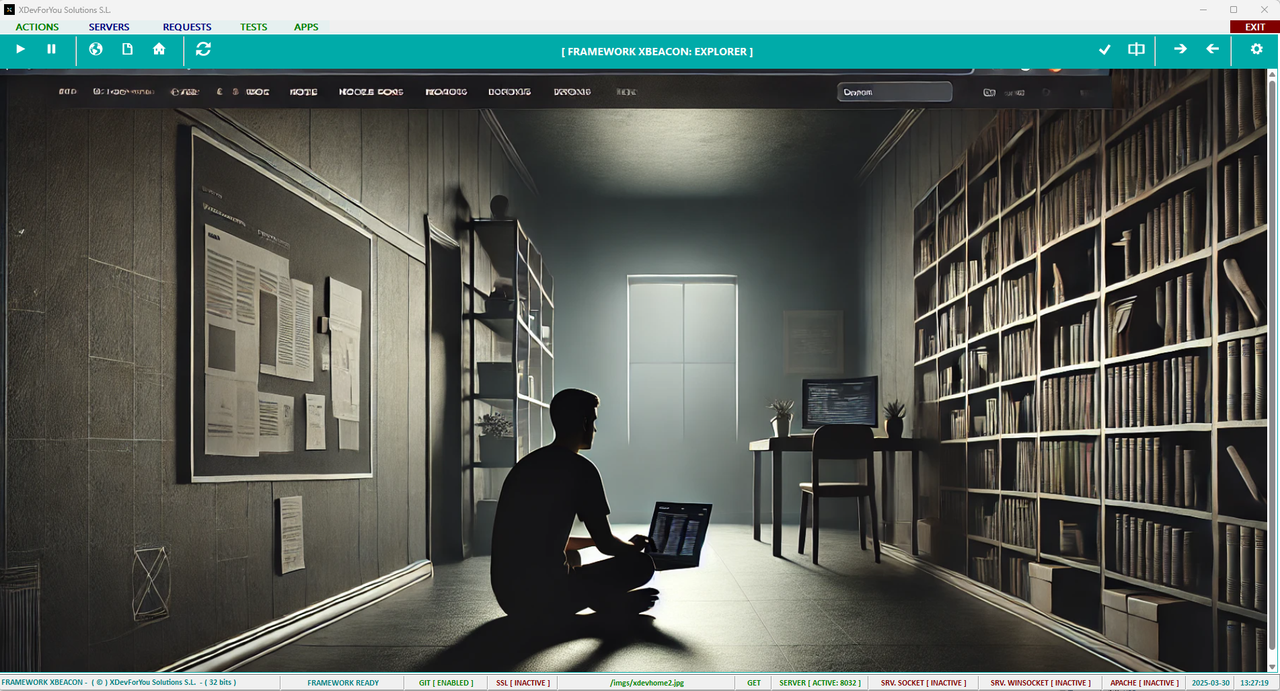
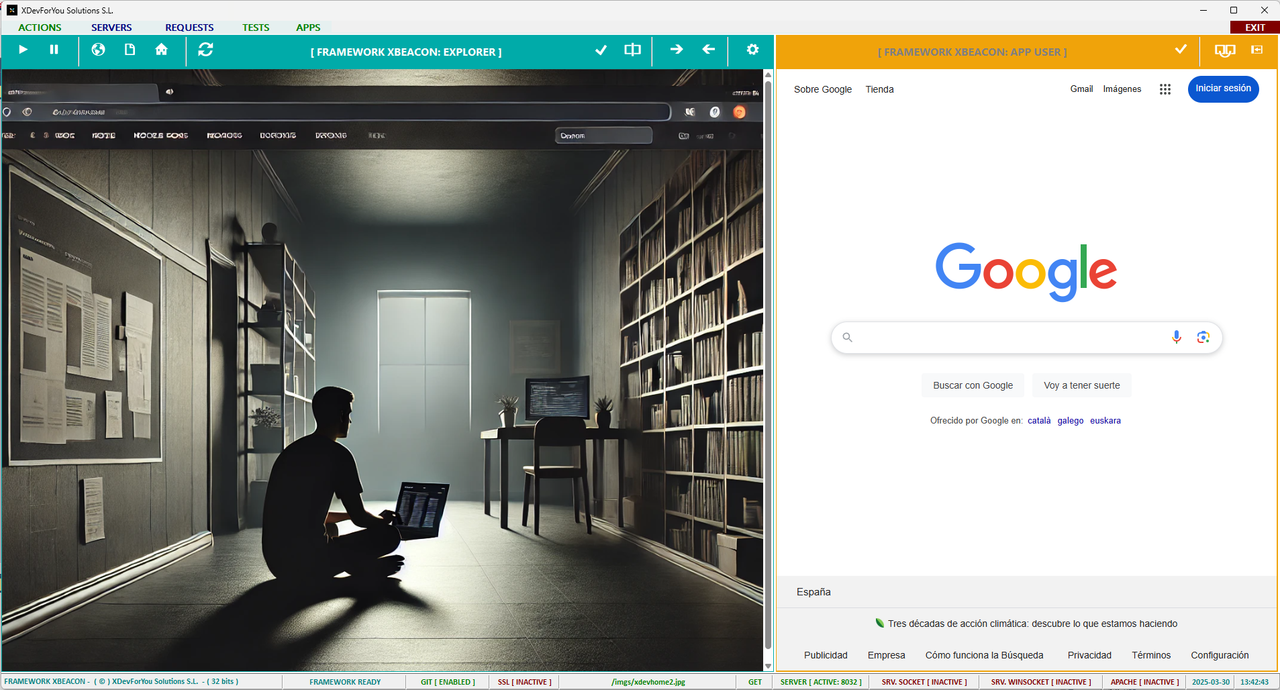
Look the message bar of images
Cristobal Navarro
Hay dos tipos de personas: las que te hacen perder el tiempo y las que te hacen perder la noción del tiempo
El secreto de la felicidad no está en hacer lo que te gusta, sino en que te guste lo que haces
Hay dos tipos de personas: las que te hacen perder el tiempo y las que te hacen perder la noción del tiempo
El secreto de la felicidad no está en hacer lo que te gusta, sino en que te guste lo que haces

I use
LOCAL cCss := BuildCss()
on this function I insert the css sample
then on html insert
<style>
{CSS}
</style>
at the end of the file html write
</body>
</html>
ENDTEXT
cHtml := StrTran(cHtml, "{CSS}", cCss)
and run ok
LOCAL cCss := BuildCss()
on this function I insert the css sample
 TEXT INTO cCss
      html, body {
         font-family: Tahoma, sans-serif;
         background-color: #F5F5EB;
         padding: 20px 5px 10px 5px;
         margin: 0;
         height: 100vh;
         overflow: hidden;
      }
      .container {
         display: flex;
then on html insert
<style>
{CSS}
</style>
at the end of the file html write
</body>
</html>
ENDTEXT
cHtml := StrTran(cHtml, "{CSS}", cCss)
and run ok
Since from 1991/1992 ( fw for clipper Rel. 14.4 - Momos)
I use : FiveWin for Harbour March-April 2024 - Harbour 3.2.0dev (harbour_bcc770_32_20240309) - Bcc7.70 - xMate ver. 1.15.3 - PellesC - mail: silvio[dot]falconi[at]gmail[dot]com
I use : FiveWin for Harbour March-April 2024 - Harbour 3.2.0dev (harbour_bcc770_32_20240309) - Bcc7.70 - xMate ver. 1.15.3 - PellesC - mail: silvio[dot]falconi[at]gmail[dot]com
Obviously
The issue arises when you want to use your own stylesheet because your development is a bit more ambitious, or you "copy" a web page ( or entire site web ) from a project to run it in your webview.
Cristobal Navarro
Hay dos tipos de personas: las que te hacen perder el tiempo y las que te hacen perder la noción del tiempo
El secreto de la felicidad no está en hacer lo que te gusta, sino en que te guste lo que haces
Hay dos tipos de personas: las que te hacen perder el tiempo y las que te hacen perder la noción del tiempo
El secreto de la felicidad no está en hacer lo que te gusta, sino en que te guste lo que haces
Thank you Guys. I'll try it.