//-- HARBOURINO RENDERREPORT_PREVIEW --//
function renderReport_Preview() {

  const data = reportData;

  // Container leeren und vorbereiten
  -> INIT_LAYOUT_CONTAINER

  // Erste Seite anlegen
  -> CURRENTPAGE_INIT_LAYOUT

  // 1. AREA-LOOP für AREA_REPEATLIST und AREA_NORMAL
  report.areas.forEach(area => {

          if (area.disallowChildren) {
            return;
          }

          // Position und Seitenindex berechnen
          -> CALC_AREA_POSITION_PAGEINFO

          // Seite umblättern, wenn pageIndex > current
          $-> NEW_PAGE_IF_NEEDED : mypageIndex = pageIndex;  mypageMargin = pageMargin


          // Prüfen, ob die Area wiederholend ist
          -> ISREPEATLIST

          if (isRepeatList) {

            // Wiederholende Einträge (z. B. Etiketten, Zeilen)
            -> AREA_REPEATLIST

          } else {

            // Einzelbereich rendern
            -> AREA_NORMAL
          }

  });


  // 2. AREA-LOOP
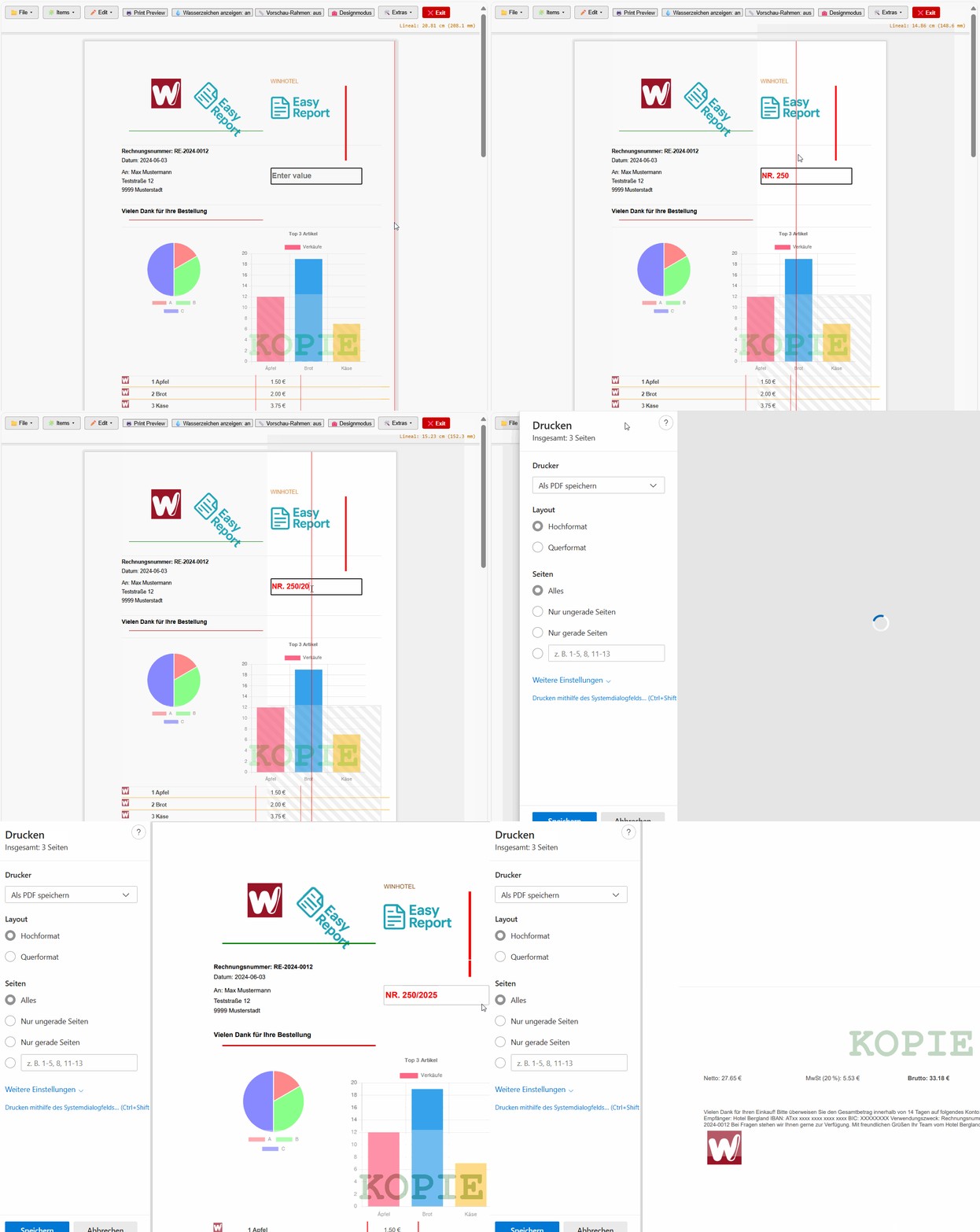
  // Wasserzeichenbereiche auf allen Seiten rendern
  -> AREA_WATERMARK

}
Description for your renderReport_Preview() function, including the purpose of each HARBOURINO block:
🧾 Function: renderReport_Preview()
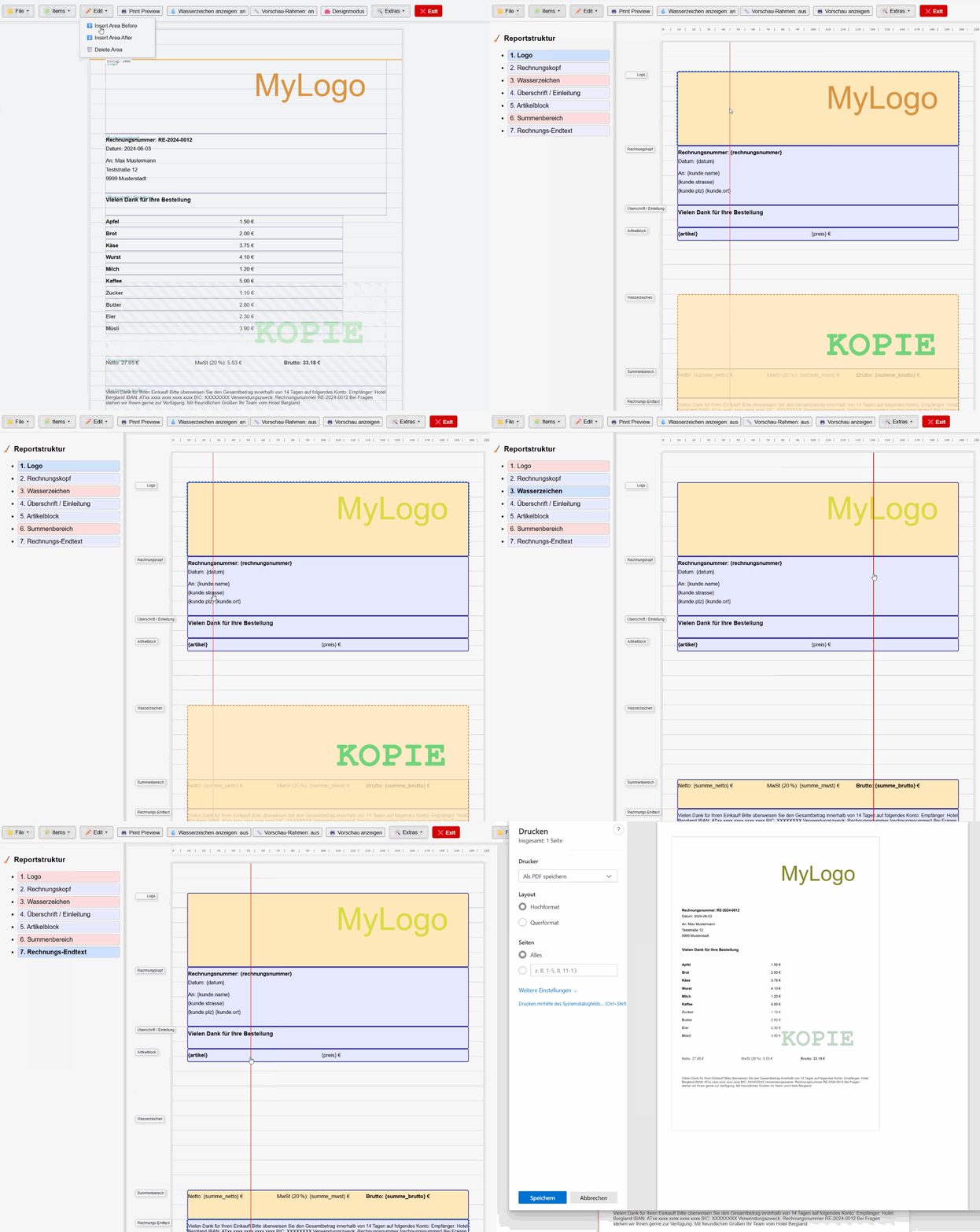
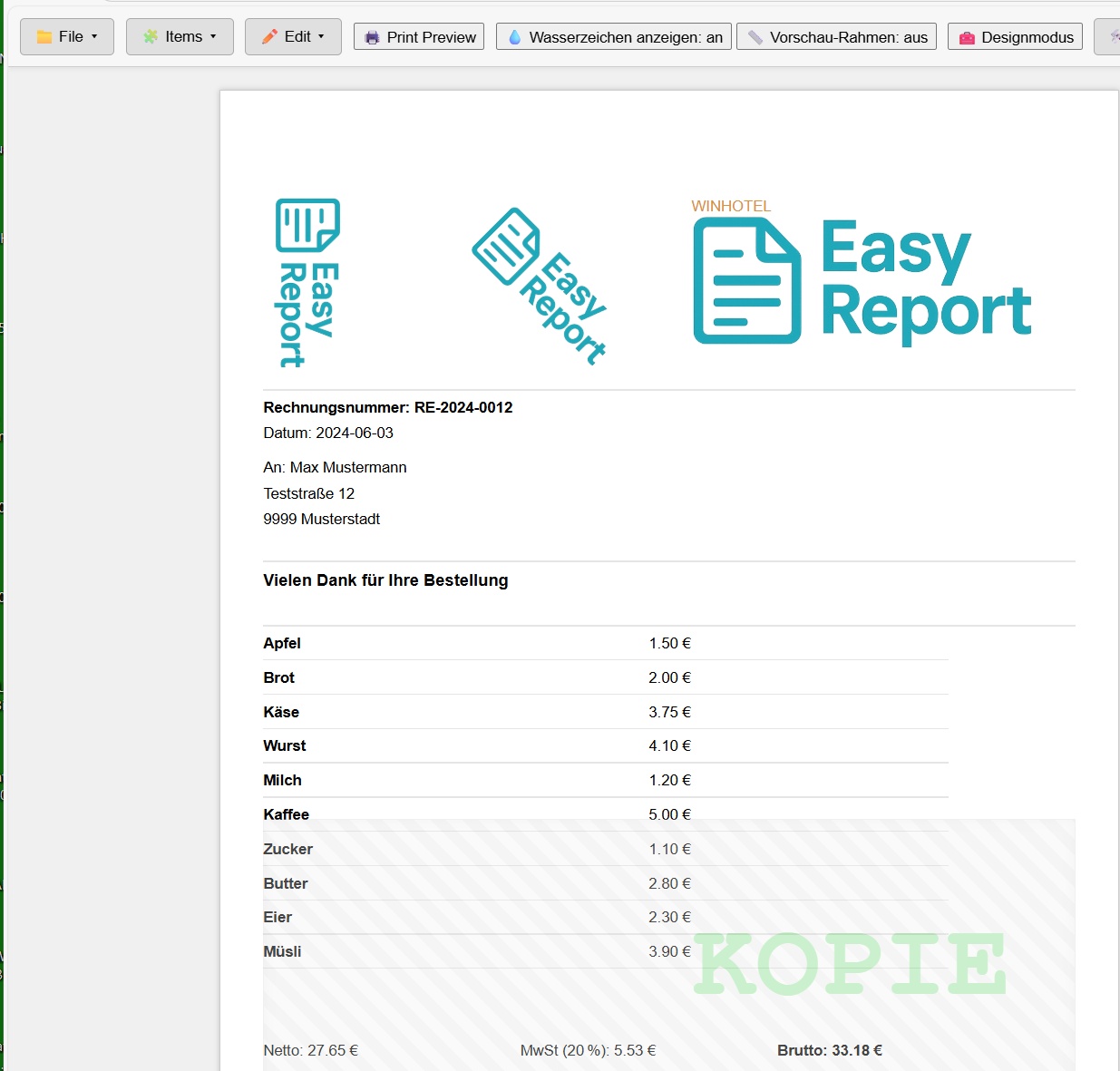
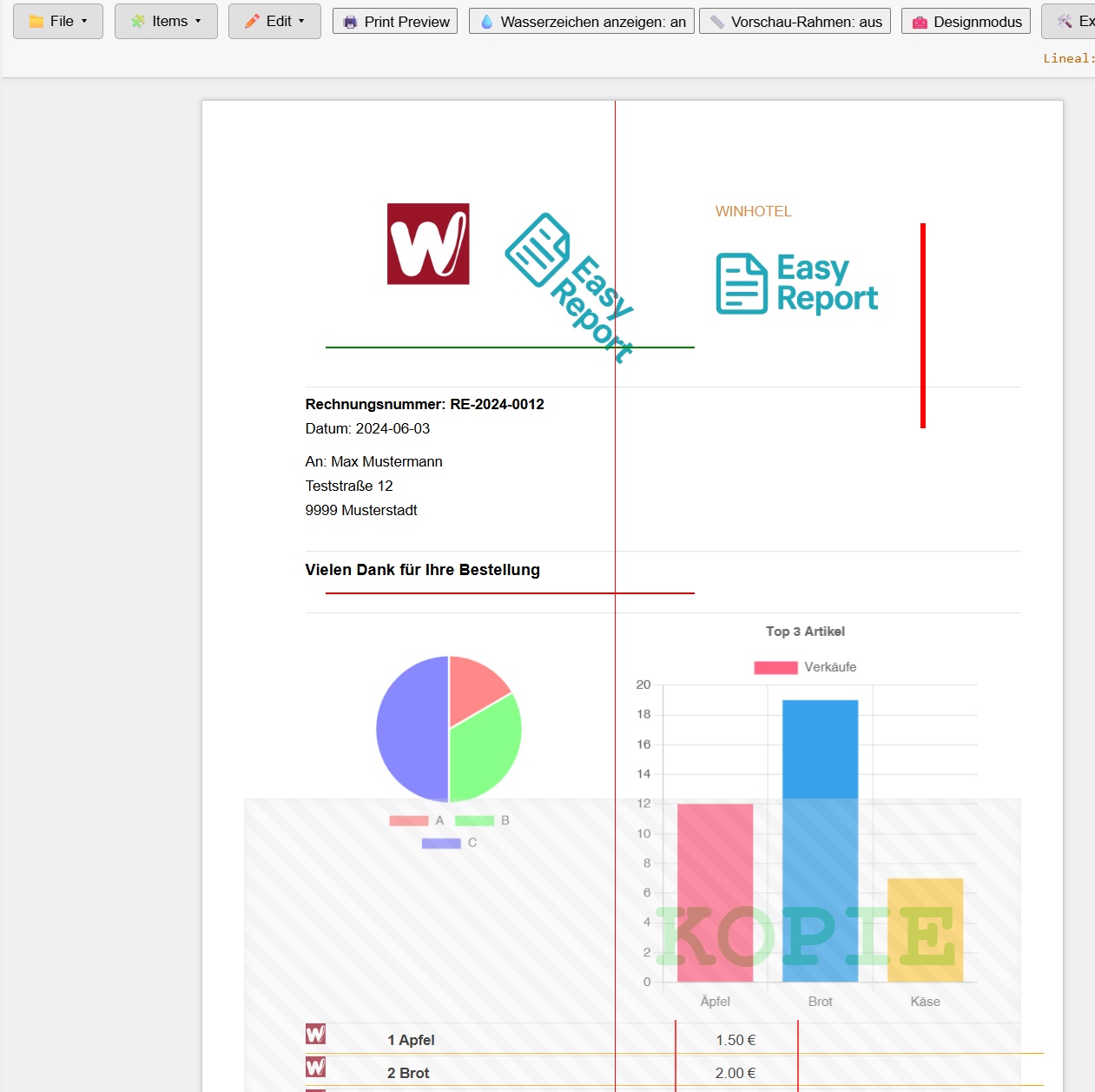
This function is responsible for generating the preview of a report. It dynamically creates all page areas (including repeatable sections, static content, and watermarks) based on the report structure and the content stored in reportData.
🔷 1. INIT_LAYOUT_CONTAINER
Prepares the layout container by clearing its content.
→ Ensures the preview always starts with a clean layout.
🔷 2. CURRENTPAGE_INIT_LAYOUT
Creates the first page (<div class="seite">), including margins and optional background grid.
→ This initializes the visual report canvas.
🔷 3. CALC_AREA_POSITION_PAGEINFO
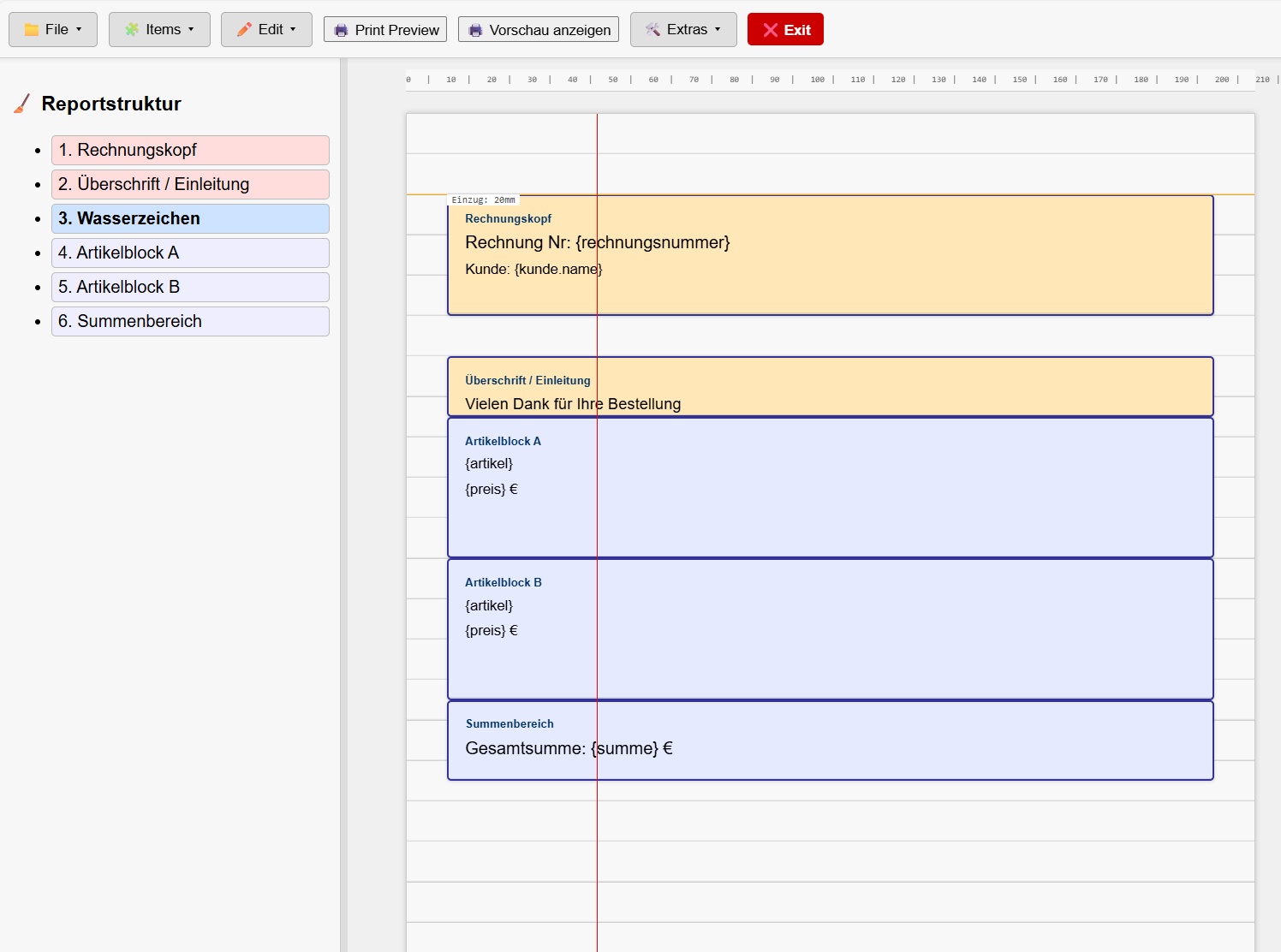
Calculates for each area:
The vertical position (top)
The corresponding page (pageIndex)
→ This controls layout logic and where page breaks occur.
🔷 4. NEW_PAGE_IF_NEEDED
Creates a new page if the area starts on a different page.
→ Handles automatic page breaks based on content position and available space.
🔷 5. ISREPEATLIST
Checks if the current area is linked to a data list via area.repeatFor.
→ Determines whether to render it as a repeating block (AREA_REPEATLIST) or a single block (AREA_NORMAL).
🔷 6. AREA_REPEATLIST
Used for repeatable areas (e.g., item lists, labels):
Iterates over the dataset (repeatList.forEach)
Calculates row/column position
Renders content for each data entry
→ Ideal for invoices, product lists, badge layouts, etc.
🔷 7. AREA_NORMAL
Used for non-repeating areas:
Renders blocks like address, subject lines, footers
Appears once, positioned by top
→ Good for static or document-level content.
🔷 8. AREA_WATERMARK
Executed after the main rendering:
Applies watermark areas (marked with disallowChildren = true) to all pages
Typically used for labels like "COPY", "DRAFT", "PAID"
Non-editable and rendered in the background
🔶 Special behavior:
Each text item (whether repeat or normal) is filled using fillTextFromData(...), replacing placeholders like {kunde.name} with actual values.
The preview is paginated, and supports multi-page layouts for labels, reports, or invoices.
Layout logic is based on metrics like pageHeight, pageMargin, and area.top.
🧠 Summary:
renderReport_Preview() is the core rendering engine of your report designer.
It transforms the structural blueprint (report.areas) and dataset (reportData) into a live, multi-page visual preview.
Thanks to the HARBOURINO-style block comments, the function is modular, debuggable, and fully compatible with your preprocessor/patcher system.



 (
( (
(