Hello friends,
After `hbinet.lib` and related files disappeared from the current GitHub Harbour repository,
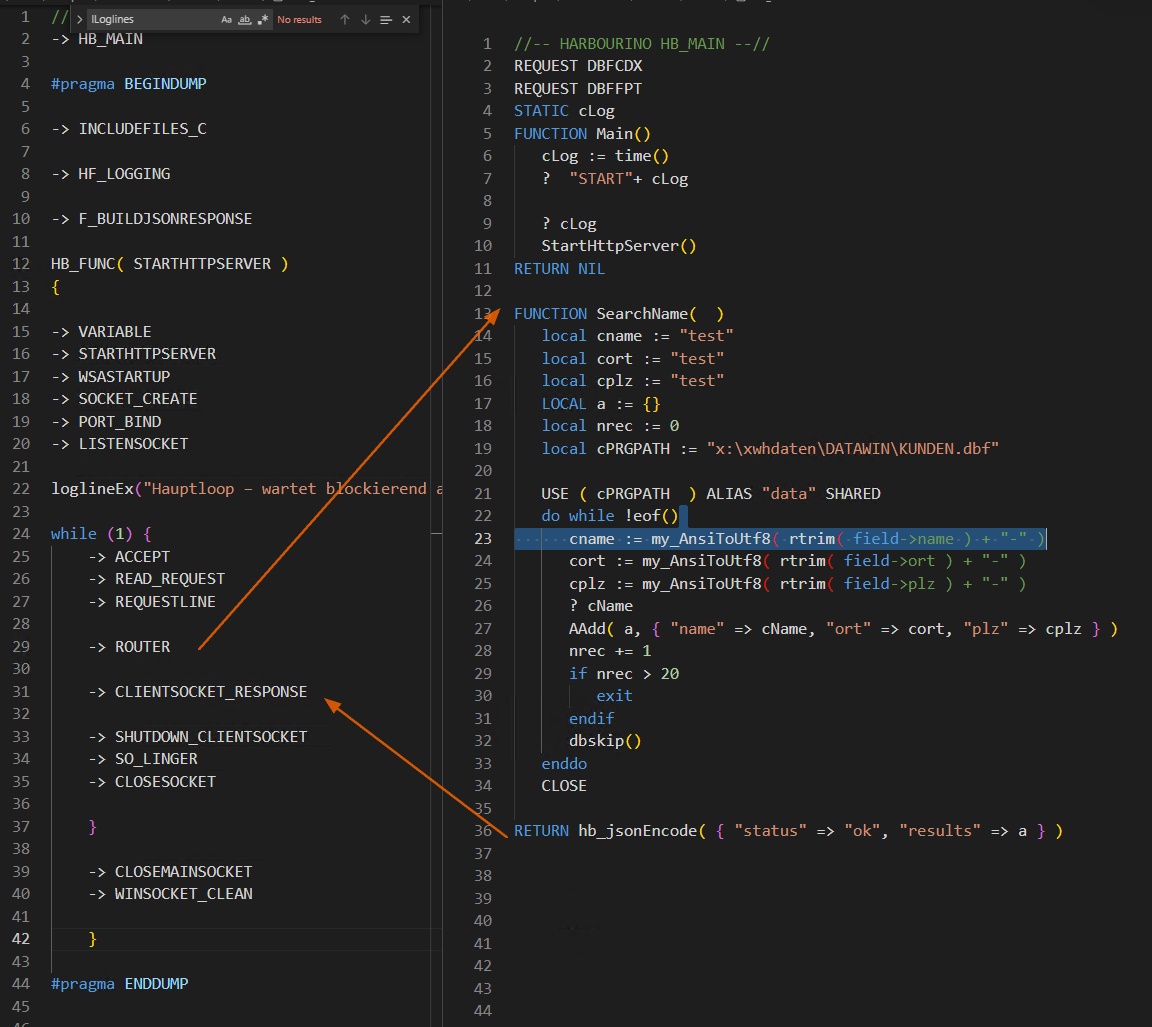
I simply embedded the original C source directly into my `.prg` file — with the help of ChatGPT — using
Result:
a fully functional HTTP microservice in a single `.prg` file
no external `.lib`, no framework, no Apache
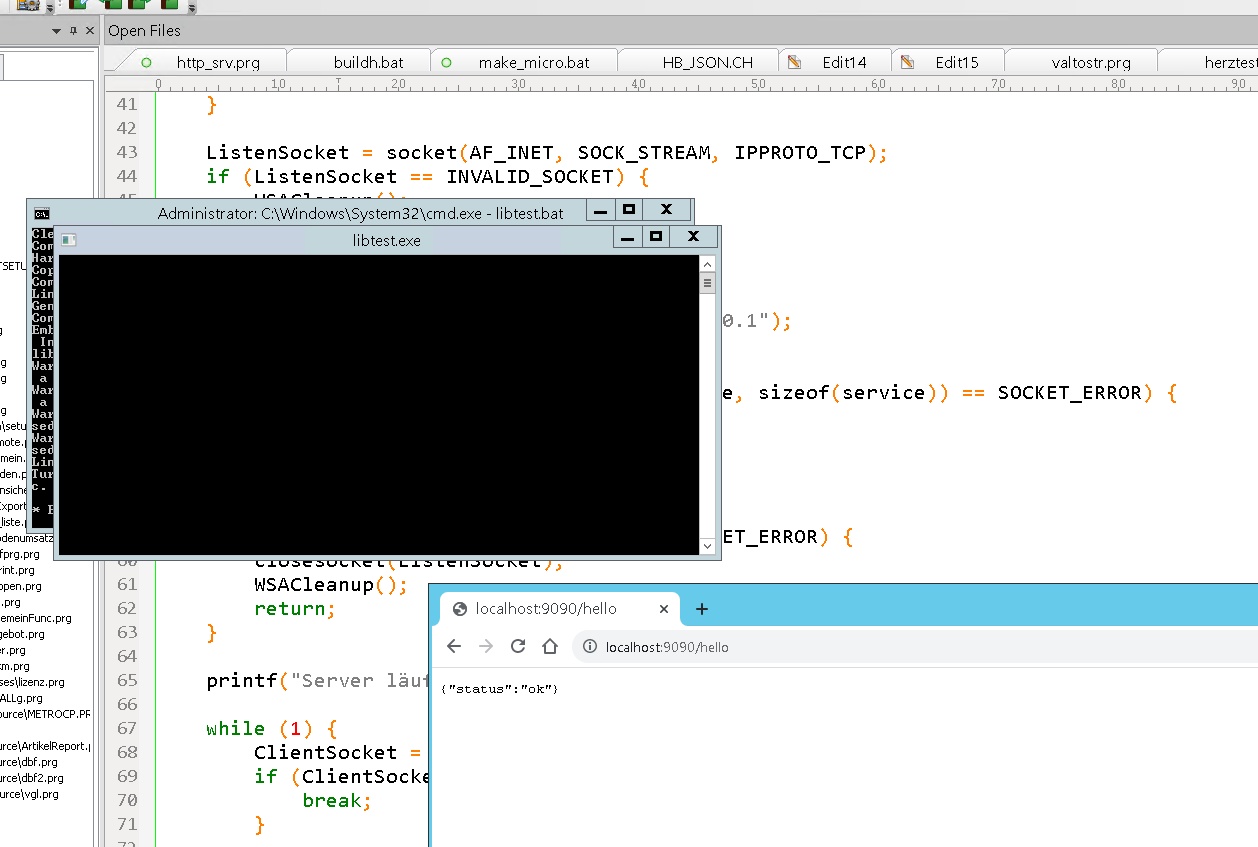
runs directly as `.exe`, responds live on port 9090
returns correct JSON — e.g., `{ "status": "ok" }`
This is what real development freedom looks like —
and we have it with FIVEWIN / HARBOUR.
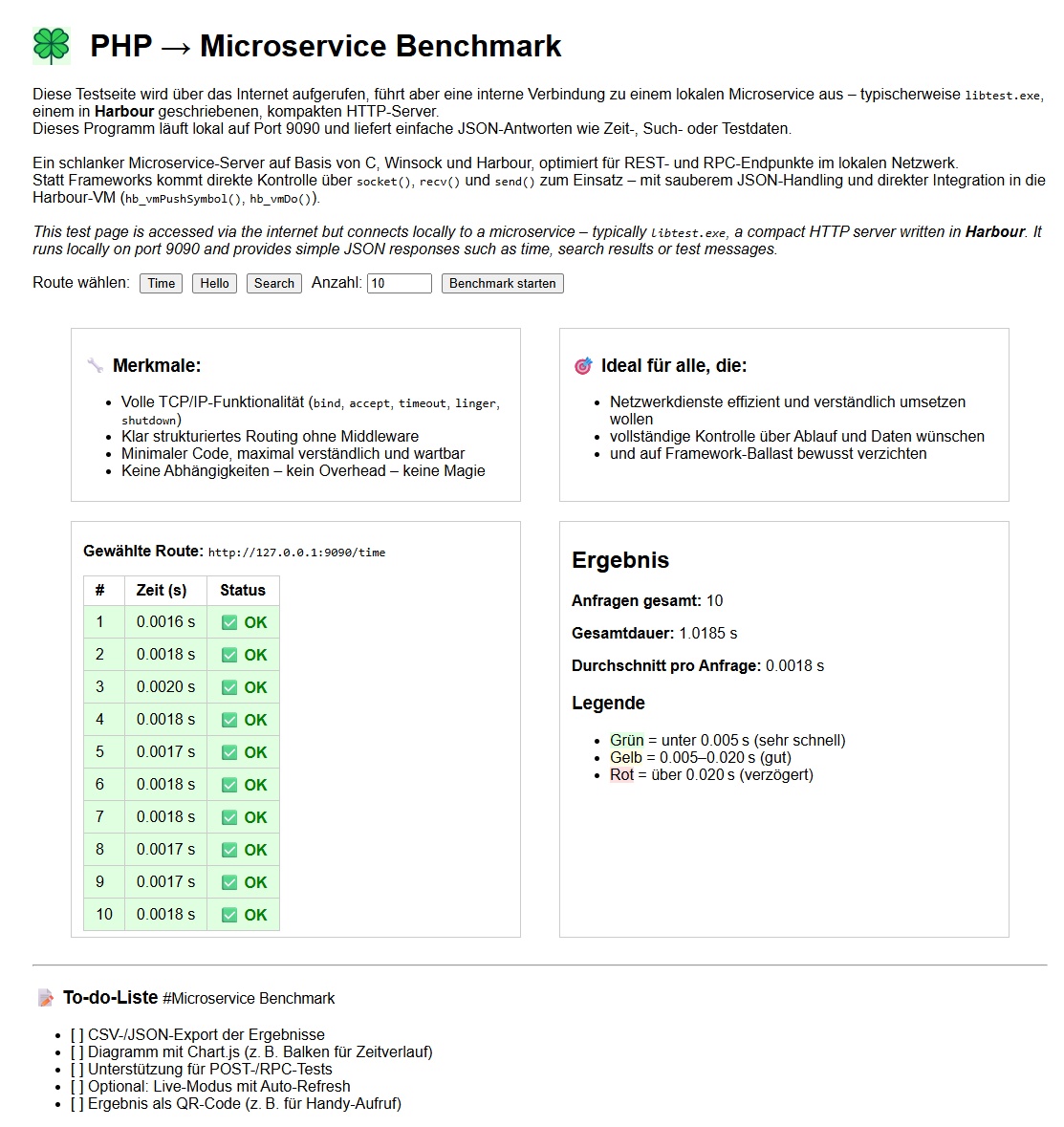
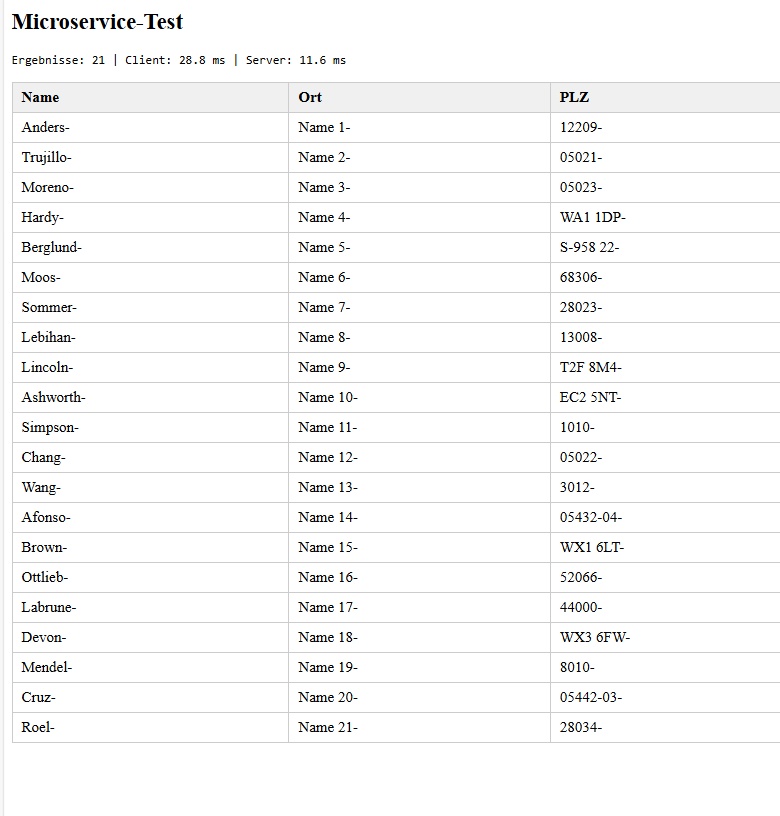
According to ChatGPT, response times under 30 ms are realistic,
since everything runs as a persistent process — no interpreter startup, no CGI overhead.
Best regards,
Otto
After `hbinet.lib` and related files disappeared from the current GitHub Harbour repository,
I simply embedded the original C source directly into my `.prg` file — with the help of ChatGPT — using
#pragma BEGINDUMP ... #pragma ENDDUMPResult:
a fully functional HTTP microservice in a single `.prg` file
no external `.lib`, no framework, no Apache
runs directly as `.exe`, responds live on port 9090
returns correct JSON — e.g., `{ "status": "ok" }`
This is what real development freedom looks like —
and we have it with FIVEWIN / HARBOUR.
According to ChatGPT, response times under 30 ms are realistic,
since everything runs as a persistent process — no interpreter startup, no CGI overhead.
Best regards,
Otto