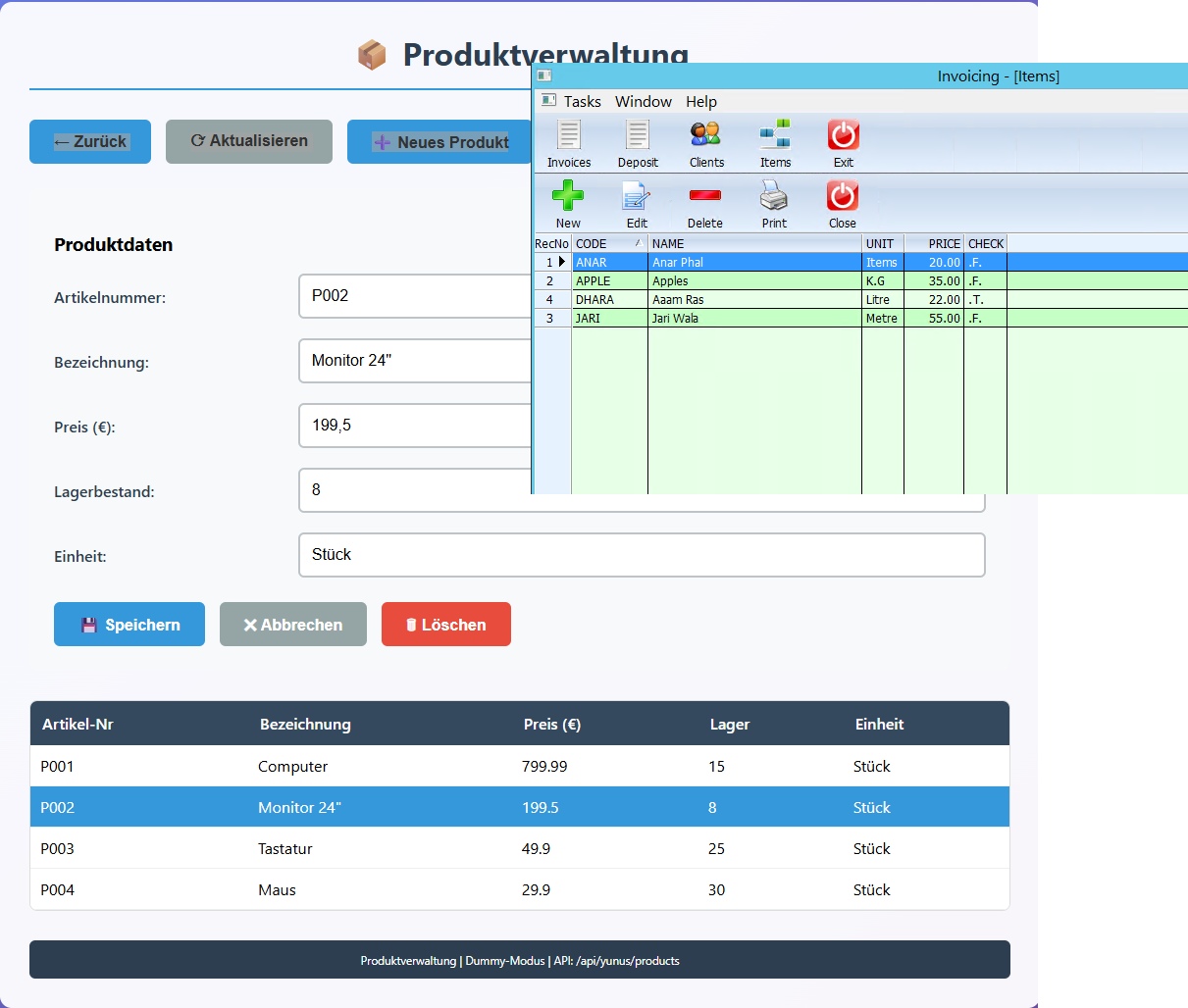
Follow-up: Today’s Extension – Live DBF Browse & Edit via Microservice
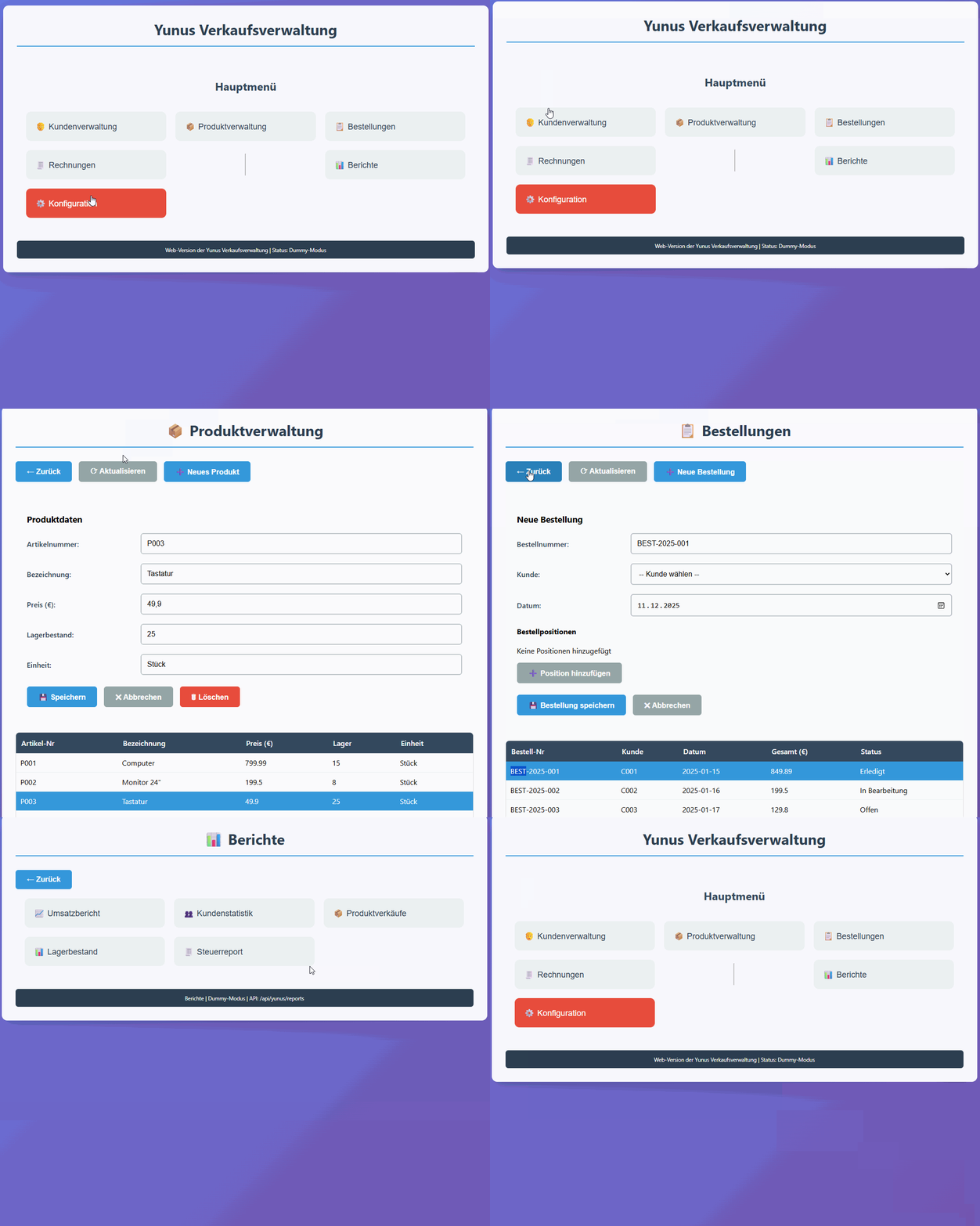
As a continuation of the yunus.prg migration experiment, today I extended the setup with real DBF data access and editing, still without touching the original DBF structure or business logic.
What was added today
- A generic DBF read endpoint in the Harbour microservice
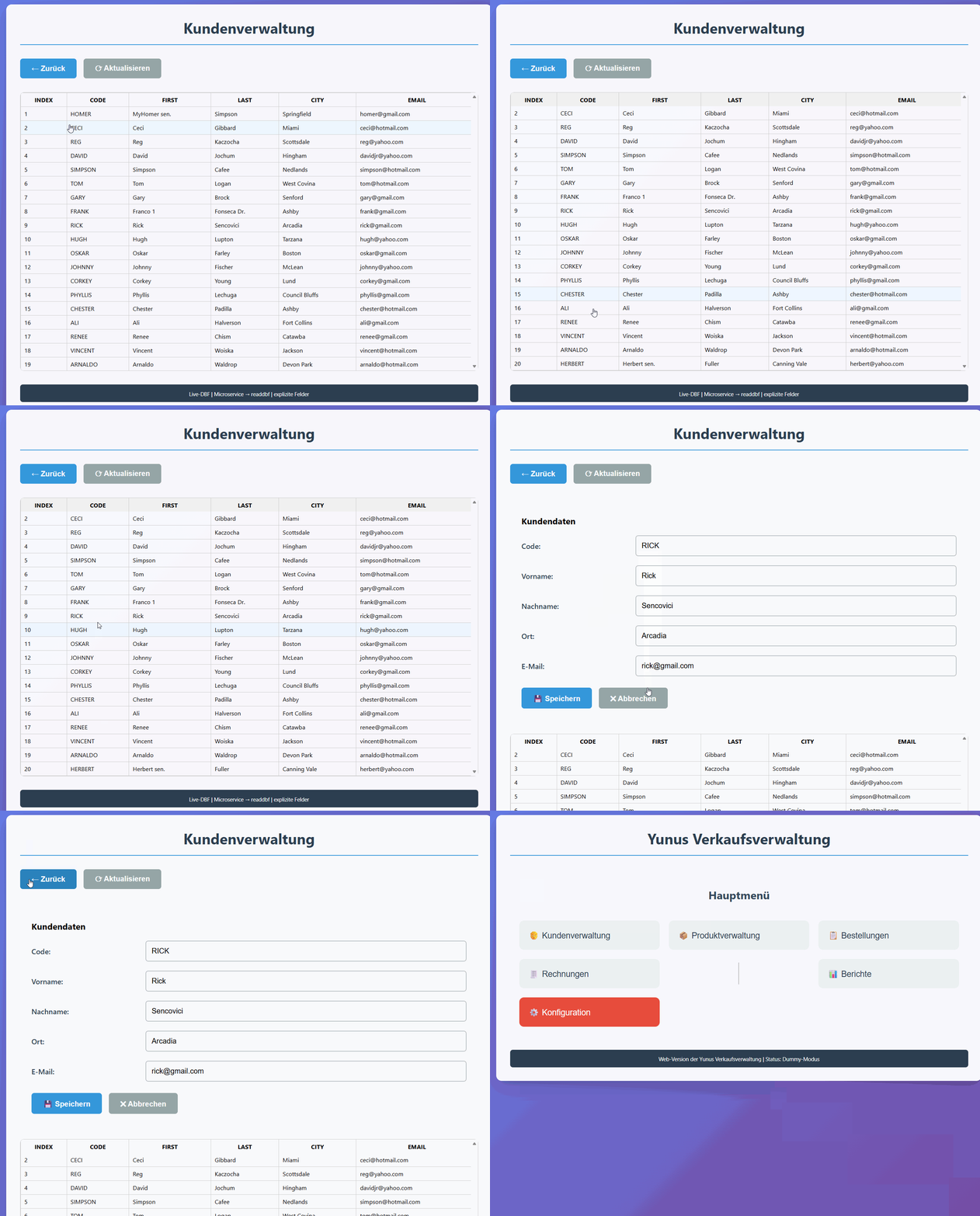
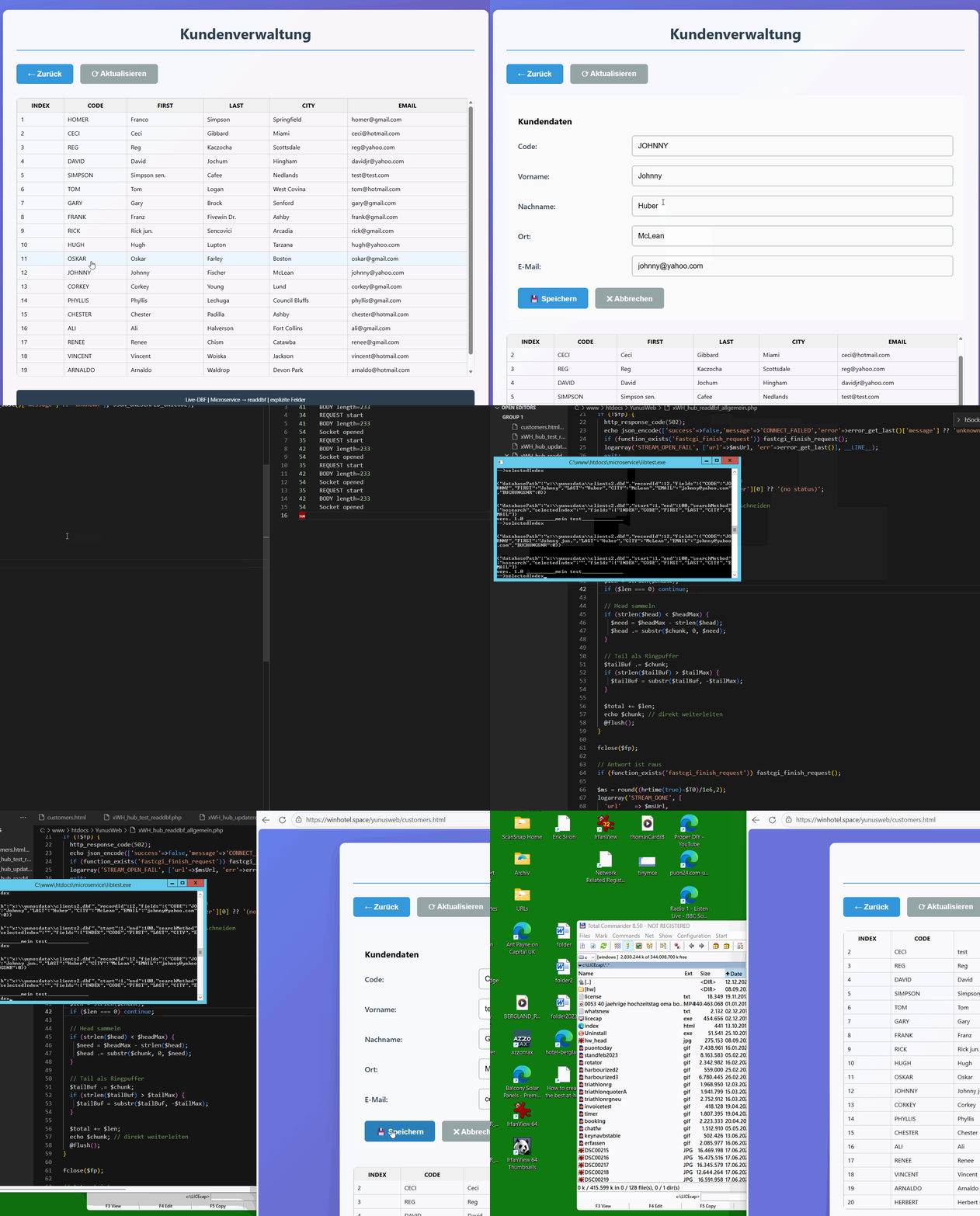
- A browser-based table view that lists real records from clients2.dbf
- A simple edit form (same UX style as the original FiveWin sample)
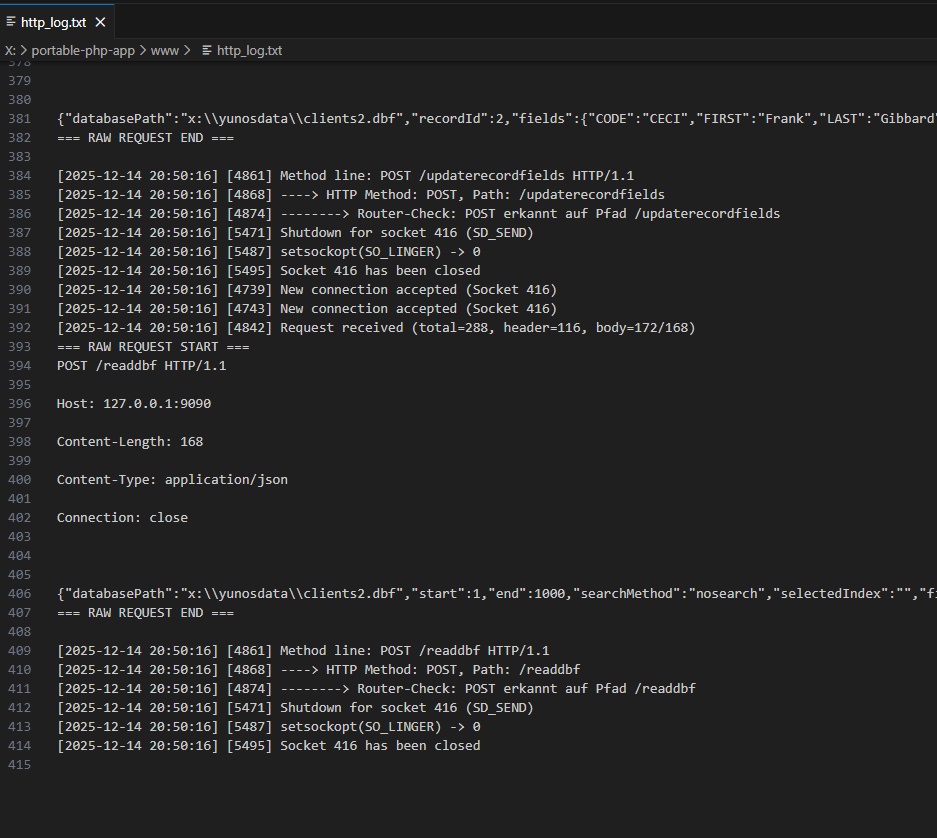
- Save → DBF update via a second microservice call
- No ORM, no SQL, no rewrite of logic
This means the browser now behaves like a classic XBROWSE + EDIT workflow, but over HTTP.
Architecture (unchanged)
Browser (HTML / JS)
→ PHP Proxy
→ Harbour Microservice
→ DBF / CDX
The PHP layer is a thin transport proxy only.
All DBF logic stays in Harbour.
1️⃣ Harbour Microservice – DBF Read (excerpt)
This is the core read function used by the browser.
It opens the DBF, applies the selected index, and returns records as JSON.
FUNCTION HANDLEREADDBF( cJson )
   LOCAL h := {}
   LOCAL aRecords := {}
   LOCAL aStruct
   LOCAL nStart := 1
   LOCAL nLimit := 100
   LOCAL cIndex := ""

   hb_jsonDecode( cJson, @h )

   nStart := Max( 1, Val( hb_HGetDef( h, "start", 1 ) ) )
   nLimit := Val( hb_HGetDef( h, "limit", 100 ) )
   cIndex := hb_HGetDef( h, "selectedIndex", "" )

   USE ( h["databasePath"] ) SHARED NEW

   IF !Empty( cIndex )
      SET ORDER TO TAG &cIndex
   ENDIF

   GO TOP
   IF nStart > 1
      DBGOTO( nStart )
   ENDIF

   aStruct := DbStruct()

   DO WHILE !EOF() .AND. Len( aRecords ) < nLimit
      AAdd( aRecords, { ;
         "INDEX" => RecNo(), ;
         "CODE"  => FIELD->CODE, ;
         "FIRST" => FIELD->FIRST, ;
         "LAST"  => FIELD->LAST, ;
         "CITY"  => FIELD->CITY, ;
         "EMAIL" => FIELD->EMAIL ;
      } )
      DBSKIP()
   ENDDO

   USE

RETURN hb_jsonEncode( { ;
   "success" => .T., ;
   "records" => aRecords, ;
   "Struct"  => aStruct ;
} )
➡️ This is plain Harbour DBF code, just wrapped as an HTTP handler.
2️⃣ Browser Fetch Call (real DBF data)
The browser simply sends a JSON request to the proxy.
No DBF logic, no knowledge about indexes or locking.
javascript
async function loadCustomers() {
    const payload = {
        databasePath: "x:\\yunosdata\\clients2.dbf",
        start: 1,
        limit: 100,
        searchMethod: "nosearch",
        selectedIndex: "CODE",
        fields: ["INDEX","CODE","FIRST","LAST","CITY","EMAIL"]
    };

const res = await fetch("xWH_hub_readdbf_allgemein.php", {
    method: "POST",
    headers: { "Content-Type": "application/json" },
    body: JSON.stringify(payload)
});

const json = await res.json();
renderTable(json.records);
}
Clicking a row opens an edit form; saving triggers a second call:
javascript
fetch("xWH_hub_updaterecord.php", {
    method: "POST",
    headers: { "Content-Type": "application/json" },
    body: JSON.stringify({
        databasePath: "x:\\yunosdata\\clients2.dbf",
        recordId: rec.INDEX,
        fields: {
            CODE:  rec.CODE,
            FIRST: rec.FIRST,
            LAST:  rec.LAST,
            CITY:  rec.CITY,
            EMAIL: rec.EMAIL
        }
    })
});
Why this matters
No rewrite of yunus.prg logic
No SQL / ORM layer
DBF remains the primary data store
Same concepts as FiveWin:
- index selection
- record number
- browse + edit
- The web UI is just a remote XBROWSE
This shows that a step-by-step migration from classic FiveWin/Clipper to the web is feasible without throwing away decades of code.