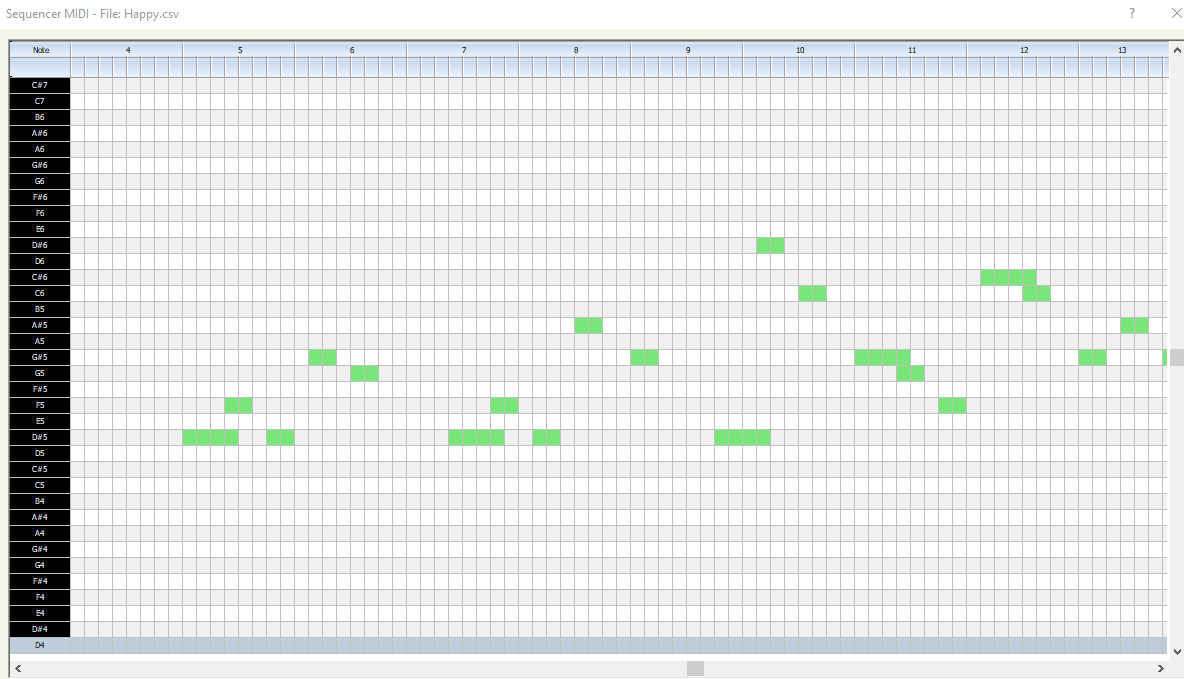
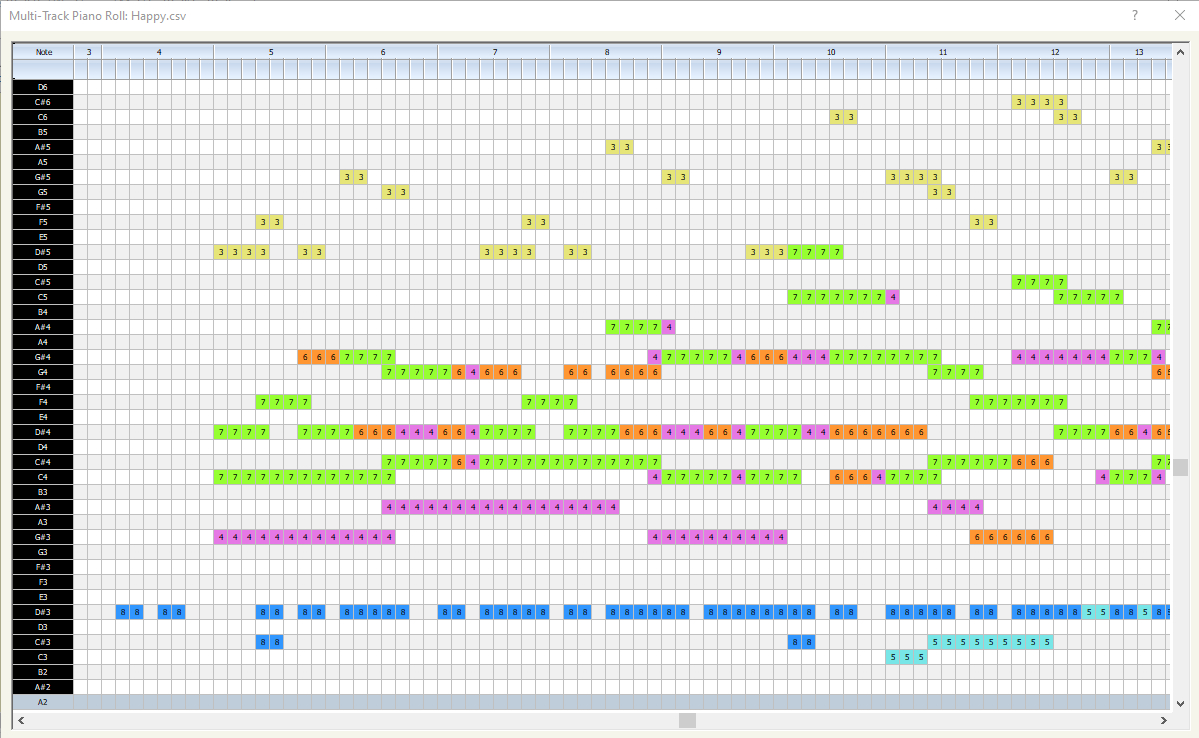
I did some tests for polyphonic music,
We use this functions to play midi files
#include "fivewin.ch"

FUNCTION PlayMidi( cFile )

   LOCAL cAlias := "mymidi"

   // Open file MIDI
   mciSendString( "close all", 0, 0, 0 )
   mciSendString( "open " + cFile + " type sequencer alias " + cAlias, 0, 0, 0 )

   // Play
   mciSendString( "play " + cAlias, 0, 0, 0 )

RETURN NIL
By any chance, have any of you ever tried your hand at midi files? That is, recreating a midi file in FiveWin and playing it without using mciSendString?
I managed to recreate the sound of musical chords, that is, the simultaneous sound of three or four notes that create the musical chord, I found a way to simulate the drums all by looking at how it was on my old Commodore 64, it does not use the Tone() function of fwh because this makes a monophonic sound, I found a series of musical instruments using a DLL present in all Windows, on Win10 it seems to work well. I don't know if anyone in the community has ever created something similar.
Also make a function tò converte a file Midi in a CSV file the result Is this
0, 0, Header, 1, 2, 384
1, 0, Start_track
1, 0, Tempo, 500000
1, 1536, End_track
2, 0, Start_track
2, 0, Program_c, 0, 19
2, 384, Note_on_c, 0, 60, 100
2, 768, Note_off_c, 0, 60, 0
2, 768, Note_on_c, 0, 64, 110
2, 1152, Note_off_c, 0, 64, 0
2, 1152, End_track
Column Explanation (What the Numbers Mean)
Take the row:
2, 384, Note_on_c, 0, 60, 100
Column 1 (Track): 2
Indicates that this event belongs to track number 2 (often the melody).
Column 2 (Tempo/Tick): 384
This is the exact moment the event occurs. If the resolution is 384, this event occurs exactly at the beginning of the second beat of the first measure.
Column 3 (Event): Note_on_c
Tells the program what to do. In this case: "Turn on a note."
Column 4 (Channel): 0
The MIDI channel (0 to 15). Channel 9 is usually the drums.
Column 5 (Note/Parameter 1): 60
The MIDI note number. 60 corresponds to middle C (C4).
Column 6 (Volume/Parameter 2): 100
The velocity, or how hard the note is struck (from 0 to 127).
Other row types you'll find:.
Header: 0, 0, Header, Format, Tracks, Division
Indicates how many tracks there are and how many "ticks" make up a quarter note (essential for velocity).
Tempo: 1, 0, Tempo, 500000
Indicates the velocity in microseconds per quarter note (500,000 equals 120 BPM).
Program_c: 2, 0, Program_c, 0, 19
Change the instrument.
Here it says: "On channel 0, set instrument 19 (Organ)."
If I make the music myself, that is, I've created some functions to recreate a musical note and can even play the chords, it works and the music sounds good.
I made Also a drums set
I recreated by hand an 80's tune with the drum set, a Van Hallen opening, sapore di sale by Gino Paoli recently deceased, creating the call to the notes myself
If I use my function to convert a MIDI file to CSV, it does it as well as the online services on the internet, then if I want to play my CSV file, it plays badly.
I haven't been able to get the tempo right all morning.
For example, "Happy Birthday" sounds like it's being played by a child who doesn't know how to play and plays the notes detached as if he's waiting for who knows what...
The research to be continue.....
I use : FiveWin for Harbour March-April 2024 - Harbour 3.2.0dev (harbour_bcc770_32_20240309) - Bcc7.70 - xMate ver. 1.15.3 - PellesC - mail: silvio[dot]falconi[at]gmail[dot]com