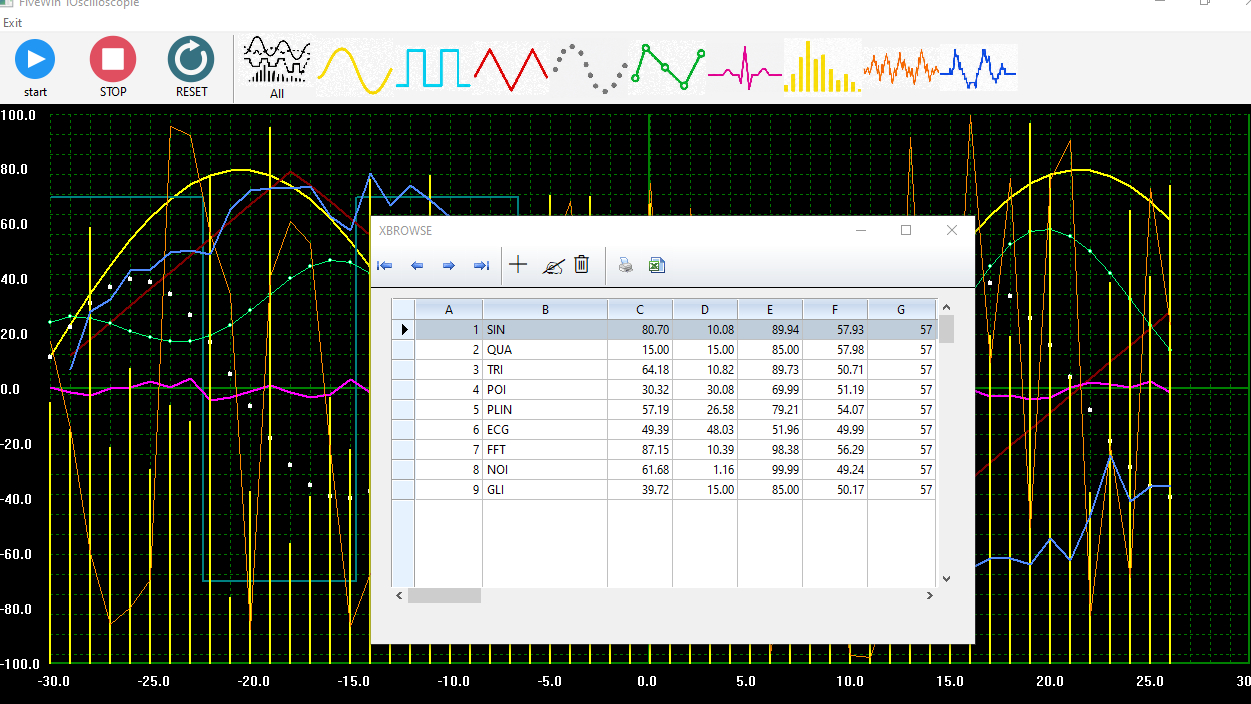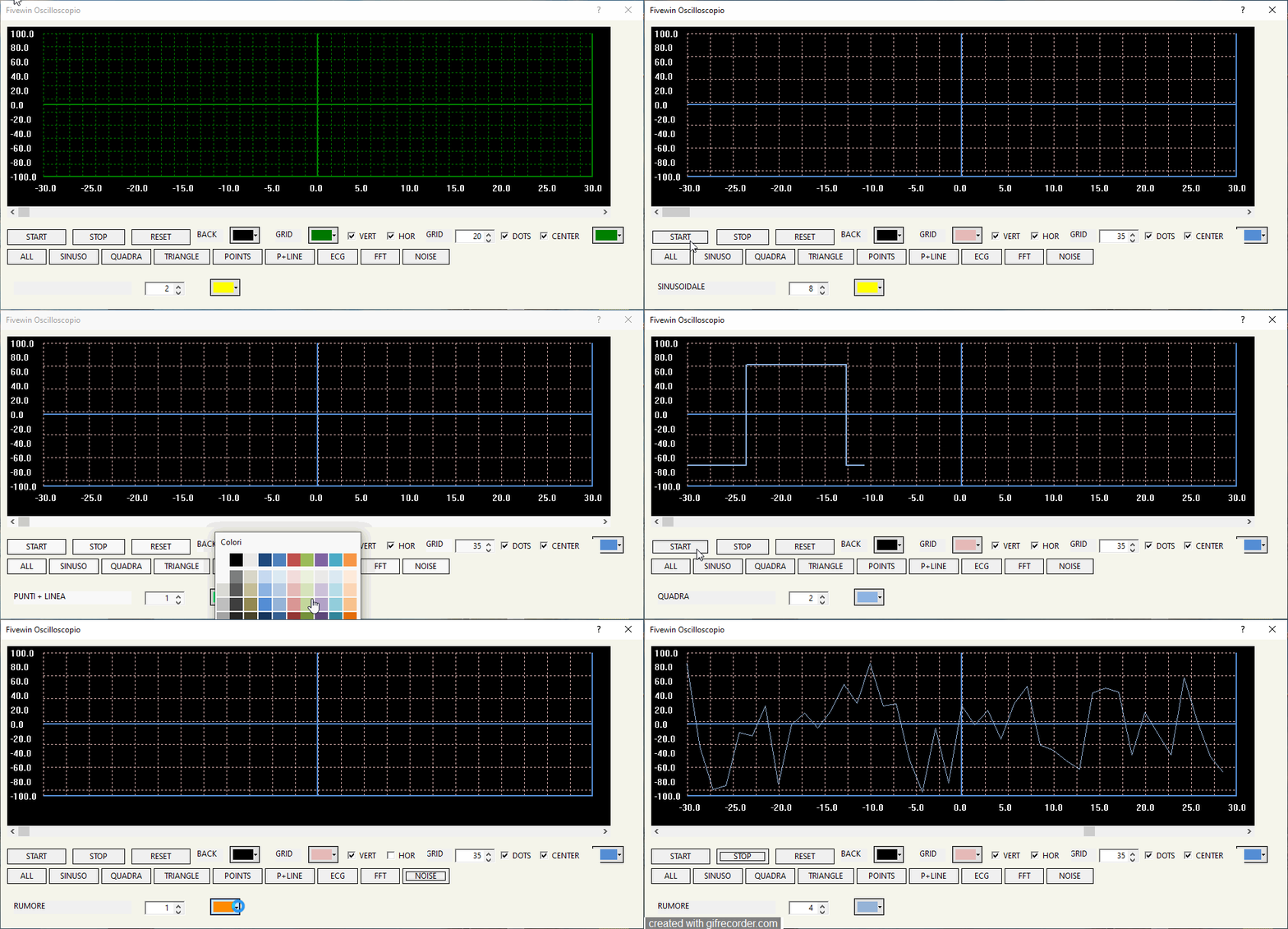
TOscilloscopie is a custom FiveWin/Harbour control designed to simulate a digital oscilloscope.
It can display real-time waveforms such as sine, square, triangle, ECG, FFT, noise and glitch effects using double buffering for smooth rendering.
The class supports:
- customizable colors for background, grid and waves
- horizontal scrolling and real-time updates
- multiple visualization modes
- animated signal generation with timers
- GDI drawing directly on memory DCs for better performance
It is useful for audio visualization, MIDI monitoring, signal analysis and modern UI applications written in Harbour + FiveWin.
Easy syntax
@ 10,10 OSCILLOSCOPE oOsc ;
      SIZE 930,300 ;
      OF oDlg

   ADD CHANNEL TO oOsc ;
      COLOR CLR_YELLOW ;
      PEN 2 ;
      TYPE OSC_TYPE_SINUSO

 ADD VALUE TO oOsc ;
      CHANNEL 1 ;
      VALUE nSin
Since from 1991/1992 ( fw for clipper Rel. 14.4 - Momos)
I use : FiveWin for Harbour March-April 2024 - Harbour 3.2.0dev (harbour_bcc770_32_20240309) - Bcc7.70 - xMate ver. 1.15.3 - PellesC - mail: silvio[dot]falconi[at]gmail[dot]com
I use : FiveWin for Harbour March-April 2024 - Harbour 3.2.0dev (harbour_bcc770_32_20240309) - Bcc7.70 - xMate ver. 1.15.3 - PellesC - mail: silvio[dot]falconi[at]gmail[dot]com