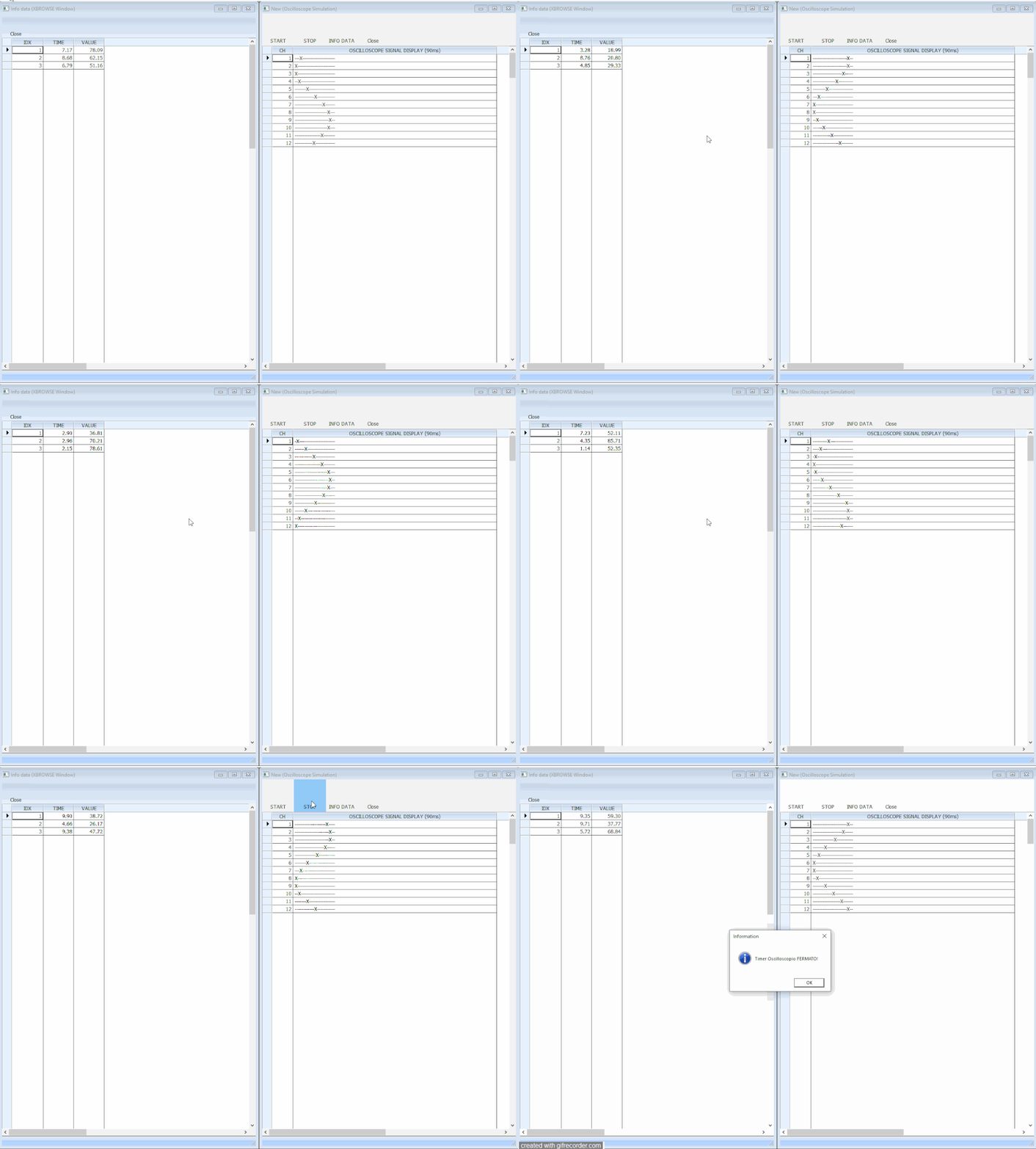
STOP button fails to deactivate timer when second MDI window with XBROWSE refresh timer is active
Hi everyone,
I am experiencing a strange issue with TTimer and event handling in a FiveWin / Harbour MDI application.
I am developing a custom data-plotting application where the main window (oWndOsc) creates a timer to continuously push data points and animate a custom graphical object (oOsc).
Everything works perfectly on its own: when I press the START button, the data updates and the graph moves. When I press the STOP button, the timer is successfully deactivated/ended, and the graph freezes.
The button is defined like this:
DEFINE BUTTON OF oBar NOBORDER ;
       RESOURCE "Stop" ;
       PROMPT "STOP" ;
       ACTION If( oTimer != NIL, ( oTimer:Deactivate(), oTimer:End(), oTimer := NIL ), NIL )
The Problem:
From this main window, I can open a second MDI Child window (oWndDataInfo) to display the numerical sample data inside an XBROWSE. This second window has its own independent timer (oTimerInfo) running every 300ms to fetch data from my custom object and refresh the browse:
DEFINE TIMER oTimerInfo ;
       INTERVAL 300 ;
       OF oWndDataInfo ;
       ACTION UpdateSamples( oBrw, oOsc, nChannel, nStepTime )
ACTIVATE TIMER oTimerInfo

...

FUNCTION UpdateSamples( oBrw, oOsc, nMode, nT )
   local aSamples := OscGetSamplesEx( oOsc, nMode, nT )
   oBrw:SetArray( aSamples )
   oBrw:Refresh()
RETURN NIL
As soon as this second window (oWndDataInfo) is active and its timer starts running, the STOP button on the first window stops working.
When I click STOP, the action completely fails to stop the main timer (oTimer). It seems like the continuous data fetching and oBrw:Refresh() every 300ms is flooding the Windows message queue or altering the focus/execution loop, preventing the first window's button action from properly destroying or deactivating its own oTimer.
Even if I use a module-level STATIC variable for oTimer or try to pass it by reference (@oTimer), the button click appears to be completely ignored or bypassed while the XBROWSE timer is ticking. If I close the data window, the STOP button instantly starts working normally again.
Has anyone encountered this type of event loop / timer collision between MDI windows in FiveWin? What is the best way to ensure the STOP button retains priority and can successfully stop the main execution timer even while the second window is aggressively refreshing its browse?
Thanks in advance for your help!
I use : FiveWin for Harbour March-April 2024 - Harbour 3.2.0dev (harbour_bcc770_32_20240309) - Bcc7.70 - xMate ver. 1.15.3 - PellesC - mail: silvio[dot]falconi[at]gmail[dot]com